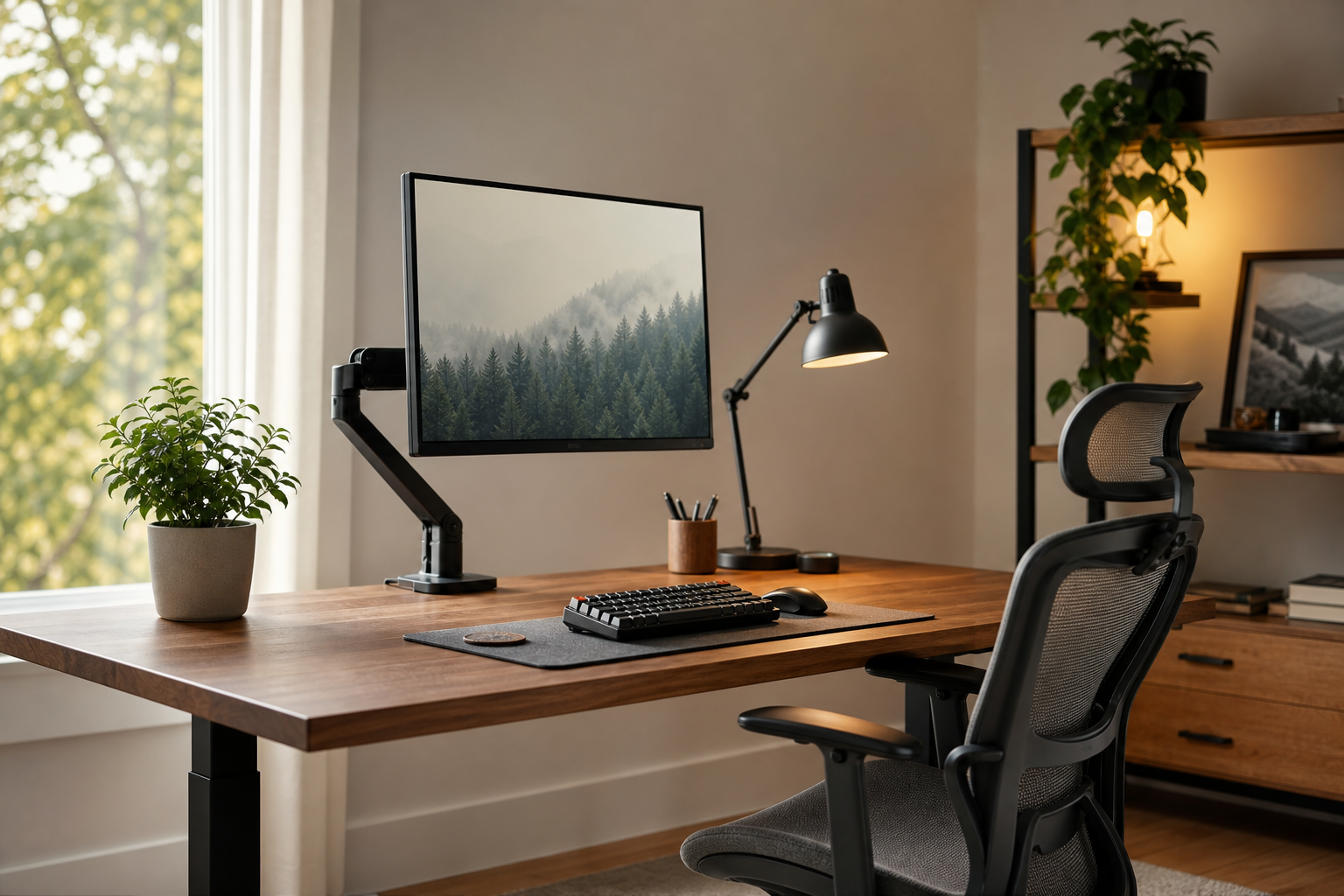
Start With How You Work
A strong home office setup is not about buying the most expensive gear. It starts with matching equipment to your actual work habits, screen time, desk size, and the number of devices you use every day.
- Check monitor height, viewing distance, and desk depth first.
- Choose a keyboard by layout, switch feel, wrist angle, and connection type.
- Use monitor arms and cable management to recover space on smaller desks.
- At stores and marketplaces, verify price, delivery, return policy, and availability without treating any listing as a final recommendation.
Compare Each Core Category
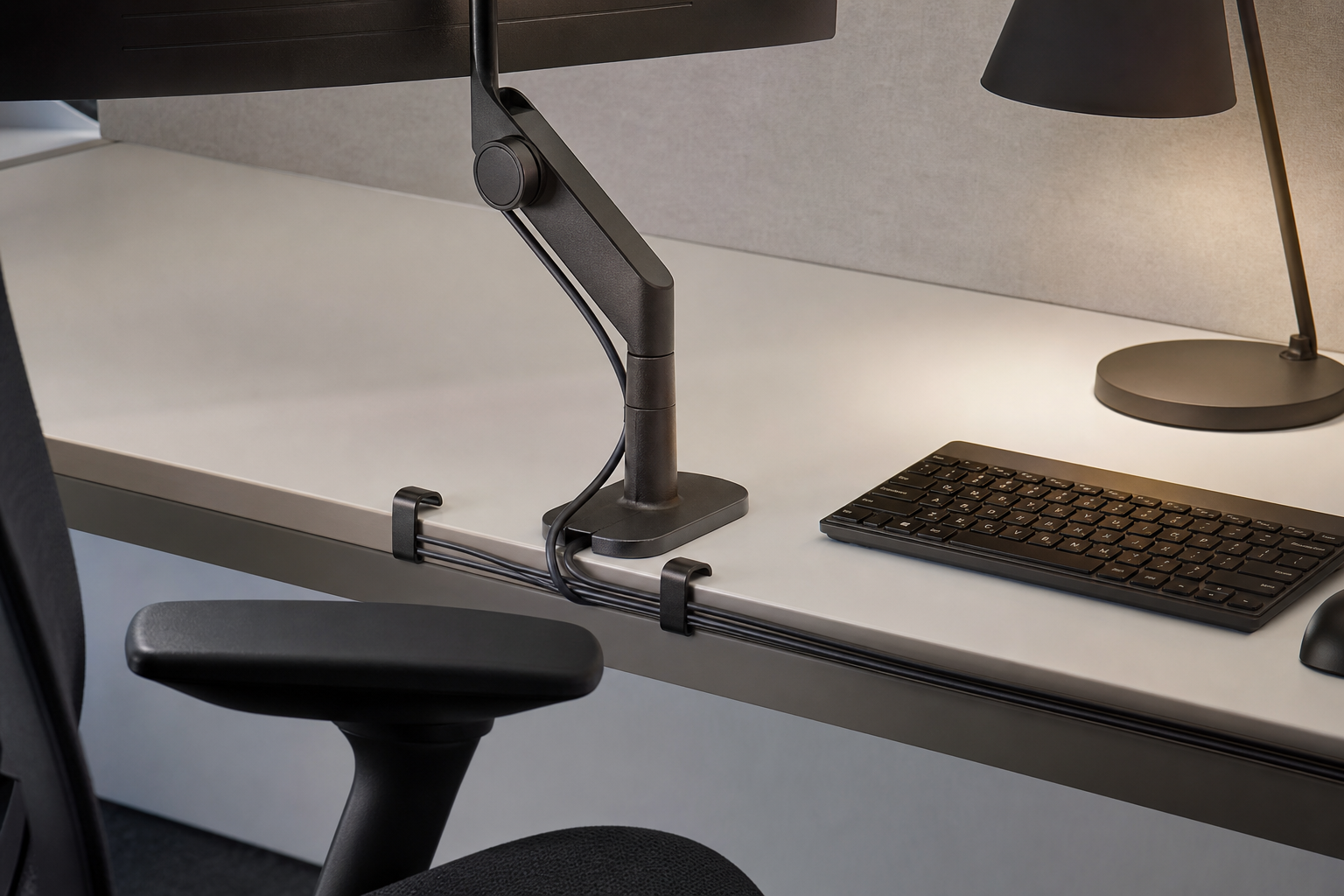
For monitor arms, look at weight capacity, VESA compatibility, clamp style, cable routing, and adjustment range. For desk lamps, compare brightness control, color temperature, glare control, and how much desk space the base uses.
For ergonomic chairs, prioritize adjustment range over marketing language. Seat height, back support, armrest position, and return options matter, but no chair should be treated as a guaranteed fix for discomfort.
- For chairs, check fit, assembly, warranty, and return window.
- For keyboards, compare wired, wireless, and multi-device pairing needs.
- For lamps, test screen reflections and shadows across your work area.
- For cable management, choose trays, clips, and ties that remain easy to change.
Build a Setup That Ages Well
You do not need to replace everything at once. Start with the friction you feel most often: a low monitor, dim lighting, a cluttered cable path, or a chair that lacks useful adjustment.
Before buying, measure desk width and depth, note outlet locations, list your devices, and think through cleaning access. These simple checks reduce mismatches and make future upgrades easier.
- Favor gear that can adapt if your monitor, laptop, or desk changes.
- Consider materials for durability, cleaning, and glare, not just style.
- Check warranty terms and availability of replacement parts.
- After setup, adjust positions over several work sessions instead of judging fit on day one.
Frequently asked questions
What should I compare first?
A concise evergreen guide to choosing monitor arms, keyboards, lighting, chairs, and cable management for a practical home office setup. Start with use frequency, dimensions, warranty, replacement parts, recent reviews, and the return policy before chasing the lowest price.
Should I check Amazon, Coupang, or AliExpress first?
Use Amazon and Coupang for fast delivery categories, then compare AliExpress for low-cost accessories, parts, and bundles.
Where should I confirm price and availability?
Prices, coupons, shipping times, and stock change often, so confirm the final details on the merchant page before buying.