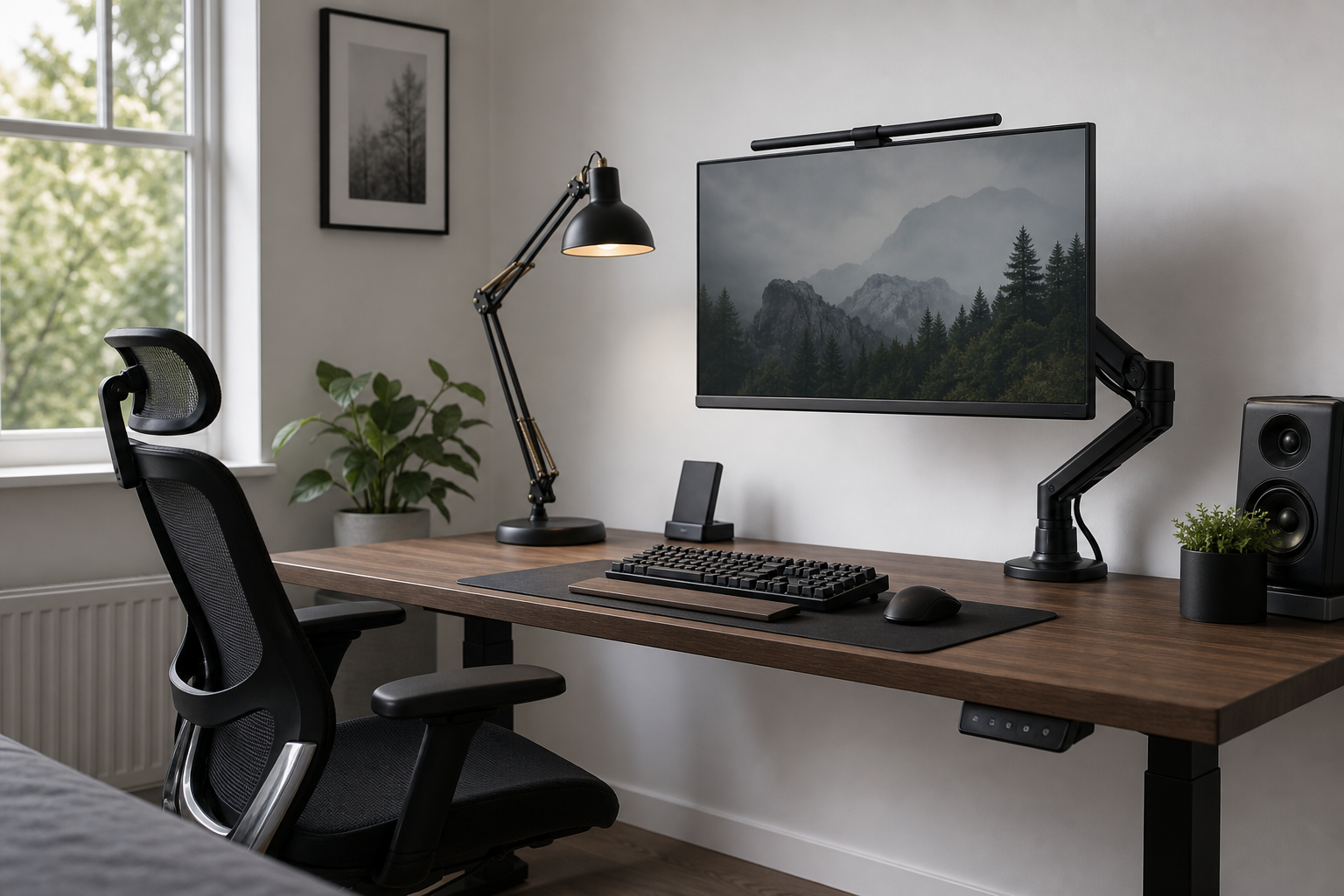
Start with fit and measurements
The best home office gear is the gear that fits your desk, monitor, chair height, outlet position, and daily workflow. Before comparing products, measure the desk depth, monitor size, clamp area, and cable path, then note what currently feels inconvenient.
- For monitor arms, check monitor weight, VESA support, and desktop thickness.
- For keyboards, compare layout, height, wrist angle, and noise level.
- For desk lamps, look at dimming, color temperature, reach, and shadow control.
- For chairs, check seat height, back adjustment, armrest range, and real fit.
- For cable management, plan around power access and devices you unplug often.
Compare by product role
A monitor arm can free desk space and make screen positioning easier, but it depends on a stable mounting surface. Glass tops, very thin desktops, or shallow desks may need different hardware or a freestanding solution.
Keyboards and lighting affect everyday comfort more than many decorative upgrades. A compact keyboard can create more mouse space, while a lamp with controlled glare and adjustable direction is often more useful than one that is simply bright.
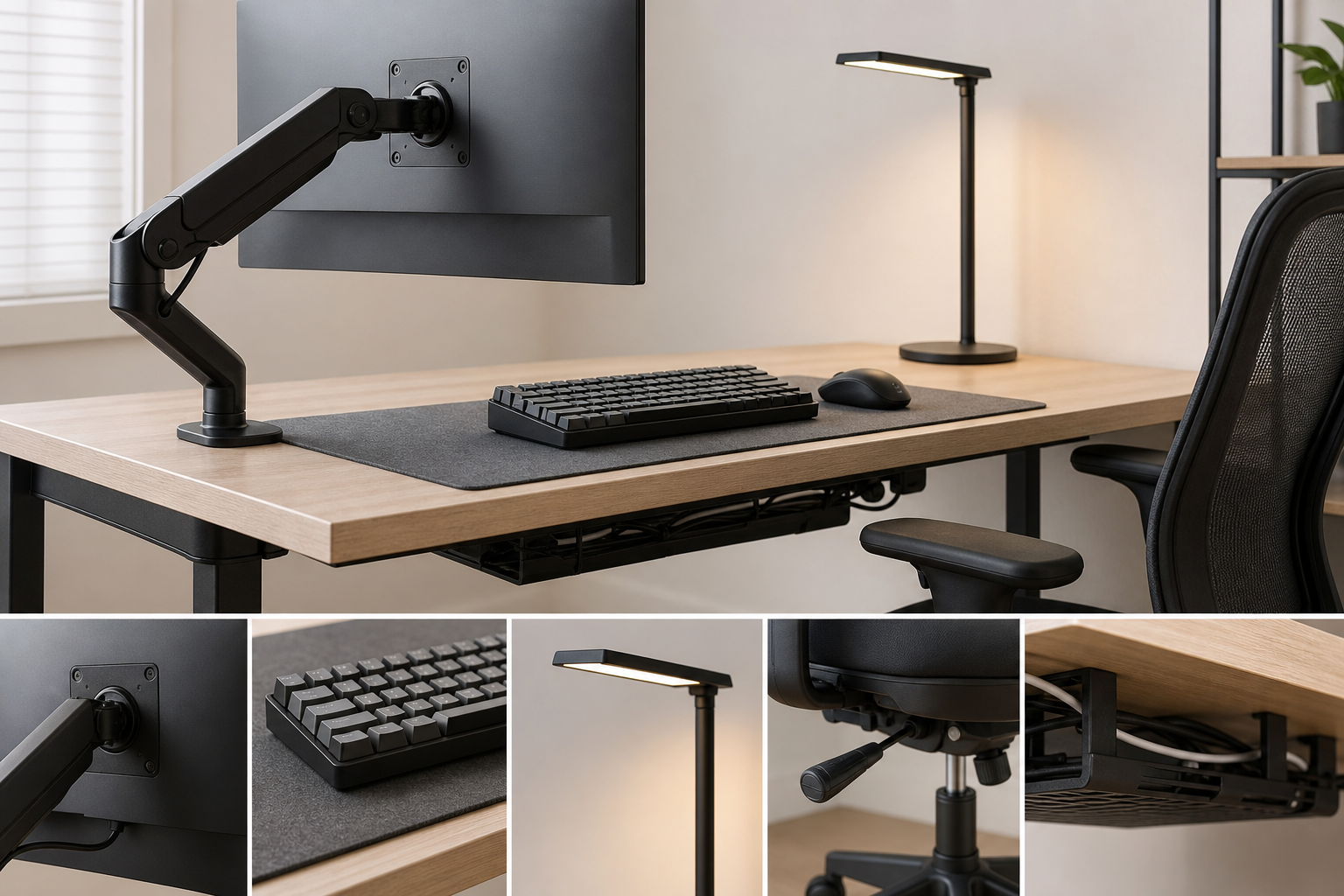
- Single monitor arms are simpler; dual arms need more attention to balance and width.
- Compact keyboards save space but may slow number-heavy work.
- Desk lamps should reduce screen reflections and light the work surface evenly.
- Chair comparisons should focus on adjustment range and fit, not only padding or style.
Final buying checks
Before buying, use retailers, brand stores, and local shops as neutral places to verify price, delivery timing, return policy, and availability. Also check what is included in the box, because clamps, adapters, wheels, or cable trays may vary by package.
A staged upgrade usually works better than replacing everything at once. Start with the chair or monitor position, then add keyboard, lighting, and cable organization based on what still feels inefficient.
- Confirm desk compatibility with measurements and product diagrams.
- Check return rules for assembled or opened items.
- Look for required accessories before checkout.
- Match colors and materials to the existing desk and room.
Frequently asked questions
What should I compare first?
A concise buying guide for choosing monitor arms, keyboards, desk lamps, ergonomic chairs, and cable management with practical criteria. Start with use frequency, dimensions, warranty, replacement parts, recent reviews, and the return policy before chasing the lowest price.
Should I check Amazon, Coupang, or AliExpress first?
Use Amazon and Coupang for fast delivery categories, then compare AliExpress for low-cost accessories, parts, and bundles.
Where should I confirm price and availability?
Prices, coupons, shipping times, and stock change often, so confirm the final details on the merchant page before buying.