Start With How You Work
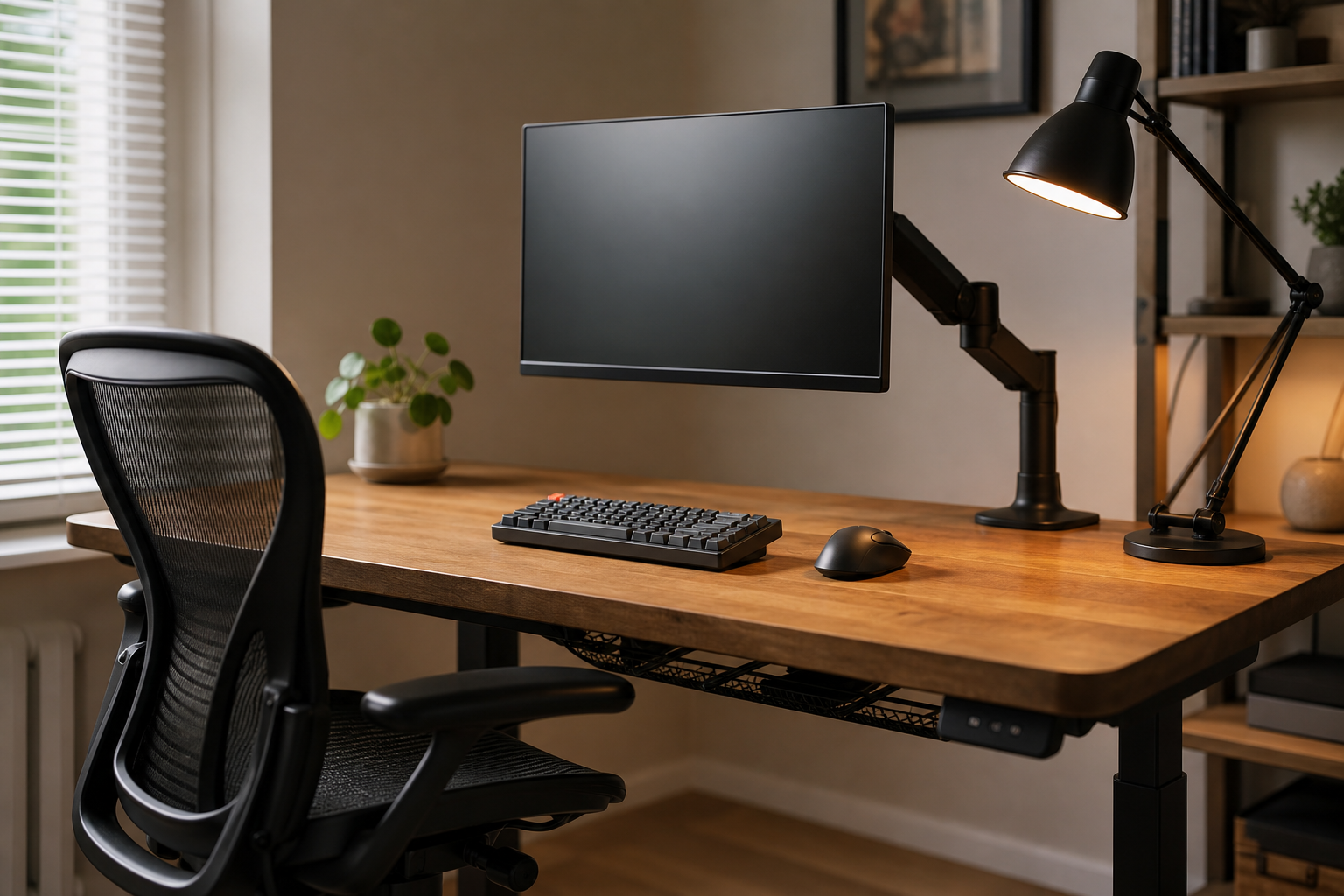
A strong home office setup starts with work habits, not a shopping list. A laptop-first desk, a dual-monitor workstation, and a video-call-heavy setup all need different priorities.
Before buying, measure desk width, desktop thickness, outlet placement, and chair clearance. Use stores only to verify price, delivery, return policy, and availability.
- For monitor arms, check screen weight, VESA support, and clamp compatibility.
- For keyboards, compare layout, switch feel, noise, and wrist position.
- For desk lamps, look at dimming, color temperature, and glare control.
- For chairs, check seat height, back support, and armrest adjustment range.
Compare the Core Gear
A monitor arm can free desk space and improve screen positioning, but it depends on the desk. Thick tops, glass surfaces, and desks close to a wall need extra compatibility checks.
Keyboards and mice are daily tools, so hand position and sound matter more than looks. For lighting, where the beam lands usually matters more than maximum brightness.
- A single screen can use a simpler arm; dual monitors need more load capacity and adjustment range.
- Mechanical keyboards offer more feel options; quiet keyboards suit shared spaces better.
- An adjustable lamp helps reduce screen reflections and uneven task lighting.
- Cable trays and clips should make cleaning and device swaps easier, not harder.
Spend in the Right Order
Solving the biggest friction first keeps the setup focused. If your screen sits too low, start with a monitor arm or riser; if you sit for long sessions, prioritize an adjustable chair and stable foot position.
Cable management and small accessories are best added after the main layout is working. Instead of buying by brand name alone, compare dimensions, adjustment range, warranty terms, and return options.
- Avoid claims that promise health outcomes; judge adjustability and fit instead.
- When prices are close, compare installation effort and replaceable parts.
- Read reviews from users with similar body size, desk dimensions, and usage length.
- Take desk photos and measurements before checking product compatibility.
Frequently asked questions
What should I compare first?
A practical guide to choosing monitor arms, keyboards, lighting, chairs, and cable management for a balanced home office setup. Start with use frequency, dimensions, warranty, replacement parts, recent reviews, and the return policy before chasing the lowest price.
Should I check Amazon, Coupang, or AliExpress first?
Use Amazon and Coupang for fast delivery categories, then compare AliExpress for low-cost accessories, parts, and bundles.
Where should I confirm price and availability?
Prices, coupons, shipping times, and stock change often, so confirm the final details on the merchant page before buying.