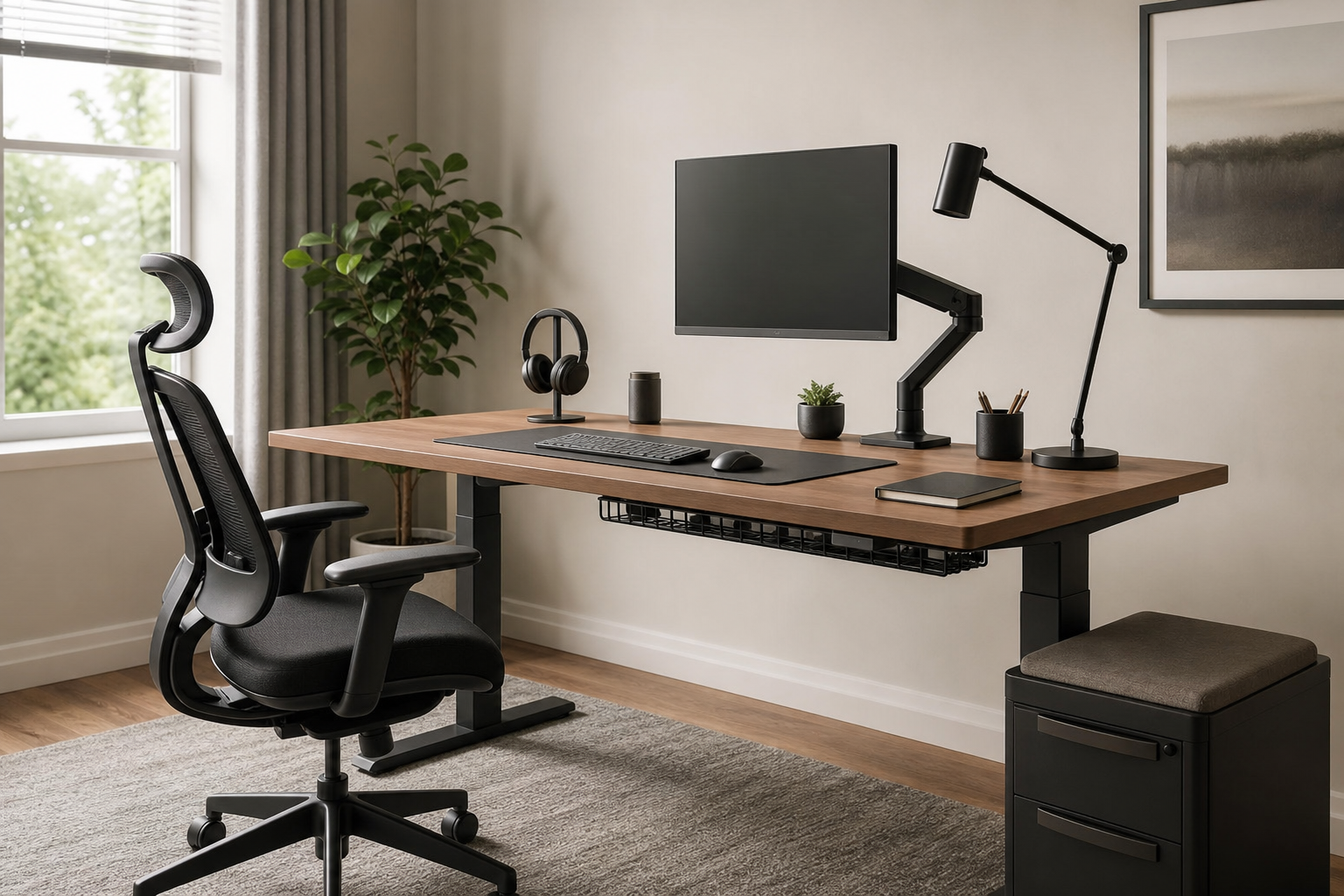
Start with fit and posture
The best home office gear is not simply the most expensive option. It is the equipment that fits your desk, body, and work habits. For a monitor arm, check screen size, supported weight, VESA compatibility, desktop thickness, and clamp clearance before comparing finishes or extras.
For chairs and keyboards, focus on adjustment range and layout. Seat height, armrest position, keyboard width, and mouse space all shape how comfortable the setup feels during long work sessions.
- Match the monitor arm to screen weight and VESA mount pattern.
- Compare chair seat height, seat depth, back support, and armrest adjustment.
- Choose full-size, tenkeyless, or compact keyboards based on your workflow.
- Measure desk depth, cable ports, and clamp space before buying.
Lighting and cables matter more than they seem
A desk lamp should be judged by beam direction, glare control, color temperature, and mounting style, not brightness alone. Monitor light bars, clamp lamps, and freestanding lamps each affect shadows and desk space differently.
Cable management works best when it stays accessible. If you frequently change chargers, hubs, or peripherals, choose cable trays, clips, and hook-and-loop ties that can be reopened without dismantling the whole setup.
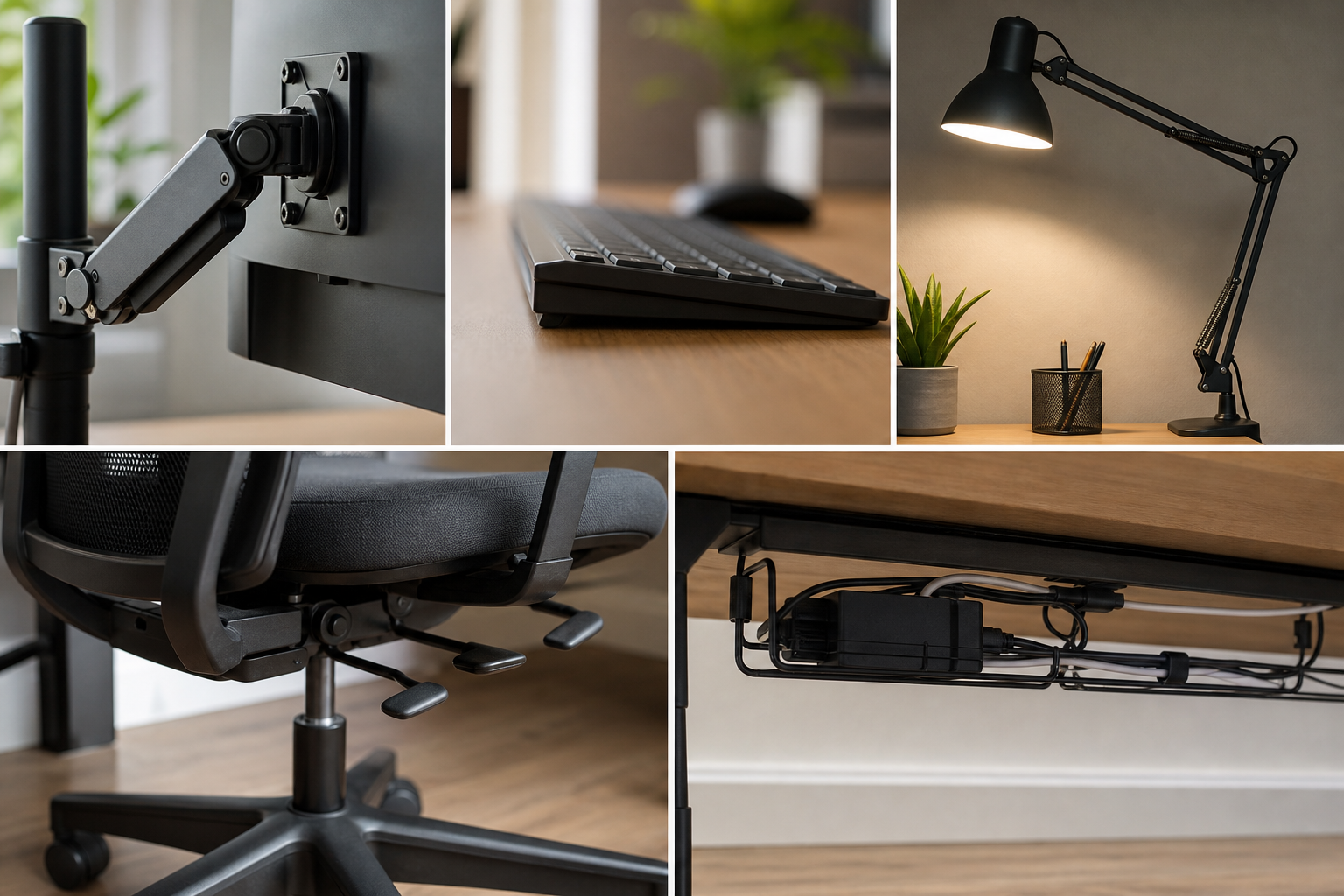
- Check whether the lamp reflects on the screen.
- Decide if adjustable brightness or color temperature is useful for your tasks.
- Make sure a cable tray fits your power strip and desk underside.
- Keep frequently used cables reachable instead of hiding everything permanently.
Compare before you buy
Think in systems rather than single products. A heavy monitor may justify a sturdier arm, while a small desk may benefit more from a compact keyboard, slimmer lamp, and under-desk cable tray than from another decorative accessory.
Before purchasing, use retailer and manufacturer pages to verify price, delivery timing, return policy, warranty coverage, and availability. Read reviews for installation difficulty, long-term stability, noise, wobble, and finish quality rather than only first impressions.
- Write down desk size, monitor weight, and chair height needs first.
- Check whether tools, screws, clamps, or adapters are included.
- Confirm whether assembled items can still be returned.
- Prioritize reviews that mention durability, stability, and daily use.
Frequently asked questions
What should I compare first?
A practical guide to choosing monitor arms, keyboards, lighting, chairs, and cable management by fit, adjustability, and everyday usability rather than trends. Start with use frequency, dimensions, warranty, replacement parts, recent reviews, and the return policy before chasing the lowest price.
Should I check Amazon, Coupang, or AliExpress first?
Use Amazon and Coupang for fast delivery categories, then compare AliExpress for low-cost accessories, parts, and bundles.
Where should I confirm price and availability?
Prices, coupons, shipping times, and stock change often, so confirm the final details on the merchant page before buying.