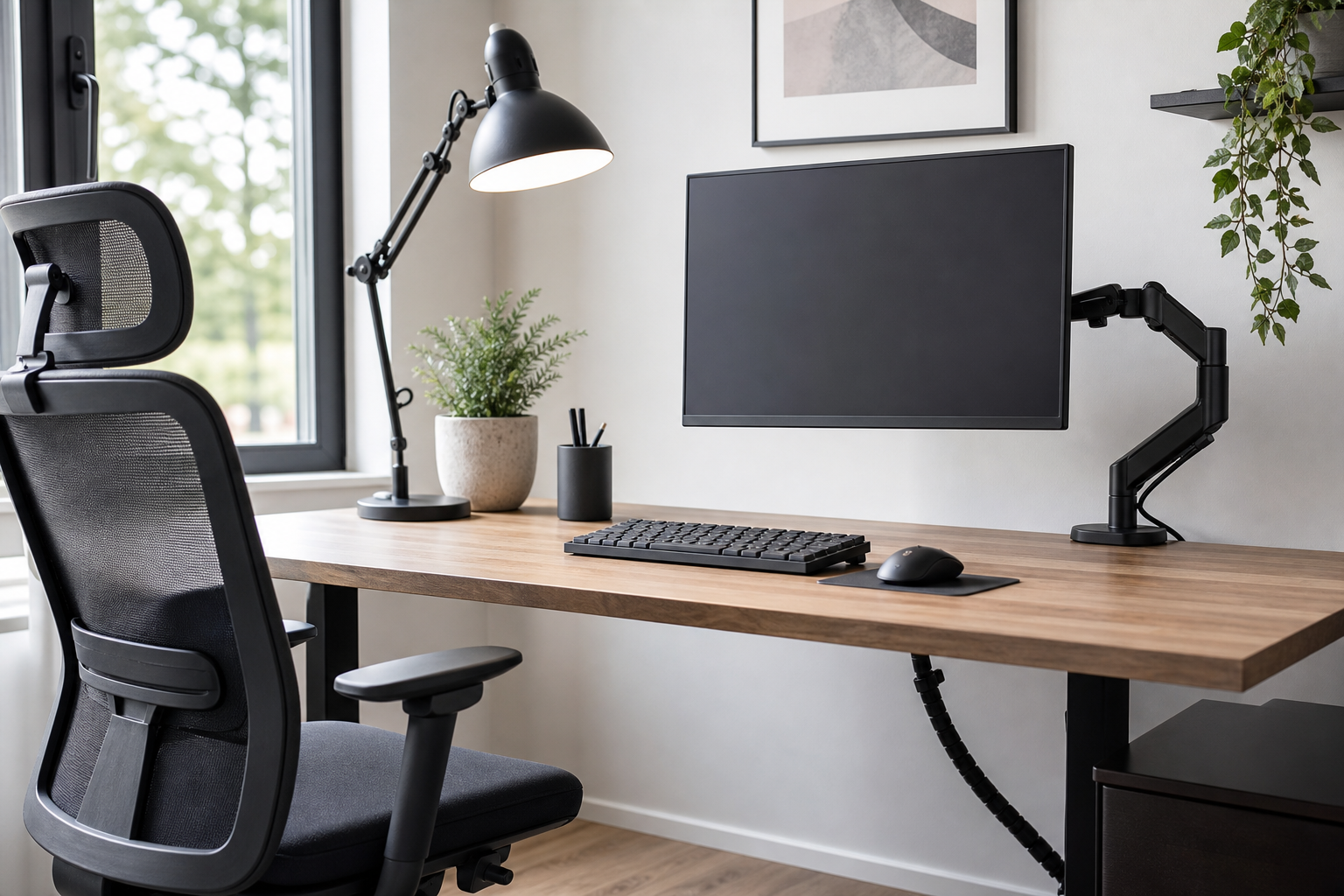
Start with your desk and work pattern
The best home office gear is not the most expensive set. It is the combination that fits your desk size, monitor weight, typing habits, lighting conditions, and the amount of time you actually spend working there.
- Check monitor weight, VESA support, and desk thickness before buying a monitor arm.
- Compare keyboard layout, key height, sound, and wrist angle instead of choosing by style alone.
- For chairs, look at seat height, back support, armrest adjustment, and return options.
- Use retailers as neutral checkpoints for price, delivery, return policy, and availability.
Compare each category by function
Monitor arms should make screen height and desk space easier to manage, so clamp design, range of motion, and cable routing matter. Keyboards should match the way you type, whether you prefer compact layouts, number pads, low-profile keys, or quieter switches.
Desk lamps are worth comparing by brightness range, color temperature control, glare reduction, and reach. Cable management should be simple to install, easy to change, and roomy enough for adapters without creating clutter under the desk.
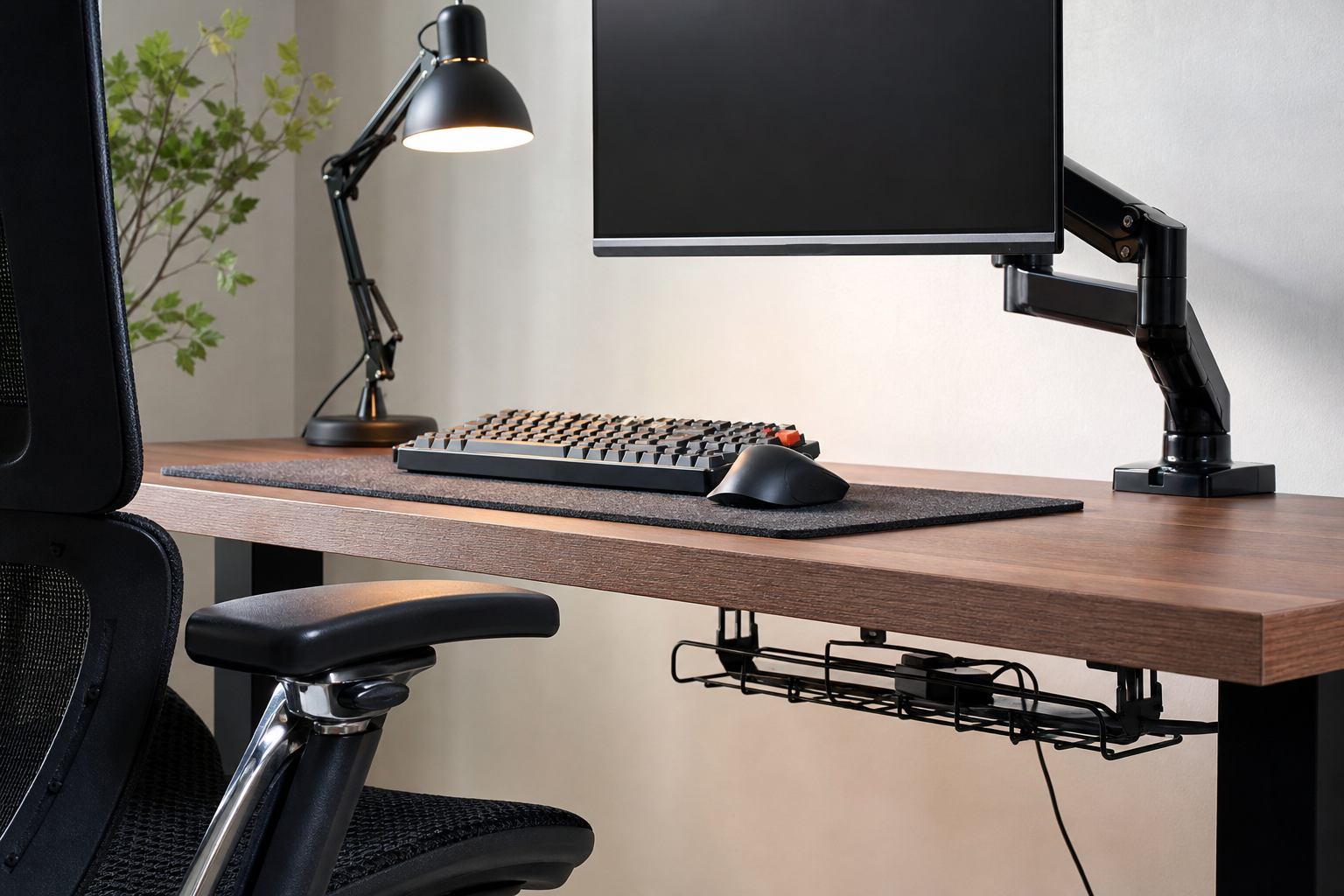
- For dual screens, verify the arm span, weight capacity, and independent adjustment.
- Small desks often benefit from compact keyboards and under-desk cable trays.
- Choose a lamp that can light paper or peripherals without reflecting into the monitor.
- Avoid cable setups that block access to power bricks, ports, or ventilation.
Make the final check practical
Before ordering, read the dimensions, installation notes, user photos, and return conditions together. Ergonomic accessories are personal, so adjustability and fit usually matter more than bold product claims.
- Measure desk depth, clamp clearance, and chair movement space.
- Check whether the chair works with your floor type and desk height.
- Confirm that cables can move with a sit-stand desk if you use one.
- Upgrade the biggest irritation first instead of replacing everything at once.
Frequently asked questions
What should I compare first?
A concise guide to choosing monitor arms, keyboards, desk lamps, ergonomic chairs, and cable management with practical buyer criteria. Start with use frequency, dimensions, warranty, replacement parts, recent reviews, and the return policy before chasing the lowest price.
Should I check Amazon, Coupang, or AliExpress first?
Use Amazon and Coupang for fast delivery categories, then compare AliExpress for low-cost accessories, parts, and bundles.
Where should I confirm price and availability?
Prices, coupons, shipping times, and stock change often, so confirm the final details on the merchant page before buying.