Start With Fit, Not Features
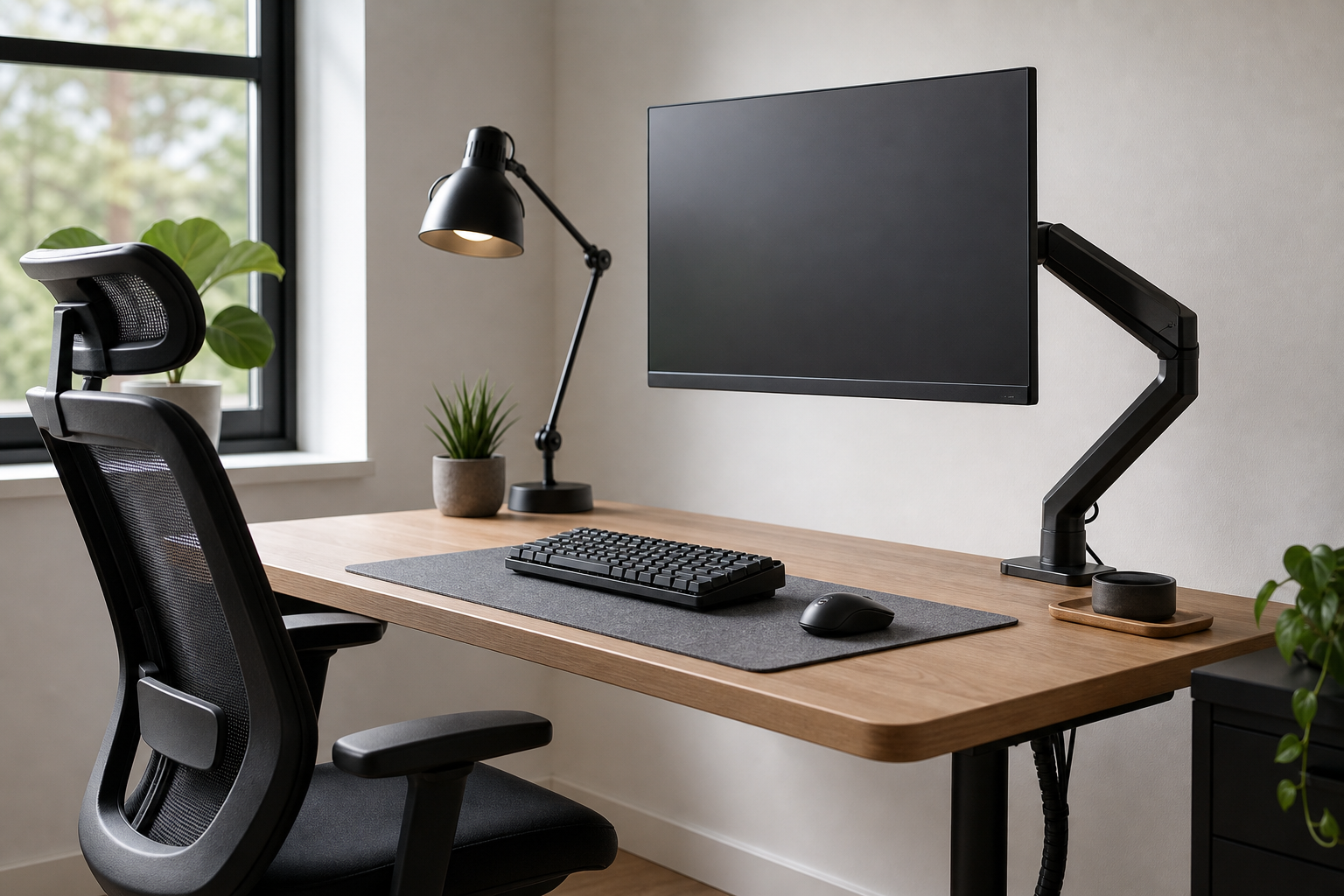
A strong home office setup starts with the desk size, monitor position, and how you actually sit through the day. A monitor arm should match your screen’s weight and mounting standard, while an ergonomic chair should offer practical adjustment rather than a fixed idea of one perfect posture.
- Check monitor weight, screen size, VESA pattern, and desktop thickness.
- Compare chair seat height, recline range, lumbar adjustment, and armrest movement.
- For small desks, one well-positioned monitor can be more useful than a crowded dual-screen setup.
- Consider flooring, chair casters, desk height, and available legroom together.
Compare Input Gear and Lighting
For keyboards, layout and height often matter more than the most talked-about switch type. Decide whether you need a number pad, quiet keys, wireless pairing, or fast device switching before comparing finishes and extras.
Desk lamps should be judged by brightness control, color temperature options, and beam direction. A movable lamp head helps place light on the work surface without adding glare to the monitor.
- Choose full-size, tenkeyless, or compact layouts based on daily tasks.
- Low-profile boards or a separate wrist rest may improve comfort for some setups.
- Pick clamp lamps, stand lamps, or monitor light bars according to desk space.
- Check controls, power type, and whether settings are easy to adjust every day.
Plan Cable Management and Purchase Checks
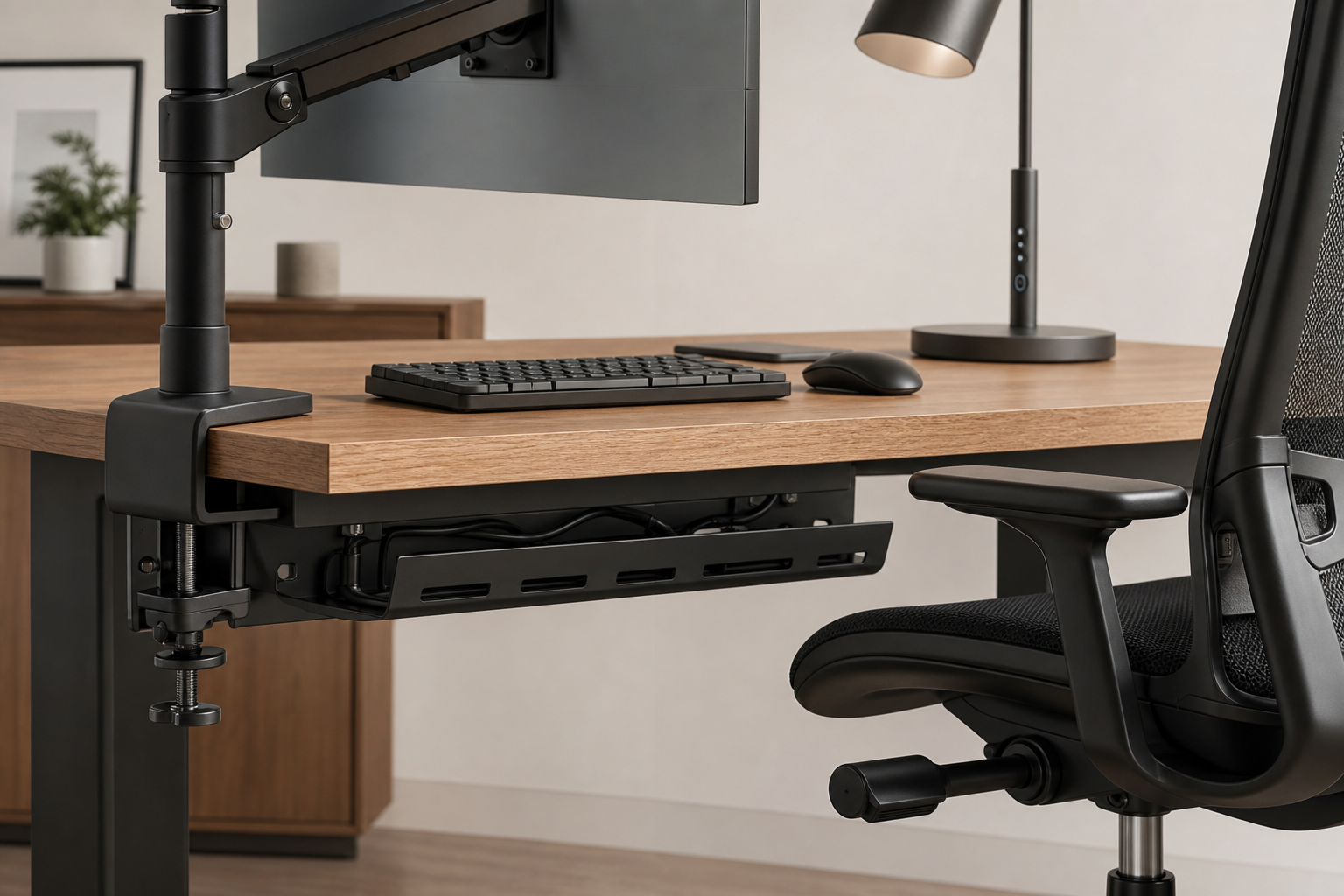
Cable management should make the desk easier to maintain, not just cleaner in photos. If you often swap chargers, hubs, or accessories, accessible trays and reusable ties usually work better than permanent hidden routing.
Before buying, verify dimensions, compatibility, delivery, return policy, and availability. Manufacturer pages and general retailers are useful neutral places to compare stock, price, shipping terms, and return windows.
- Make sure cable trays do not block desk frames, clamps, or knees.
- Use reusable ties and simple labels for gear you may replace later.
- Allow space around power strips and large adapters.
- Check warranty coverage and replacement parts before committing.
Frequently asked questions
What should I compare first?
A practical buying guide for choosing monitor arms, keyboards, lighting, chairs, and cable management for a balanced home office setup. Start with use frequency, dimensions, warranty, replacement parts, recent reviews, and the return policy before chasing the lowest price.
Should I check Amazon, Coupang, or AliExpress first?
Use Amazon and Coupang for fast delivery categories, then compare AliExpress for low-cost accessories, parts, and bundles.
Where should I confirm price and availability?
Prices, coupons, shipping times, and stock change often, so confirm the final details on the merchant page before buying.