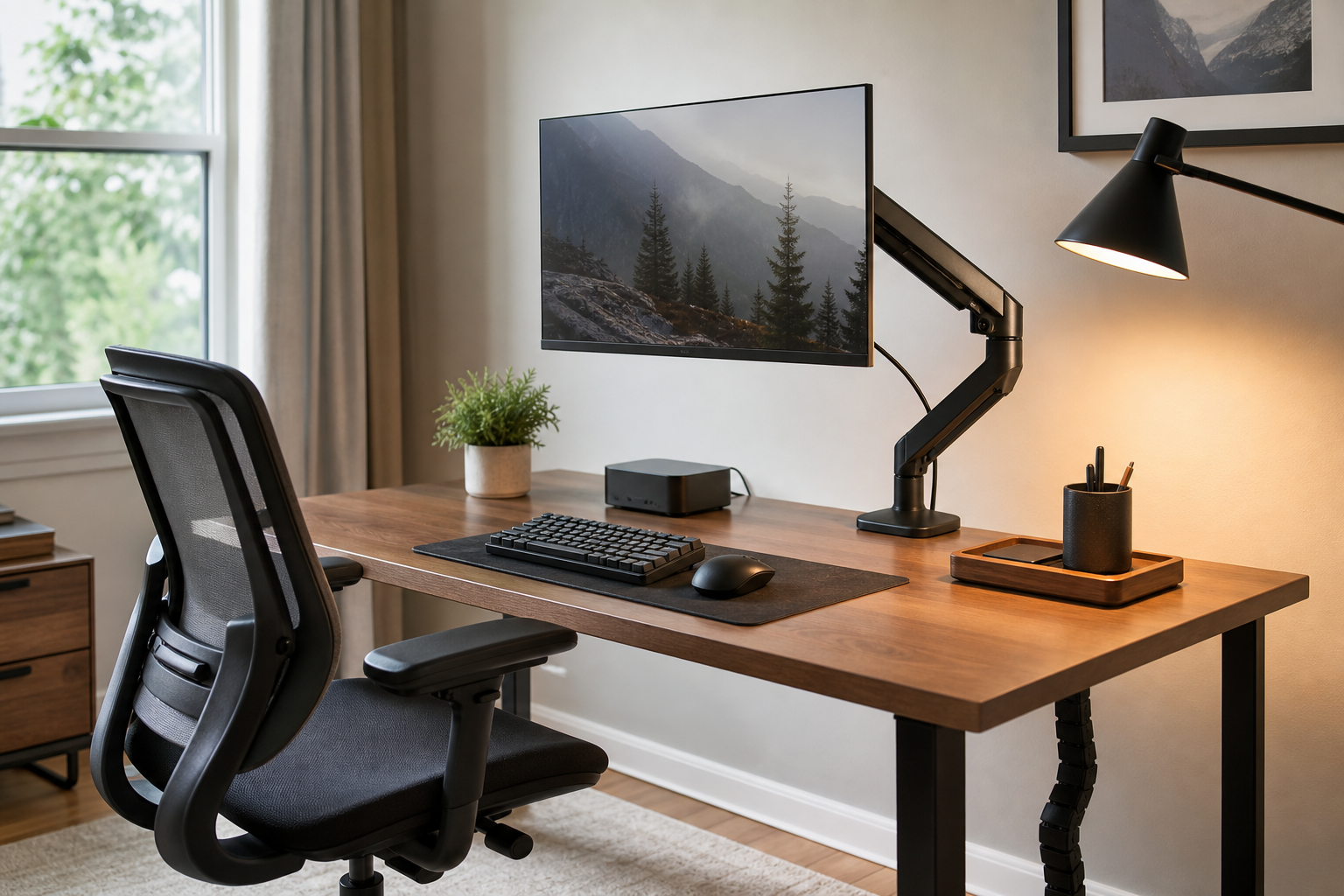
Start With the Desk and Screen Layout
A useful buying guide starts with the workspace, not the product list. Measure desk depth, monitor size and weight, outlet placement, and the gear you reach for daily before adding accessories.
A monitor arm can free desk space and improve screen positioning, but only if the clamp, desktop thickness, and rear clearance fit. Check manufacturer specifications, installation type, return policy, price, delivery, and availability through neutral store listings before buying.
- Confirm monitor weight and VESA compatibility
- Measure desktop thickness and rear clearance
- Plan around laptop docks, speakers, webcams, and chargers
- Compare price, delivery, stock, and return terms across stores
Match Keyboards and Lighting to Your Work Habits
For keyboards, switch feel matters, but layout, front height, wrist angle, noise, and connection stability often matter more in daily work. Writers, analysts, and designers may need different layouts even when the keyboard size looks similar.
Desk lamps are best compared by brightness control, color temperature range, glare management, and arm movement. The right lamp should light the work surface without reflecting directly into the monitor.
- Choose a keyboard layout that supports your shortcuts and language input
- For wireless models, check battery type and multi-device pairing
- Compare lamp diffusion, joint stability, and base footprint
- Place lighting based on screen reflections and hand shadows
Evaluate Chairs and Cable Management for Long-Term Use
An ergonomic chair does not guarantee a perfect posture; it gives you adjustment range. Seat height, backrest angle, armrest movement, lumbar support, and seat depth should fit both your body and desk height.
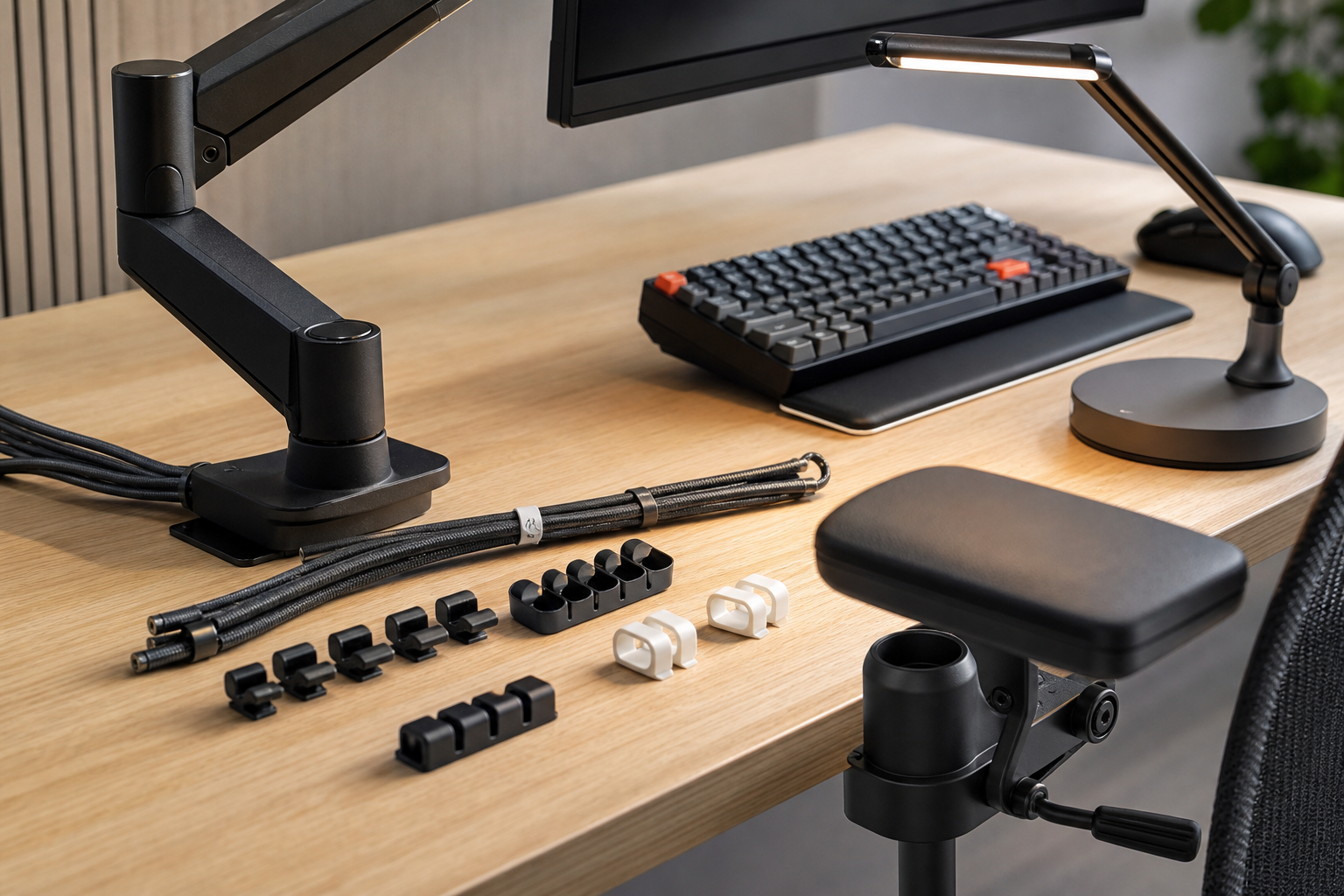
Cable management is inexpensive but changes how easy the desk is to clean, move, and upgrade. Combine trays, clips, reusable ties, and a planned power strip location instead of relying on one accessory to solve every cable problem.
- Review adjustability, materials, warranty, and replaceable parts
- Try the chair when possible, especially seat depth and armrest height
- Choose cable trays with adapter weight and heat clearance in mind
- Separate fixed power cables from cables you unplug often
Frequently asked questions
What should I compare first?
A concise evergreen guide to choosing monitor arms, keyboards, lighting, chairs, and cable management for a better home office setup. Start with use frequency, dimensions, warranty, replacement parts, recent reviews, and the return policy before chasing the lowest price.
Should I check Amazon, Coupang, or AliExpress first?
Use Amazon and Coupang for fast delivery categories, then compare AliExpress for low-cost accessories, parts, and bundles.
Where should I confirm price and availability?
Prices, coupons, shipping times, and stock change often, so confirm the final details on the merchant page before buying.