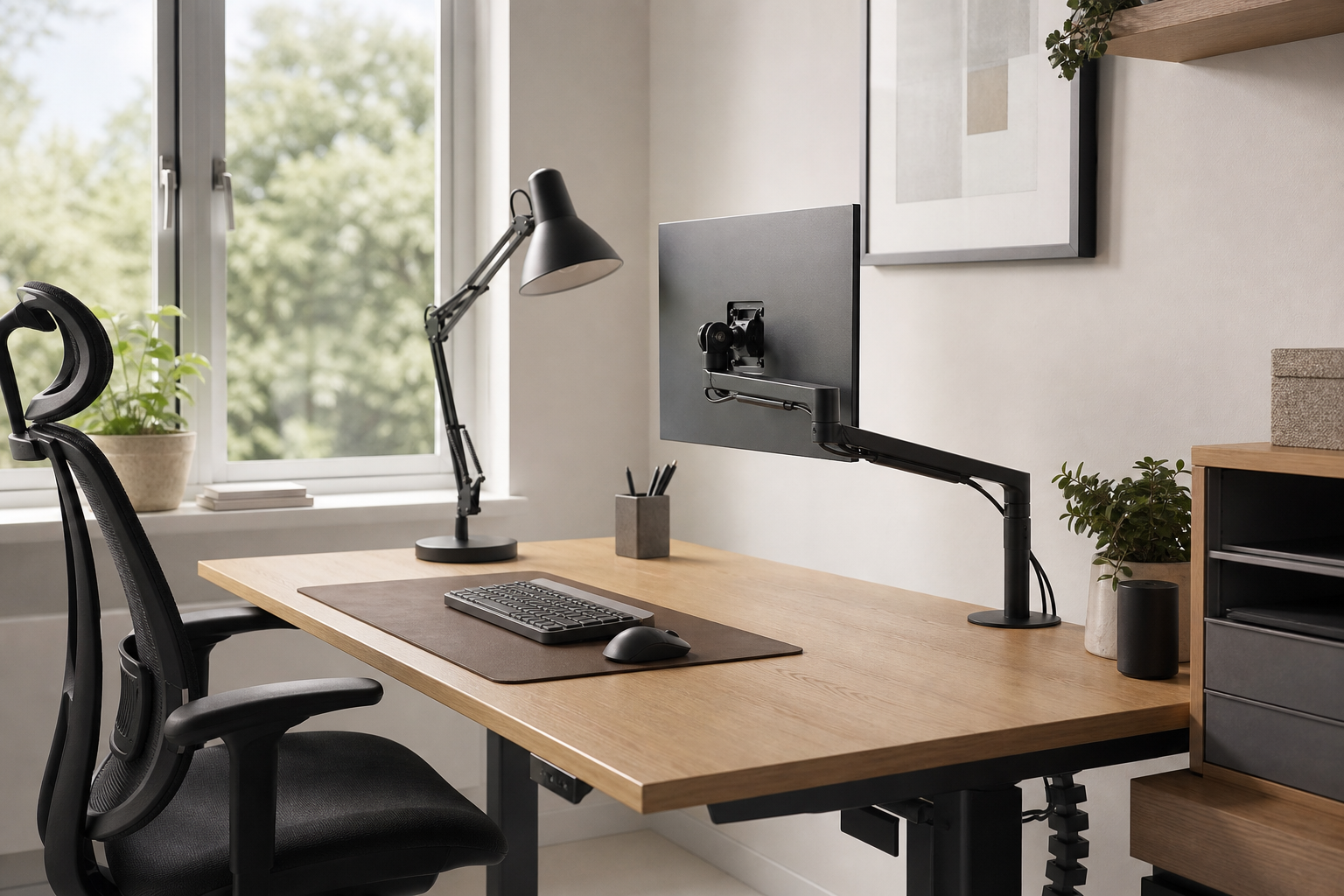
Start With Your Desk and Work Habits
The best home office gear should fit your desk size, monitor count, daily tasks, and sitting routine before it fits a spec sheet. Measure width, depth, desktop thickness, outlet placement, and cable paths before comparing products.
- For monitor arms, check screen weight, VESA support, and clamp compatibility.
- For keyboards, compare layout, switch feel, noise, wrist position, and connection type.
- For desk lamps, prioritize dimming, color temperature, and glare control.
- For chairs, check seat height, back adjustment, and armrest range.
Compare Each Category by Use Case
A monitor arm is mainly about positioning, while a keyboard affects typing comfort and desk space. A desk lamp should light the work area without reflecting directly on the screen, and a chair should offer enough adjustment for your body and desk height.
Cable management lasts longer when it is easy to change. If you often swap gear, consider movable clips, trays, sleeves, and hook-and-loop ties instead of permanent adhesive-only solutions.
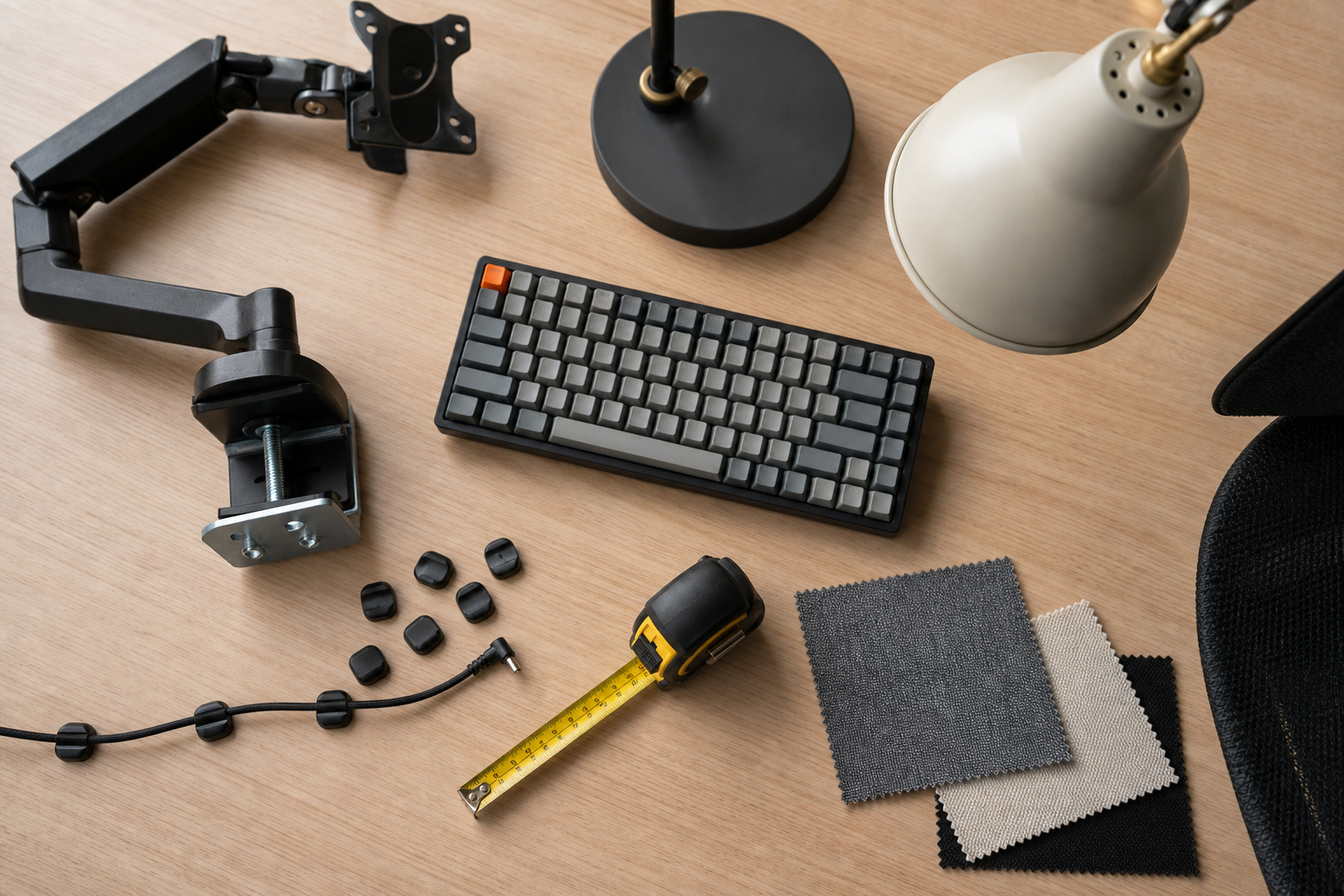
- For dual monitors, verify weight capacity and movement range for each screen.
- For small desks, tenkeyless or low-profile keyboards can free up useful space.
- Choose a lamp shape that can sit slightly beside the screen, not directly in front of it.
- A cable tray should be deep enough for both the power strip and bulky adapters.
Check the Buying Details Before You Order
Use marketplaces, brand stores, and large retailers as neutral places to verify price, delivery timing, return policy, and availability. The same product can vary by included hardware, warranty terms, color stock, or regional plug type.
A balanced setup does not require the highest-spec item in every category. Put budget first toward the gear you touch or adjust every day, then complete the desk with lighting and cable organization.
- Confirm desktop thickness and open clamp space before buying a monitor arm.
- Read return rules for assembled items and original packaging requirements.
- Check replacement parts and accessory costs before choosing a system.
- Use reviews to understand long-term durability and installation difficulty.
Frequently asked questions
What should I compare first?
A practical evergreen guide to choosing monitor arms, keyboards, desk lamps, chairs, and cable management for a durable home office setup. Start with use frequency, dimensions, warranty, replacement parts, recent reviews, and the return policy before chasing the lowest price.
Should I check Amazon, Coupang, or AliExpress first?
Use Amazon and Coupang for fast delivery categories, then compare AliExpress for low-cost accessories, parts, and bundles.
Where should I confirm price and availability?
Prices, coupons, shipping times, and stock change often, so confirm the final details on the merchant page before buying.