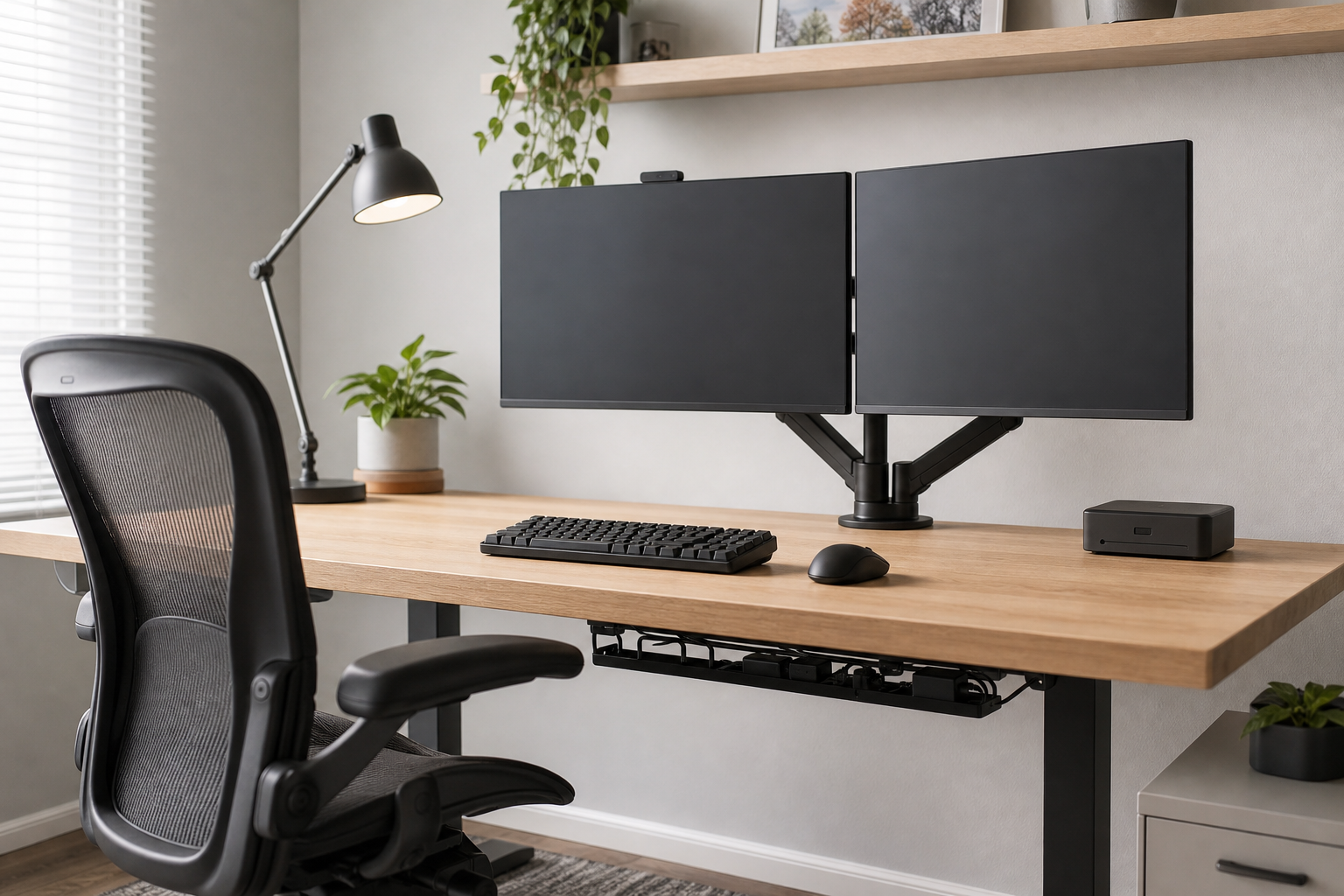
Start With Space and Working Hours
The best home office gear is not simply the most expensive option; it is the gear that fits your desk size, monitor count, sitting time, and lighting conditions. Measure desk depth, top thickness, outlet placement, and chair clearance before comparing products.
For all-day use, prioritize adjustment range and durability. For lighter use, installation ease, compact size, and storage may matter more.
- For monitor arms, check screen weight, size, VESA support, and clamp compatibility.
- For keyboards, compare layout, height, noise, and wired or wireless connection.
- For desk lamps, look at dimming, color temperature options, and adjustable head angles.
- For chairs, match seat height, back support, and armrest adjustment to your desk.
Compare by Product Category
A monitor arm can free desk space, but it may not suit thin, fragile, or glass tops. A keyboard should be judged by hand position and desk depth as much as switch feel.
A desk lamp should supplement the work surface rather than replace room lighting. For cable management, combining trays, clips, and sleeves usually works better than relying on one accessory.
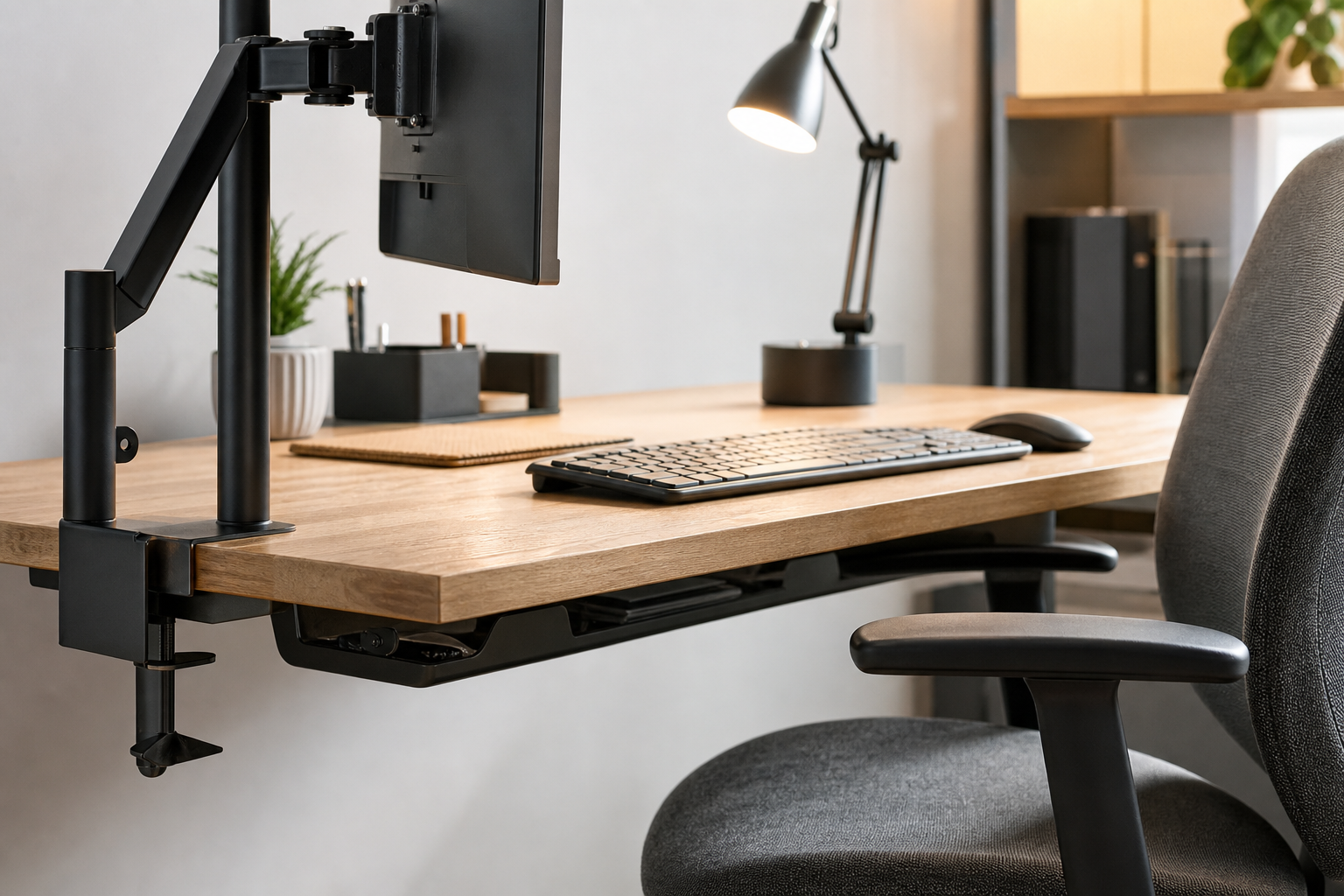
- For dual monitors, check whether each screen can be adjusted independently.
- If you do not need a number pad, a tenkeyless or compact keyboard can improve mouse space.
- Place the lamp where it does not reflect directly on the monitor.
- Choose a cable tray that can handle the power strip weight and under-desk clearance.
Final Checks Before Buying
Before buying, compare listed dimensions and compatibility notes with your actual desk. The same product may vary by finish, included hardware, warranty language, or regional availability.
Use online and physical stores as neutral places to verify price, delivery timing, return policy, and stock before deciding.
- Match desktop thickness with the monitor arm clamp range.
- For chairs, check trial options, return terms, or in-person comfort where possible.
- For wireless keyboards, compare battery type and multi-device switching.
- Leave enough cable slack for height changes, cleaning, and power access.
Frequently asked questions
What should I compare first?
A neutral buying guide to compare monitor arms, keyboards, desk lamps, ergonomic chairs, and cable management for a practical home office setup. Start with use frequency, dimensions, warranty, replacement parts, recent reviews, and the return policy before chasing the lowest price.
Should I check Amazon, Coupang, or AliExpress first?
Use Amazon and Coupang for fast delivery categories, then compare AliExpress for low-cost accessories, parts, and bundles.
Where should I confirm price and availability?
Prices, coupons, shipping times, and stock change often, so confirm the final details on the merchant page before buying.