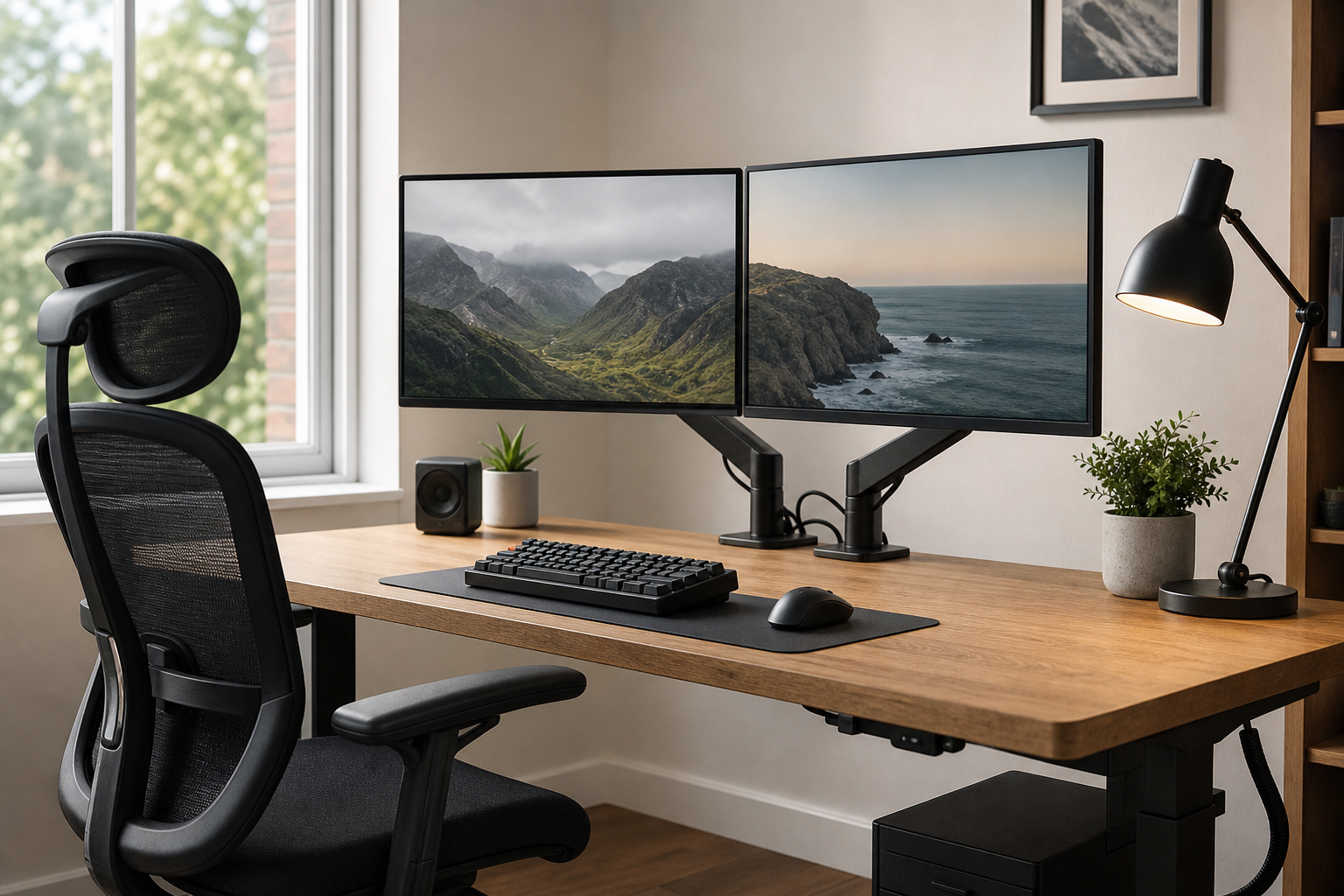
Start With Your Desk and Work Pattern
The best home office gear is not the most elaborate setup; it is the setup that fits your desk size, monitor count, lighting, and daily work rhythm. Before buying, measure desk depth, desktop thickness, outlet placement, and the space your chair needs to move comfortably.
- For monitor arms, check screen weight, VESA support, clamp clearance, and adjustment range.
- For keyboards, compare layout, height, switch feel, wrist position, and noise.
- For desk lamps, look at dimming, color temperature, glare control, and reach.
- For chairs, review seat height range, back support, armrest adjustment, and floor clearance.
Compare Each Product Category Clearly
A monitor arm can free desk space and improve screen placement, but stability matters as much as movement. A keyboard should be judged by typing feel, desk footprint, mouse distance, and how easily it can be cleaned.
Lighting should reduce screen reflections while spreading usable light across the keyboard and work surface. Cable trays, clips, sleeves, and hook-and-loop ties are most useful when they are easy to install and adjust later.
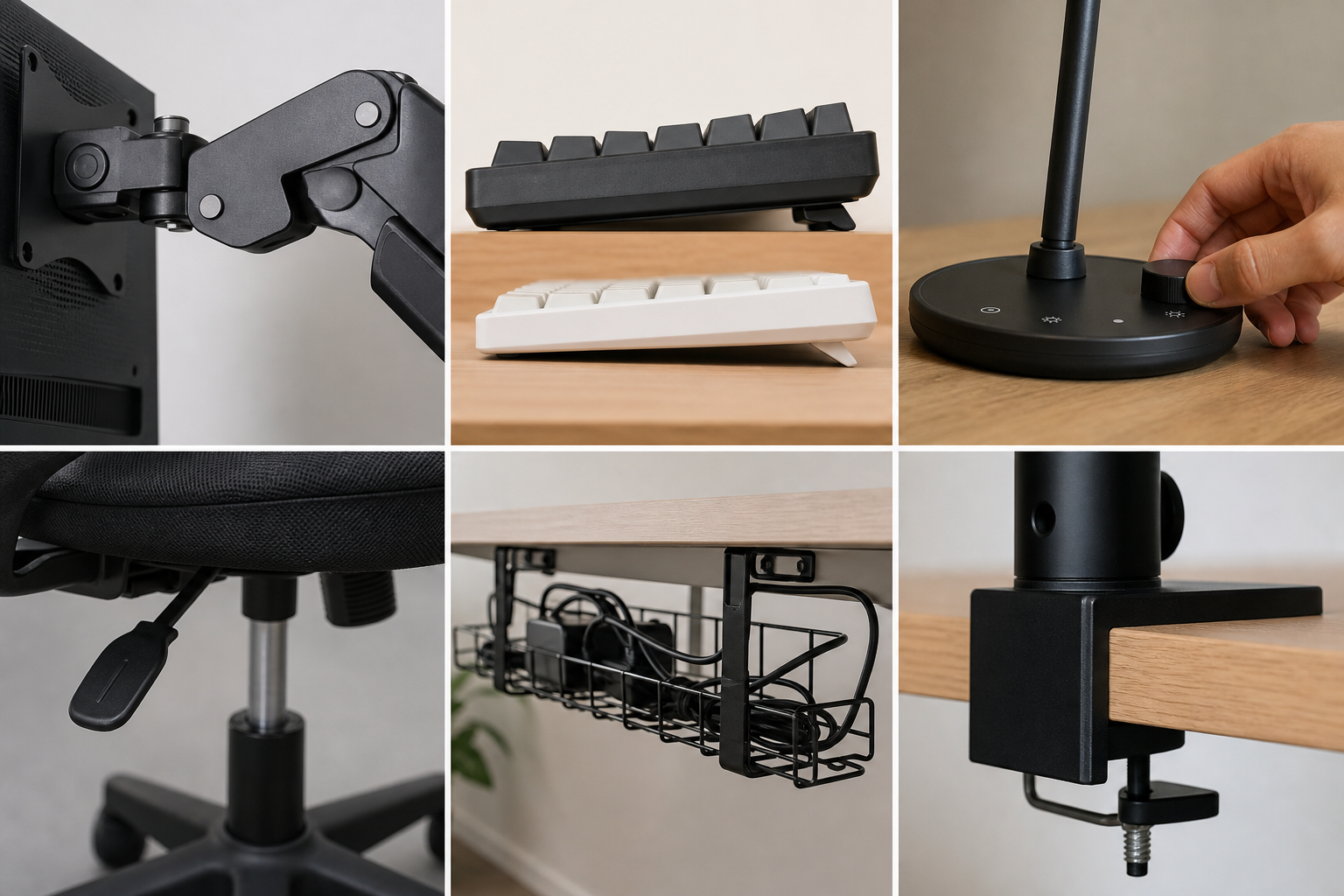
- For dual monitors, verify total load capacity and side-to-side alignment range.
- Compact and tenkeyless keyboards can create more mouse space on smaller desks.
- A lamp should have firm joints, a stable base, and controls you can reach naturally.
- Plan cable management around power brick size, outlet position, and future device changes.
Check Before You Buy
Use stores and marketplaces as neutral places to verify price, delivery, return policy, and availability. In reviews, focus less on broad praise and more on repeated complaints about installation, wobble, noise, fabric wear, or awkward adjustments.
- Compare product dimensions against your measured desk and chair space.
- Check the return window and whether assembled items can be returned.
- Review warranty coverage, replacement parts, and support access.
- Upgrade in stages, starting with the chair, screen height, or lighting if those affect your daily comfort most.
Frequently asked questions
What should I compare first?
A neutral buying guide to the practical criteria that matter when choosing monitor arms, keyboards, desk lamps, ergonomic chairs, and cable management for a home office. Start with use frequency, dimensions, warranty, replacement parts, recent reviews, and the return policy before chasing the lowest price.
Should I check Amazon, Coupang, or AliExpress first?
Use Amazon and Coupang for fast delivery categories, then compare AliExpress for low-cost accessories, parts, and bundles.
Where should I confirm price and availability?
Prices, coupons, shipping times, and stock change often, so confirm the final details on the merchant page before buying.