Start with your space and workflow
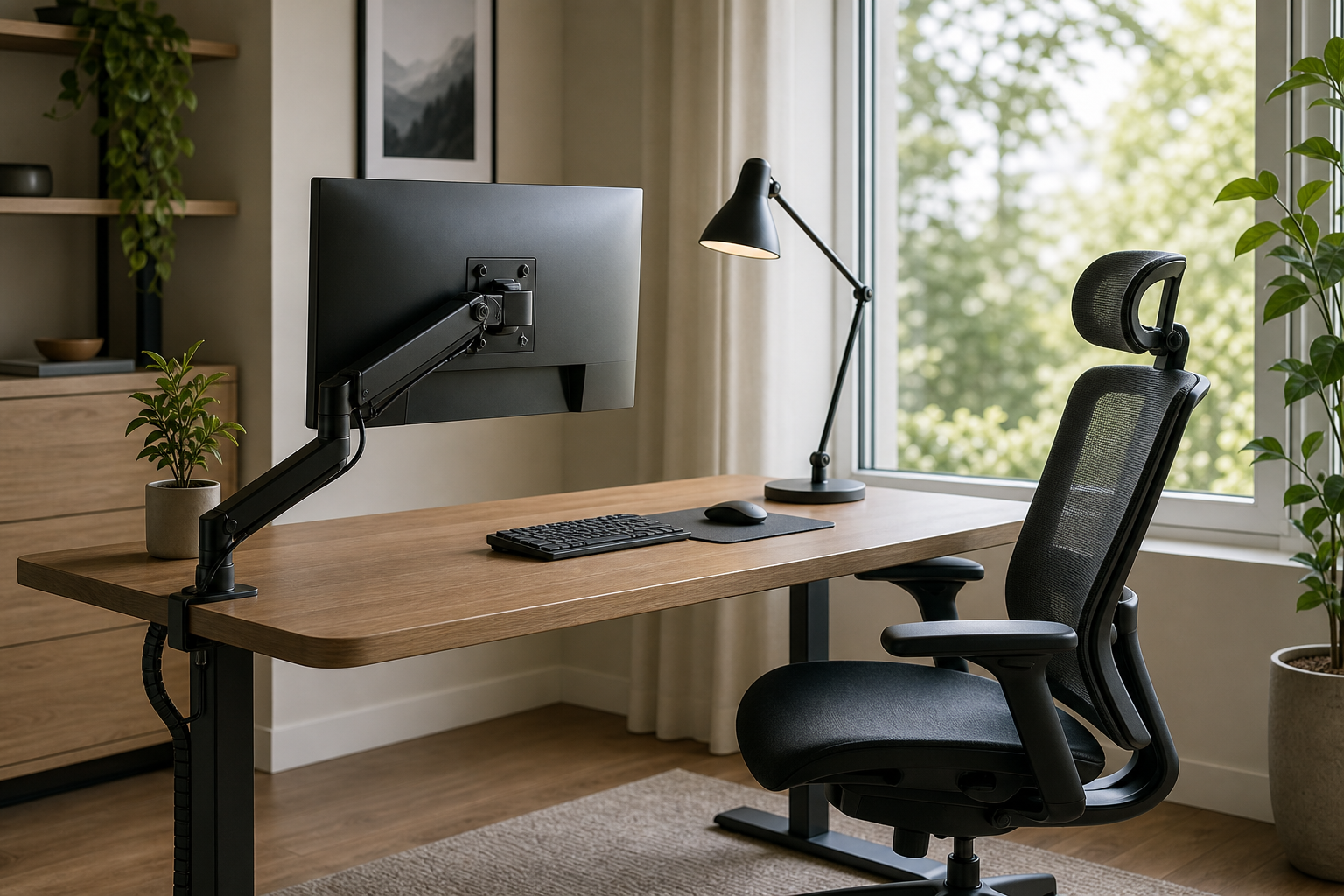
A useful home office setup begins with desk dimensions, monitor count, lighting position, and the way you work each day. List what feels awkward now and which devices you actually use before comparing products.
- Measure desk depth, wall clearance, monitor size, and monitor weight.
- Map daily devices such as a laptop, dock, charger, speakers, or external drives.
- Consider seat position, screen height, and keyboard placement together.
- For small desks, check clamp compatibility and cable storage before buying.
Compare the core gear first
For monitor arms, prioritize weight range and VESA fit. For keyboards, compare layout, switch feel, and noise. For lamps, look at adjustability and beam coverage. For chairs, focus on adjustment range, materials, and return terms. Cable management should stay easy to access, not just look tidy on day one.
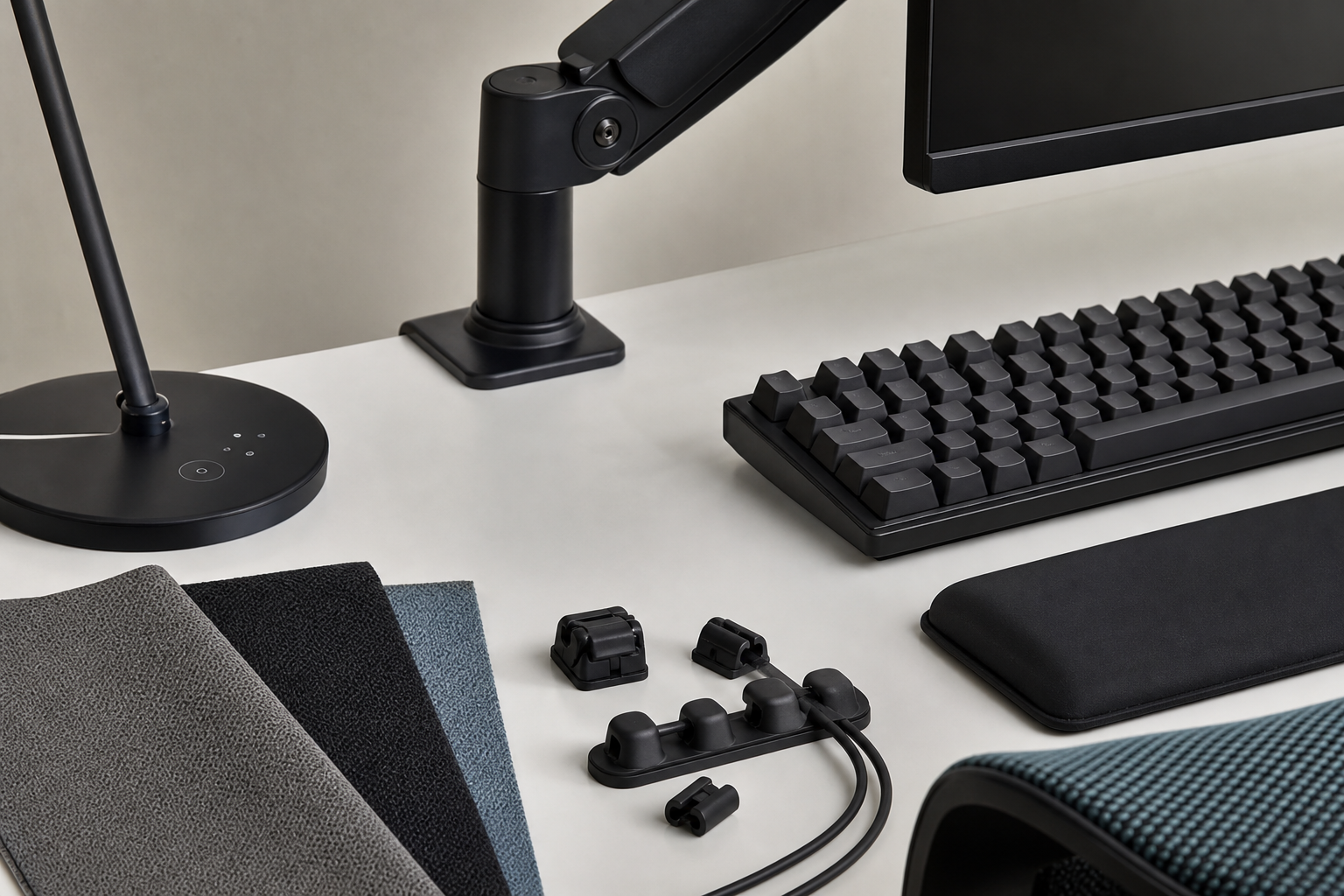
- Monitor arms should match screen weight, desk thickness, mounting style, and movement range.
- Keyboards should suit your work style, whether full-size, tenkeyless, compact, quiet, or tactile.
- Desk lamps should offer useful angle control and brightness steps.
- Chairs should be judged by seat height, back support adjustment, armrests, fabric, and return policy.
- Cable trays, hook-and-loop ties, and clips are best when they allow easy device changes.
Check before you buy
Before purchasing, compare manufacturer pages and retailer listings as neutral places to verify price, delivery, return policy, and availability. For gear you will use daily, spare parts, warranty terms, and fit with your real desk often matter more than trend-driven features.
- Read reviews for installation difficulty, durability notes, noise, and real-world sizing.
- Confirm that your desktop material and thickness work with clamps or screw mounts.
- Try chairs and keyboards in person when practical.
- Choose flexible gear if you may add a monitor, move rooms, or change desks later.
Frequently asked questions
What should I compare first?
A neutral buying guide to help compare monitor arms, keyboards, desk lamps, ergonomic chairs, and cable management for a practical home office. Start with use frequency, dimensions, warranty, replacement parts, recent reviews, and the return policy before chasing the lowest price.
Should I check Amazon, Coupang, or AliExpress first?
Use Amazon and Coupang for fast delivery categories, then compare AliExpress for low-cost accessories, parts, and bundles.
Where should I confirm price and availability?
Prices, coupons, shipping times, and stock change often, so confirm the final details on the merchant page before buying.