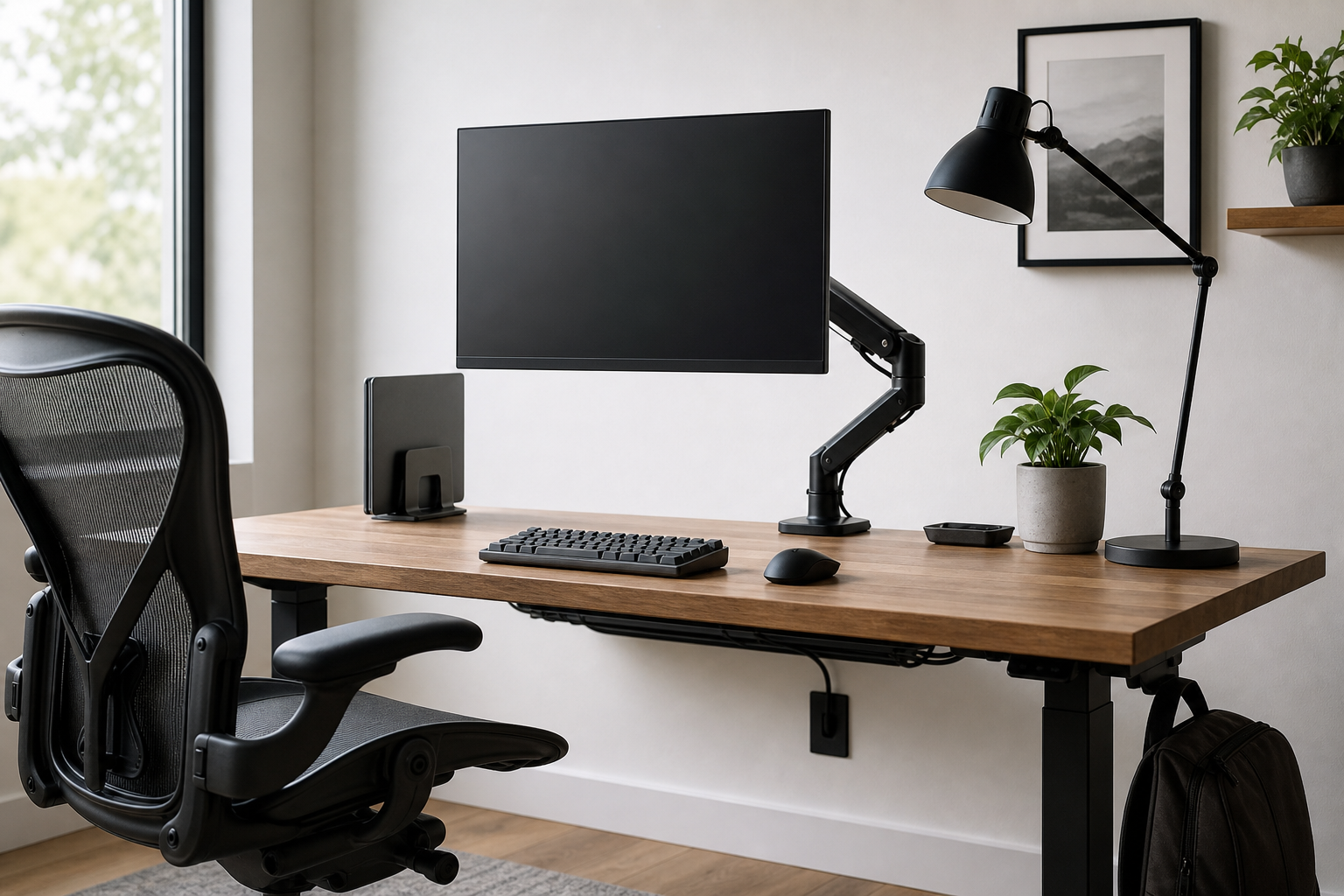
Start with your space and workflow
A good home office purchase starts with the desk, the room, and the way you work, not with a product list. A compact shared space, a wide workstation, and a video-call-heavy setup each call for different priorities.
Before buying, use retailers and brand stores as neutral places to verify price, delivery timing, return policy, and availability. Then compare the listed dimensions and compatibility details against your actual desk.
- Measure desk width, depth, desktop thickness, and clearance from the wall.
- Check monitor VESA pattern, weight, and screen size before choosing an arm.
- Choose keyboard size by task, shoulder position, and noise level.
- Compare chair seat height, back adjustment, and armrest range.
How to judge the core gear
A monitor arm can free desk space and fine-tune screen position, but only if the clamp, grommet option, and weight range fit your setup. For keyboards, layout and comfort over long sessions matter as much as switch feel.
For desk lamps, compare brightness range, color temperature options, shade design, and glare control. With cable management, the best setup is not only tidy; it also keeps power bricks and frequently used ports accessible.
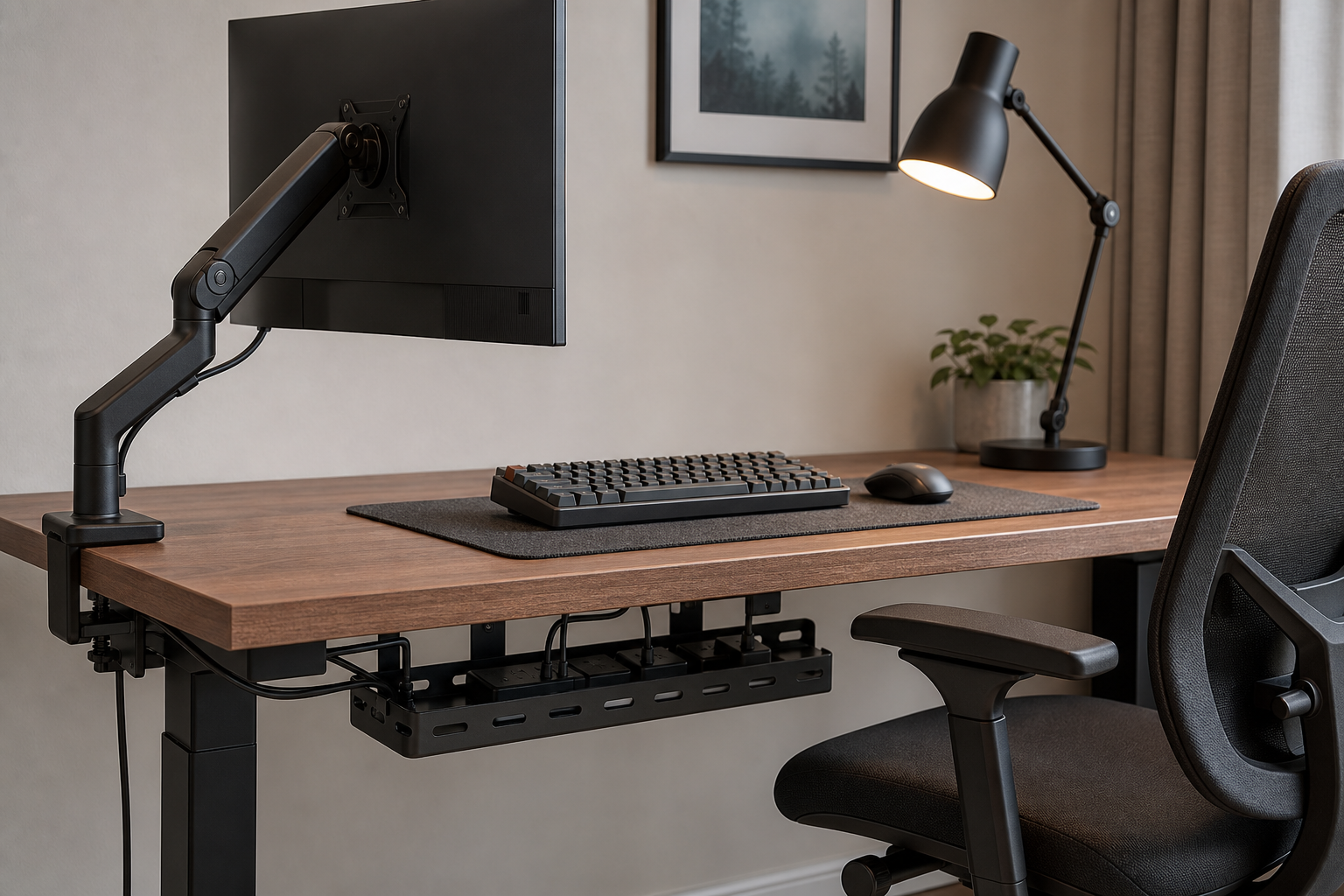
- Look for monitor arm tension adjustment, rotation range, and cable routing.
- Pick full-size, tenkeyless, or compact keyboards based on daily shortcuts and number entry.
- Choose lamps with adjustable angle so light does not reflect directly off the screen.
- Use trays, clips, and hook-and-loop ties that can be rearranged later.
Details that change long-term value
The most useful buying guide is less about naming a single best product and more about building a filter for your own desk. A modest item can work well when it fits the space, while an expensive one can disappoint if the dimensions or adjustment range are wrong.
Check warranty length, replacement parts, assembly steps, and return process before committing. Products such as chairs and monitor arms often need real installation and adjustment before you know whether they suit the setup.
- Prioritize reviews from people with similar desk sizes and equipment.
- Confirm whether tools and mounting hardware are included.
- Compare shipping costs, return shipping rules, and repackaging requirements.
- Plan for possible future changes such as a second monitor, laptop stand, or new lighting.
Frequently asked questions
What should I compare first?
A practical evergreen guide to choosing monitor arms, keyboards, lighting, chairs, and cable management for a better home office setup. Start with use frequency, dimensions, warranty, replacement parts, recent reviews, and the return policy before chasing the lowest price.
Should I check Amazon, Coupang, or AliExpress first?
Use Amazon and Coupang for fast delivery categories, then compare AliExpress for low-cost accessories, parts, and bundles.
Where should I confirm price and availability?
Prices, coupons, shipping times, and stock change often, so confirm the final details on the merchant page before buying.