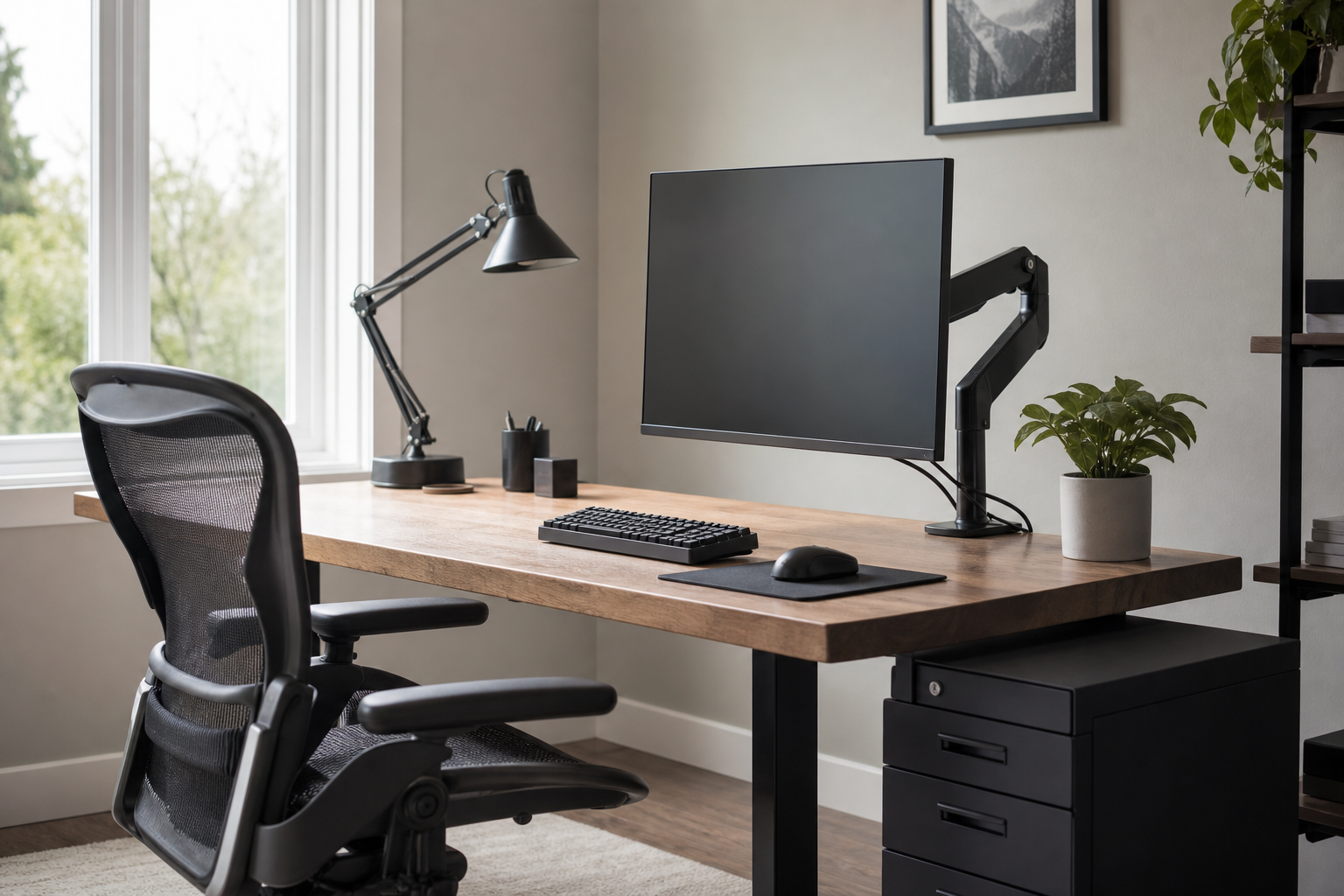
1-3 Hours: Start With Posture and Desk Order
Even a lightly used desk benefits from the right screen height, input feel, and light direction. At this level, practical fit matters more than building a premium full setup at once.
- For a monitor arm, check desk thickness, clamp clearance, screen weight, and VESA compatibility first.
- For a keyboard, compare layout size, key height, and whether your wrists sit naturally on your desk depth.
- For a desk lamp, look for adjustable angles and brightness levels that reduce glare.
- For cable clips or trays, favor designs that make chargers and hubs easy to move later.
4-7 Hours: Compare Adjustment and Daily Feel
When you spend much of the day at a desk, the question shifts from whether a product fits to whether it is easy to adjust repeatedly. At retailers, use stores as neutral places to verify price, delivery, return policy, compatibility, and availability.
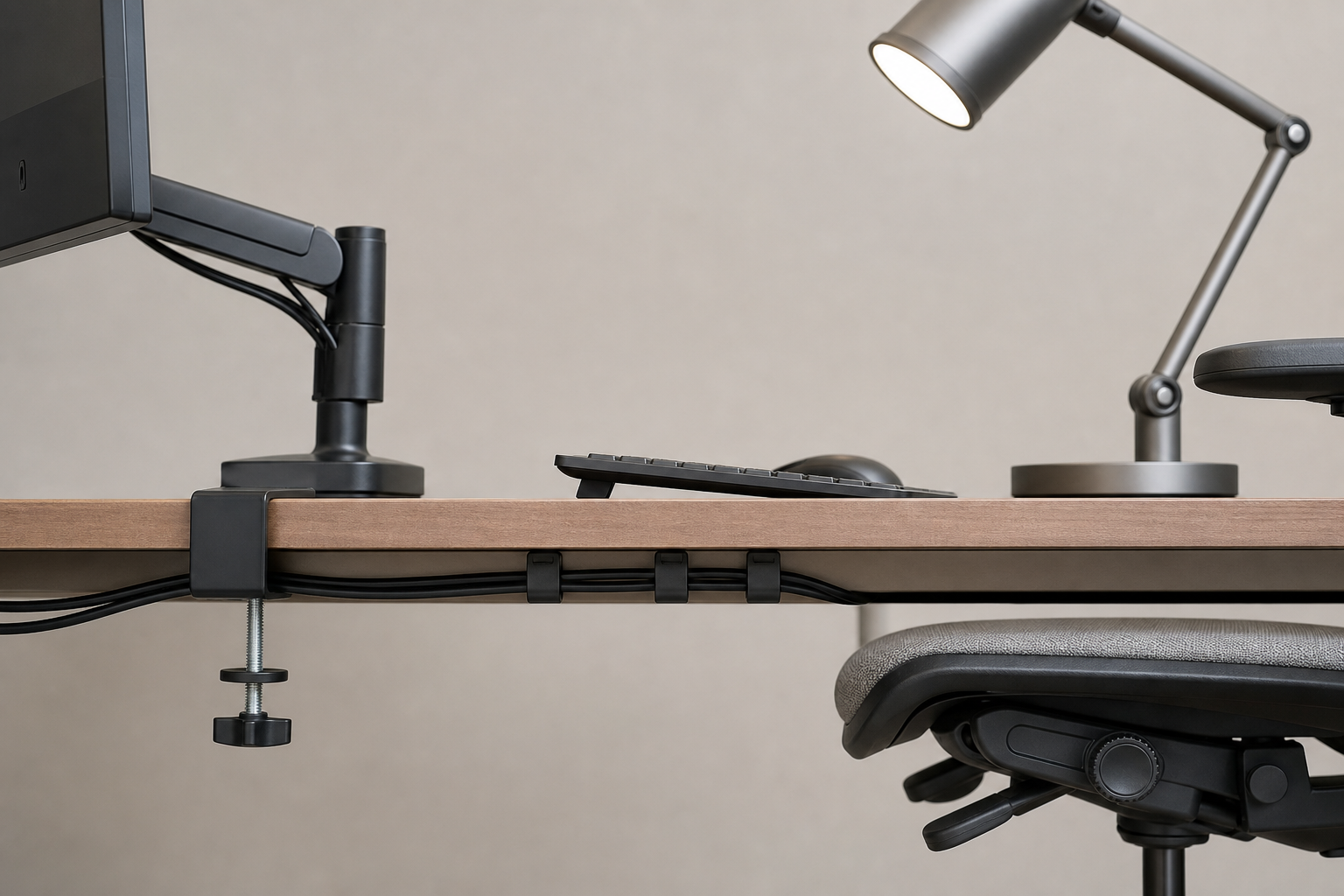
- For monitor arms, compare height range, tilt stability, and access to cable routing.
- For keyboards, consider typing noise, switch weight, wireless switching, and battery handling.
- For chairs, check seat height, backrest angle, and armrest range against your body and desk.
- For lamps, confirm that color temperature and brightness steps work in both daylight and evening use.
8+ Hours: Prioritize Durability and the Whole Layout
A full-day home office is less about one standout product and more about how the pieces work together. The chair, monitor, keyboard, lighting, and cables should support the same layout without fighting for space.
Before buying, measure the room. Note desk width and depth, monitor weight, outlet location, and chair clearance, then compare those numbers with product dimensions.
- For moving joints and clamps, favor solid hardware and replaceable screws where possible.
- For chairs, review warranty length, spare-part availability, and materials that are easy to clean.
- For cable management, separate power and data lines and choose setups that can be removed for cleaning.
- Allocate budget first to the chair and screen position, since those affect every work session.
Frequently asked questions
What should I compare first?
From short sessions to full workdays, this guide explains how to compare monitor arms, keyboards, lighting, chairs, and cable management with practical buyer criteria. Start with use frequency, dimensions, warranty, replacement parts, recent reviews, and the return policy before chasing the lowest price.
Should I check Amazon, Coupang, or AliExpress first?
Use Amazon and Coupang for fast delivery categories, then compare AliExpress for low-cost accessories, parts, and bundles.
Where should I confirm price and availability?
Prices, coupons, shipping times, and stock change often, so confirm the final details on the merchant page before buying.