Morning Focus: Start With Sightline and Input
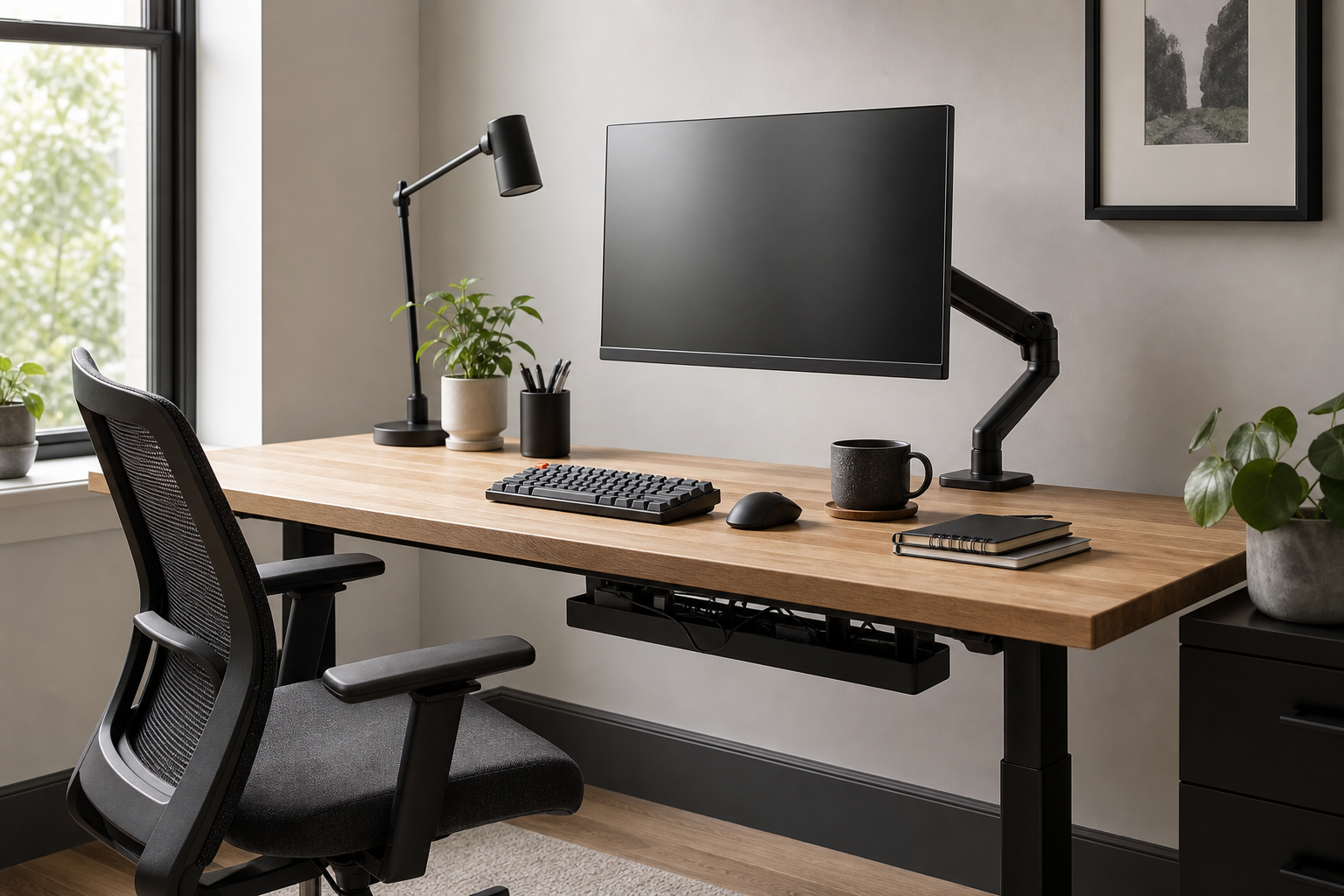
For long focus blocks, monitor height and input position shape the whole desk experience. When comparing monitor arms, check desk thickness, monitor weight, VESA support, and height range before finish or style. For keyboards, layout and feel matter, but wrist position and desk depth matter more over time.
- Aim for a screen position where the top of the display sits near eye level.
- For dual monitors, compare total weight capacity and side-to-side reach.
- Choose full-size, tenkeyless, compact, or low-profile keyboards based on your actual workflow.
- Use retailer, marketplace, or manufacturer pages to verify dimensions, included parts, returns, and availability.
Calls and Afternoon Work: Light and Cable Control
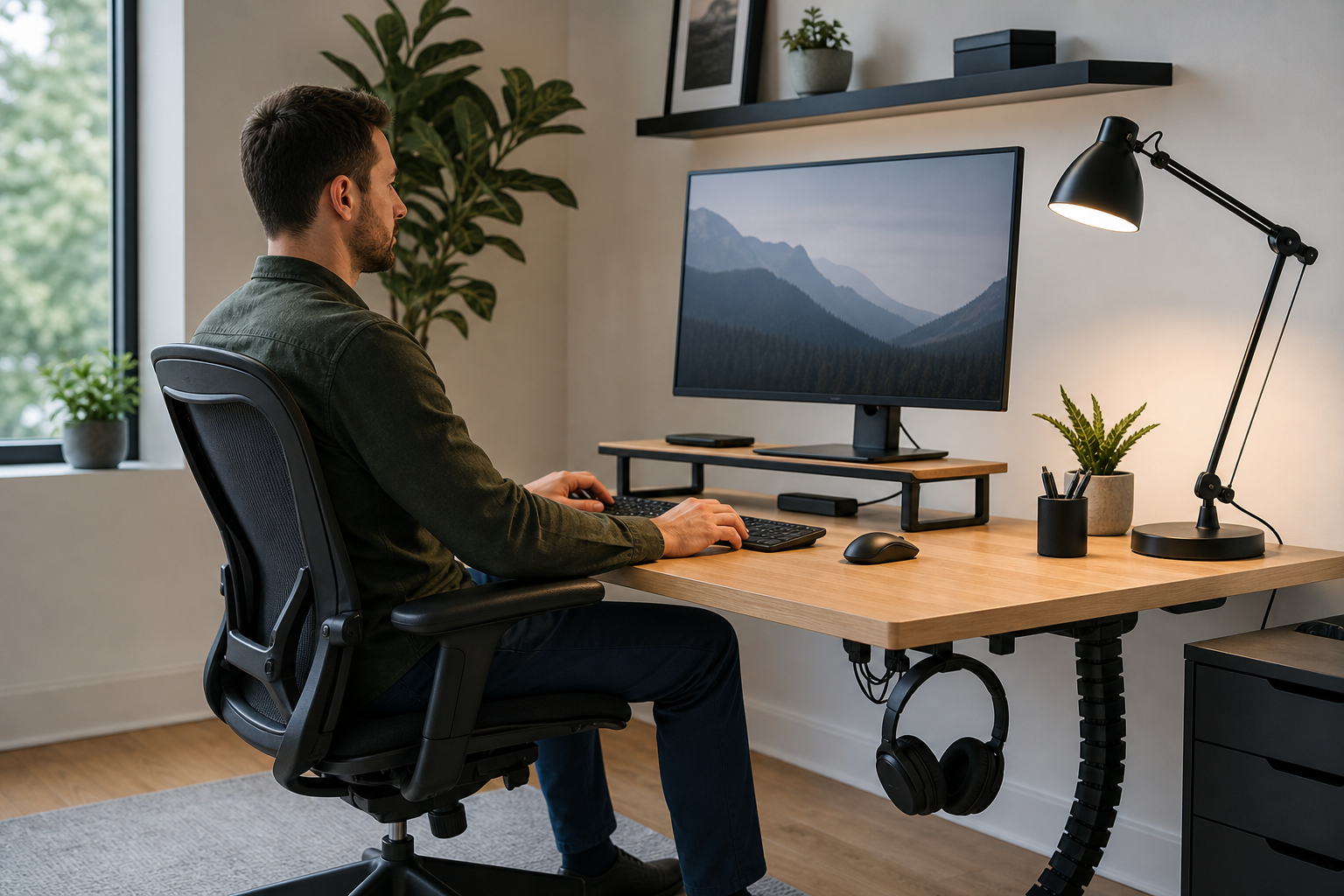
During video-heavy hours, a desk lamp should provide even, adjustable light without creating screen glare. Compare brightness levels, color temperature range, diffusion, clamp style, and whether the lamp arm clears your monitor setup.
Cable management should make the desk easier to use, not just cleaner to photograph. Check whether chargers, docks, and power strips remain reachable, and whether the setup can be cleaned or changed without rebuilding everything.
- Look for lamp adjustment that lets light fall across the desk rather than directly into the display.
- Match cable trays to desk thickness, underside clearance, and clamp or screw requirements.
- Use clips or magnetic holders for cables you unplug often.
- Compare delivery, return policy, stock, and warranty details across neutral store options before buying.
Long Sessions: Chair Fit and System Balance
An ergonomic chair is best judged by fit and adjustability, not broad comfort claims. Compare seat height, seat depth, backrest support, recline control, armrest adjustment, fabric breathability, and replacement part availability.
The smartest upgrade path starts with the friction you notice most often. A balanced setup aligns screen, keyboard, lighting, chair, and cable access so each piece supports the others.
- Test a chair when possible and confirm the controls are easy to reach.
- Make sure armrests do not force the keyboard or shoulders into an awkward position.
- Check caster type against your floor surface.
- Compare warranty, return window, and spare parts alongside price.
Frequently asked questions
What should I compare first?
A practical guide to choosing monitor arms, keyboards, lamps, chairs, and cable management for focus sessions, calls, and late-day work. Start with use frequency, dimensions, warranty, replacement parts, recent reviews, and the return policy before chasing the lowest price.
Should I check Amazon, Coupang, or AliExpress first?
Use Amazon and Coupang for fast delivery categories, then compare AliExpress for low-cost accessories, parts, and bundles.
Where should I confirm price and availability?
Prices, coupons, shipping times, and stock change often, so confirm the final details on the merchant page before buying.