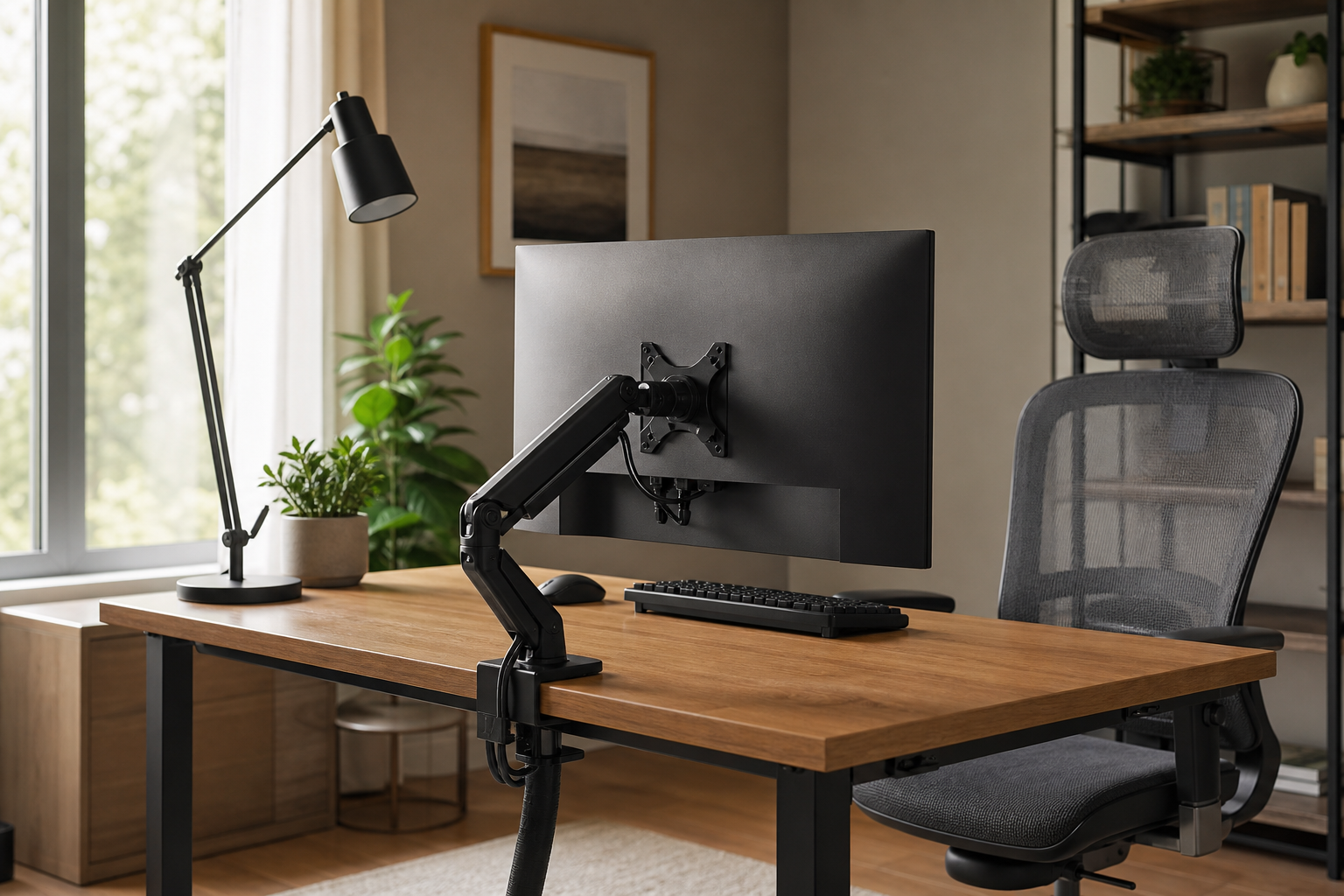
Start with the Hours You Spend at the Desk
The right buying order begins with desk size, number of screens, and daily use time. For shorter sessions, lighting and clutter control may matter most; for longer sessions, screen position and chair adjustability usually deserve more attention.
- 1-3 hours: prioritize a stable setup, low-glare desk lamp, and simple cable clips.
- 4-6 hours: compare monitor arms, adjustable chairs, and keyboard layouts that fit your typing style.
- 7+ hours: look more closely at chair dimensions, armrest adjustment, screen height, and lighting angle.
- Use stores and marketplaces neutrally to verify price, delivery, return policy, and availability.
Compare the Core Categories
For monitor arms, check desktop thickness, VESA compatibility, and supported weight before style. For keyboards, compare layout, key feel, connection type, and noise. For lamps, focus on dimming, positioning, and whether the light reflects on your screen.
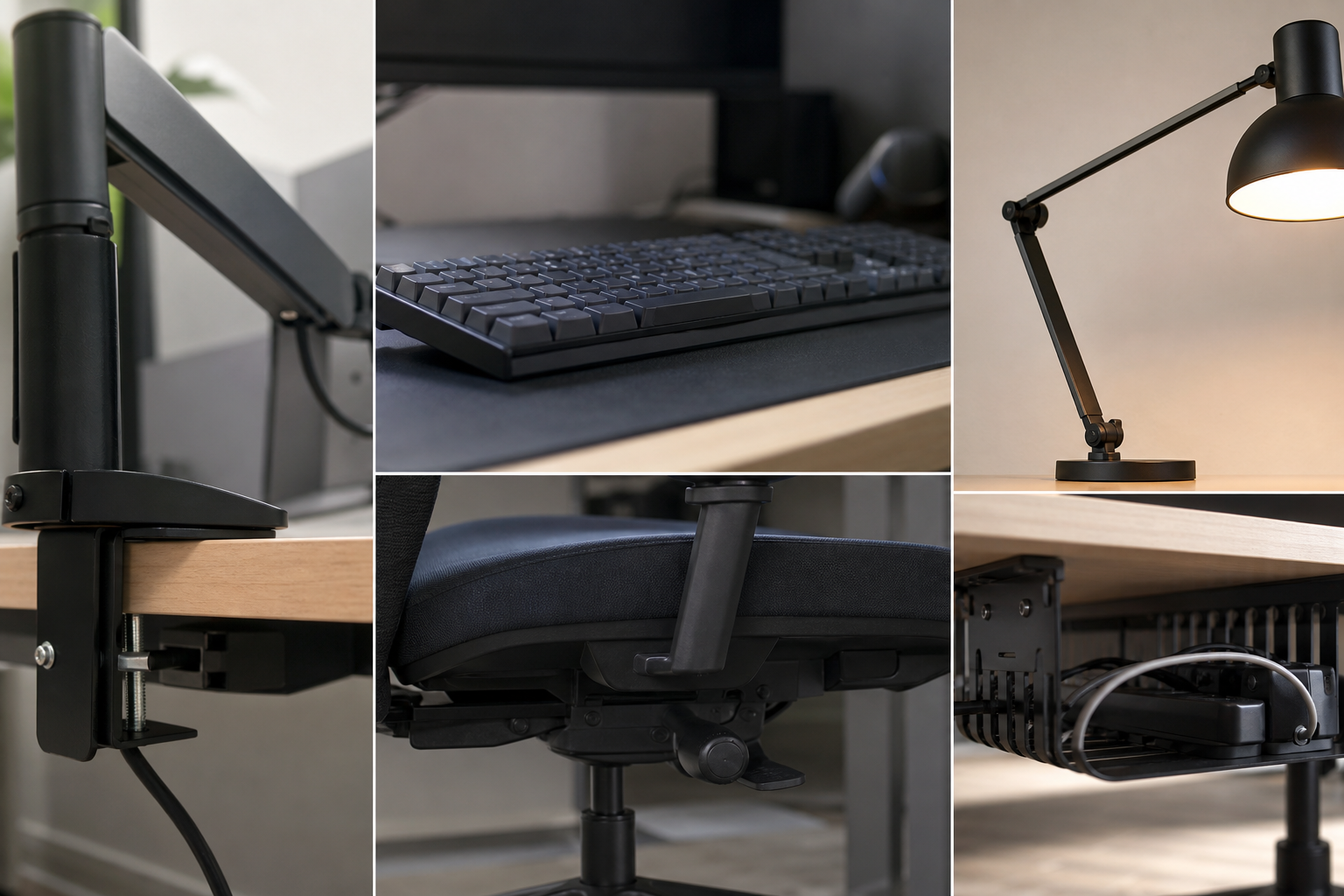
- Monitor arms: confirm clamp type, screen weight range, height travel, and reach.
- Keyboards: choose full-size, tenkeyless, or compact layouts based on your actual workflow.
- Desk lamps: look for brightness levels, color temperature control, head adjustment, and glare control.
- Ergonomic chairs: compare seat depth, back support, armrests, and height range against your desk.
- Cable management: combine trays, sleeves, and hook-and-loop ties for easier changes later.
Pre-Purchase Checklist
Let the physical desk guide the purchase more than product photography. Measure the rear edge, wall clearance, outlet position, and any laptop dock or charging hub before choosing large accessories.
- Check monitor arm clearance above and below the desktop.
- Make sure the keyboard and mouse can sit comfortably within shoulder width.
- Confirm the lamp will not shine directly into a monitor, webcam, or glossy surface.
- Read chair dimensions, warranty scope, and return terms before ordering.
- Leave cables serviceable so future upgrades do not require dismantling the whole setup.
Frequently asked questions
What should I compare first?
A neutral guide to choosing monitor arms, keyboards, lamps, chairs, and cable management based on desk time, layout, and practical buyer criteria. Start with use frequency, dimensions, warranty, replacement parts, recent reviews, and the return policy before chasing the lowest price.
Should I check Amazon, Coupang, or AliExpress first?
Use Amazon and Coupang for fast delivery categories, then compare AliExpress for low-cost accessories, parts, and bundles.
Where should I confirm price and availability?
Prices, coupons, shipping times, and stock change often, so confirm the final details on the merchant page before buying.