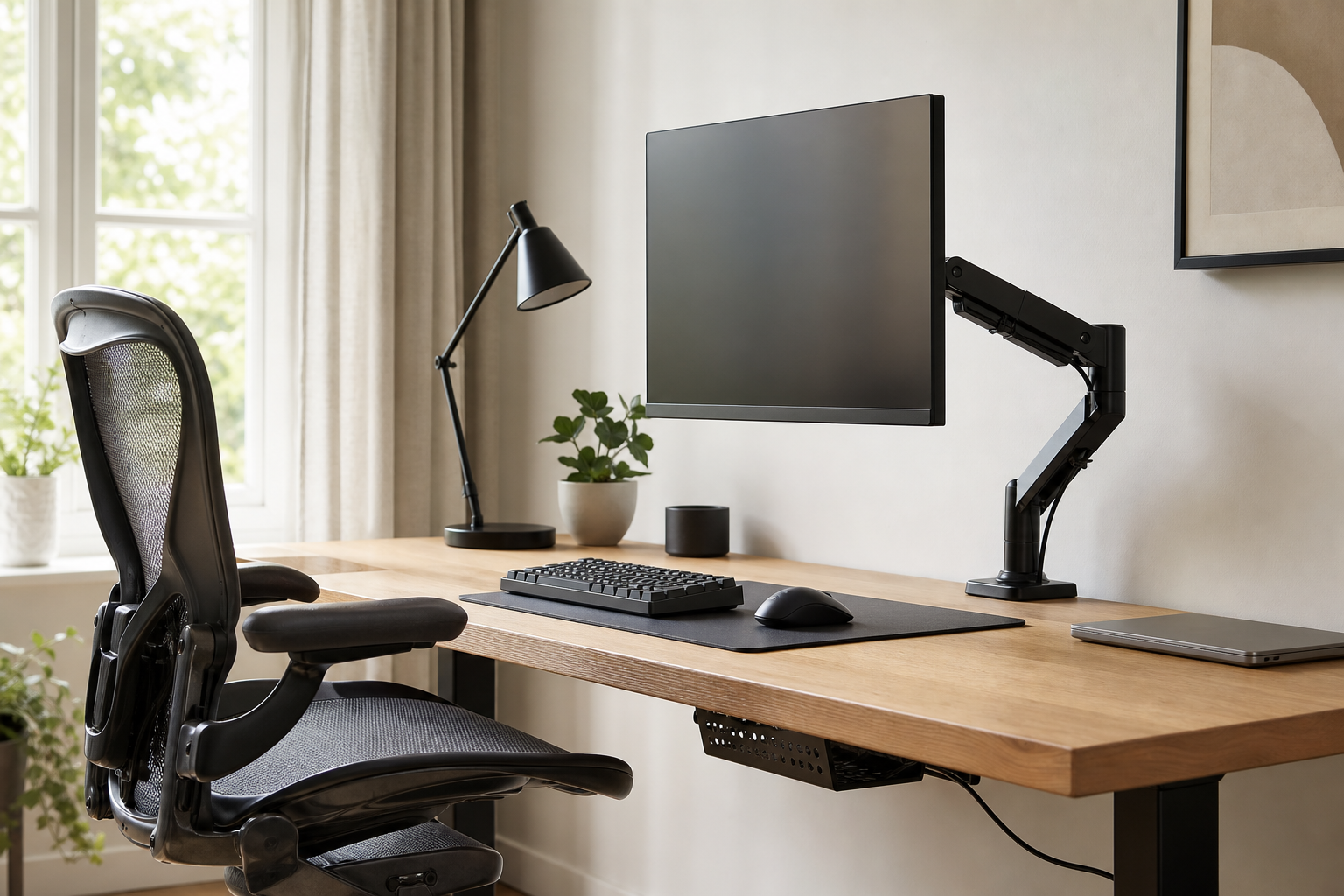
Start With Your Desk and Work Habits
A good home office setup should fit your desk size, monitor count, working hours, and storage habits before it follows any trend. List what currently feels awkward before buying so each upgrade solves a real problem.
- Check desktop thickness and depth before choosing a clamp-on monitor arm.
- Match cable length and arm range to a laptop setup, single monitor, or dual-monitor layout.
- Prioritize chairs with adjustable seat height, armrests, and back support over purely visual design.
- Use stores mainly to verify price, delivery timing, return policy, and availability.
Compare the Core Gear Clearly
Monitor arms help when screen position changes often, but they need a compatible desk and monitor. Keyboards should be judged by layout, wrist angle, noise, and connection type, not only switch feel.
For desk lamps, look at brightness levels, color temperature, glare control, and footprint. Cable management works best when it keeps the desk tidy while still allowing chargers and devices to be swapped later.
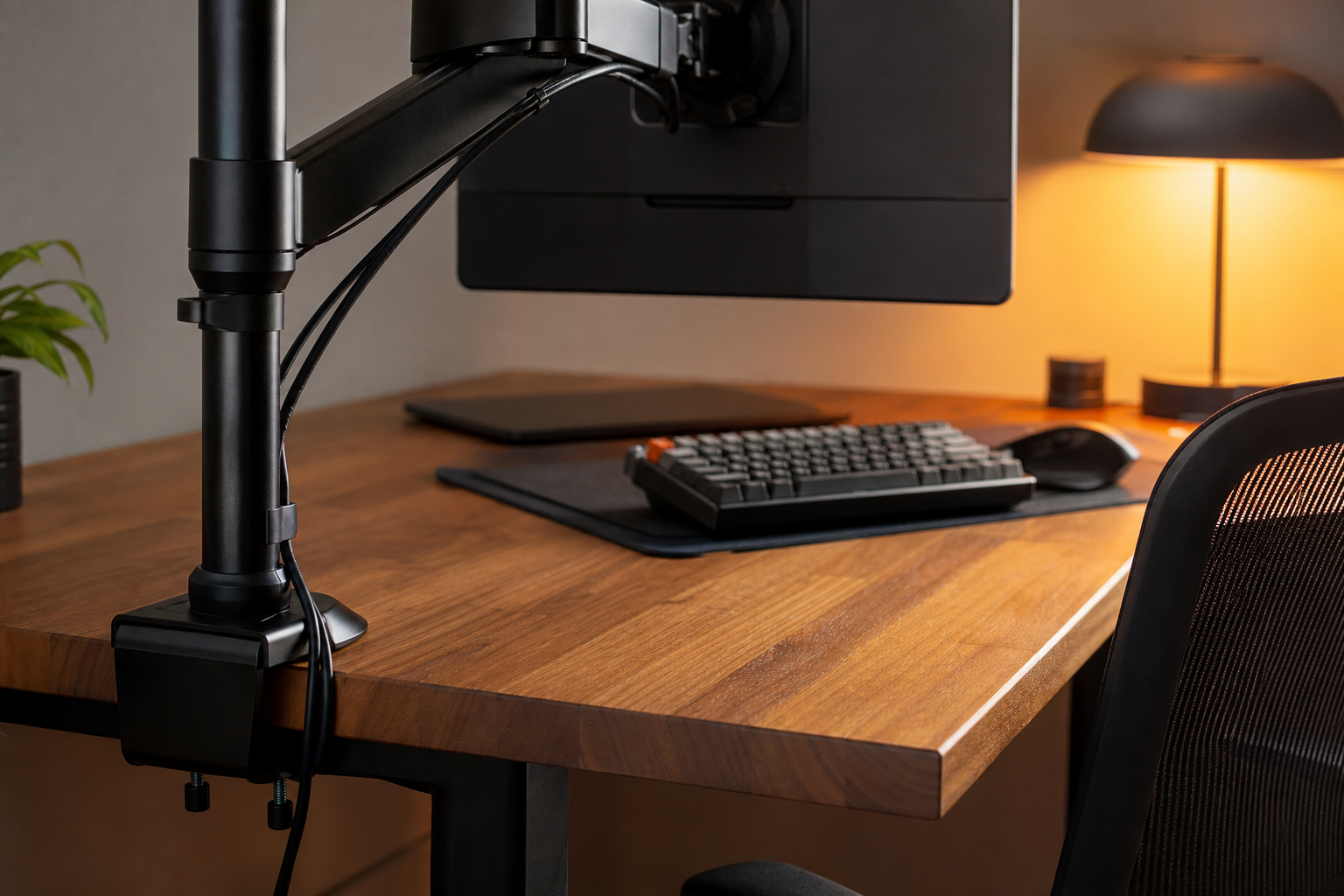
- For monitor arms, compare weight support, VESA fit, tension adjustment, and rear clearance.
- For keyboards, compare full-size, tenkeyless, low-profile, quiet, wired, and wireless options.
- For lamps, check beam direction, dimming range, power source, and how much desk space they occupy.
- For cable trays and clips, plan around power strip location and future device changes.
Buy in a Durable Order
If the budget is limited, replace the items that affect daily comfort and workflow first instead of buying a full matching set. Chair fit and monitor height usually deserve attention before smaller accessories, followed by keyboard, lighting, and cable organization.
- Test height, noise, wobble, and controls during normal work while the return window is open.
- Read dimensions and mounting requirements more carefully than lifestyle photos.
- Favor standard compatibility over closed accessory ecosystems.
- Leave extra cable and power capacity for seasonal changes, moves, or new gear.
Frequently asked questions
What should I compare first?
A practical buying guide for comparing monitor arms, keyboards, desk lamps, ergonomic chairs, and cable management without relying on hype or short-term deals. Start with use frequency, dimensions, warranty, replacement parts, recent reviews, and the return policy before chasing the lowest price.
Should I check Amazon, Coupang, or AliExpress first?
Use Amazon and Coupang for fast delivery categories, then compare AliExpress for low-cost accessories, parts, and bundles.
Where should I confirm price and availability?
Prices, coupons, shipping times, and stock change often, so confirm the final details on the merchant page before buying.