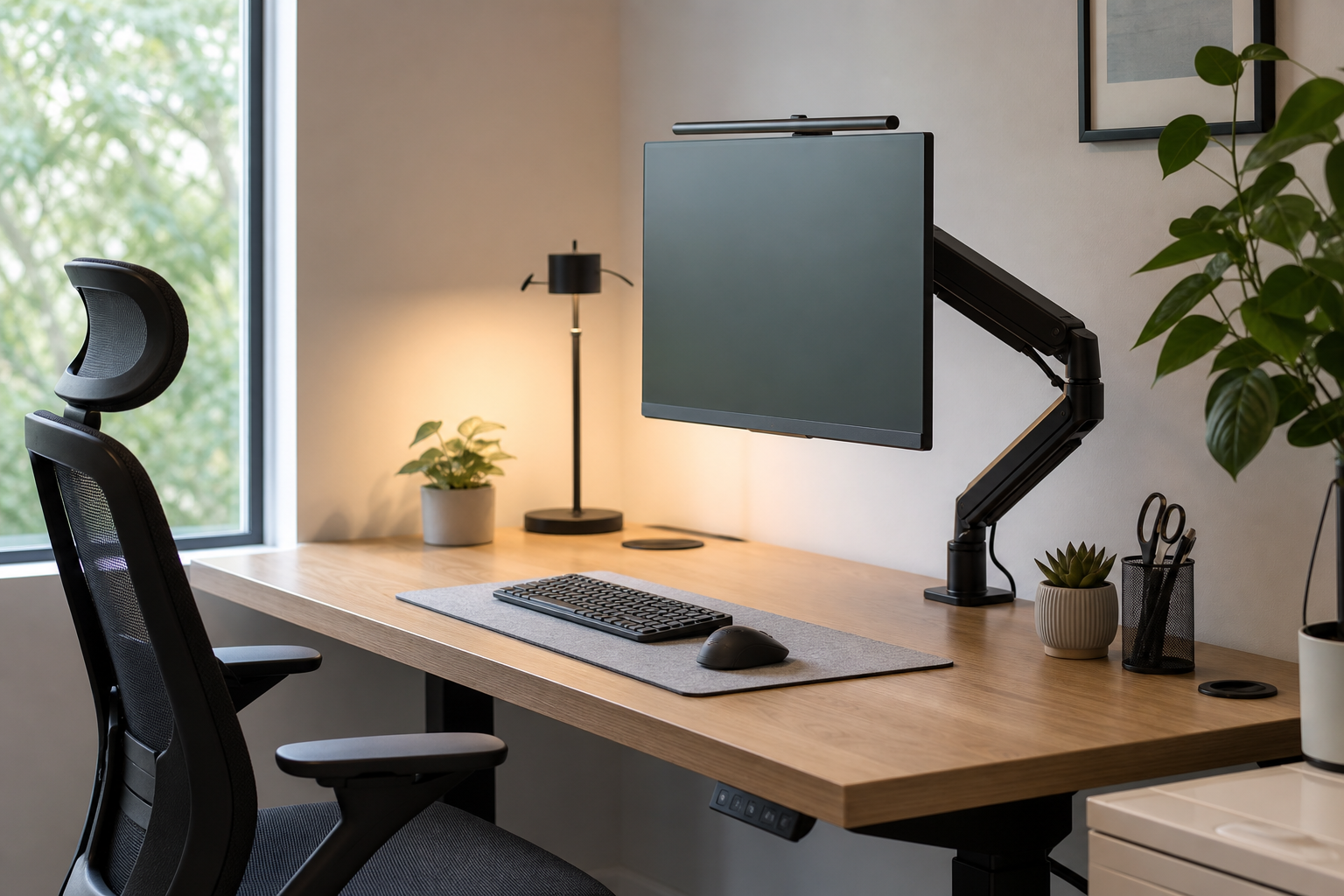
Start with your work style and desk limits
A useful home office setup starts with how you work, not with a product list. A laptop-first workflow, long monitor sessions, frequent video calls, and shared-room use all point to different priorities.
Check desk thickness, surface material, outlet placement, and window direction before buying. Use stores only as neutral places to verify price, delivery, return policy, and availability.
- For monitor arms, confirm screen weight, VESA fit, and clamp clearance.
- For keyboards, compare layout, key height, noise, and wrist position.
- For chairs, check seat depth, backrest adjustment, and armrest height against your actual posture.
- For desk lamps, look at dimming range, color temperature, and glare direction.
Prioritize adjustment and durability for large gear
Monitor arms and ergonomic chairs are handled every day or support body weight, so adjustment range and construction matter more than styling alone. A monitor should be easy to place near eye level, and a chair should allow posture changes rather than locking you into one position.
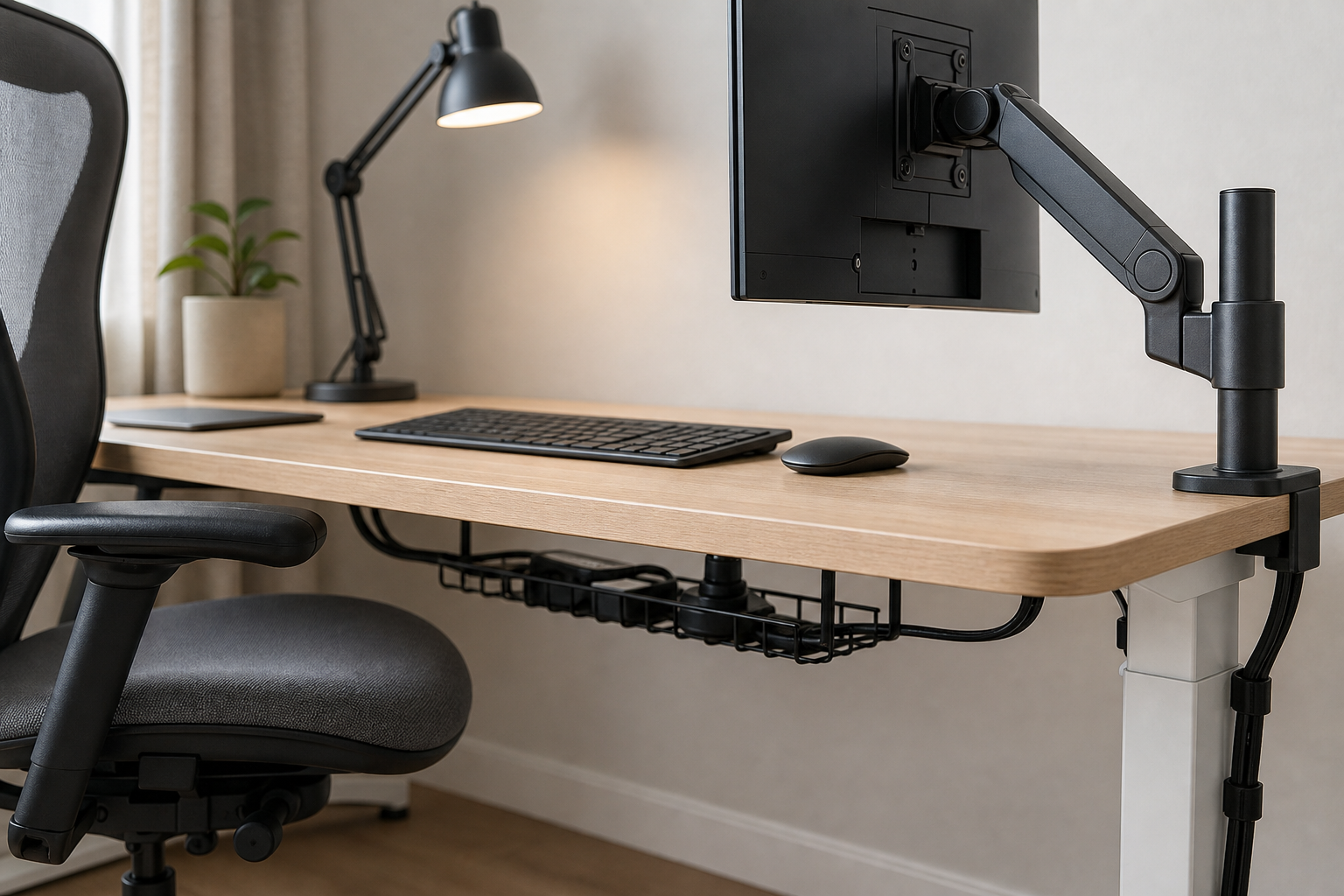
- A simple arm can work for one screen, while dual monitors need closer attention to load rating and spacing.
- Gas-spring arms move smoothly but still require checks for desk clearance and maximum supported weight.
- A chair with separate lumbar, tilt tension, seat height, and armrest adjustments gives more fitting range.
- Match caster and base materials to your flooring and how often you move the chair.
Judge small accessories by order and repeat use
Keyboards, lamps, and cable accessories look minor, but they shape daily comfort and desk maintenance. It is usually more practical to solve the most annoying friction first instead of replacing every item at once.
- Quiet keyboards suit shared rooms, while split or tenkeyless layouts can free more mouse space.
- Choose a lamp with a head angle that avoids reflections on the monitor.
- Use trays, hook-and-loop ties, and clips to separate power bricks from devices you unplug often.
- Leave room for future gear, but avoid buying hubs or accessories before you know the need.
Frequently asked questions
What should I compare first?
A concise, practical guide to choosing monitor arms, keyboards, lighting, chairs, and cable management for a durable home office setup. Start with use frequency, dimensions, warranty, replacement parts, recent reviews, and the return policy before chasing the lowest price.
Should I check Amazon, Coupang, or AliExpress first?
Use Amazon and Coupang for fast delivery categories, then compare AliExpress for low-cost accessories, parts, and bundles.
Where should I confirm price and availability?
Prices, coupons, shipping times, and stock change often, so confirm the final details on the merchant page before buying.