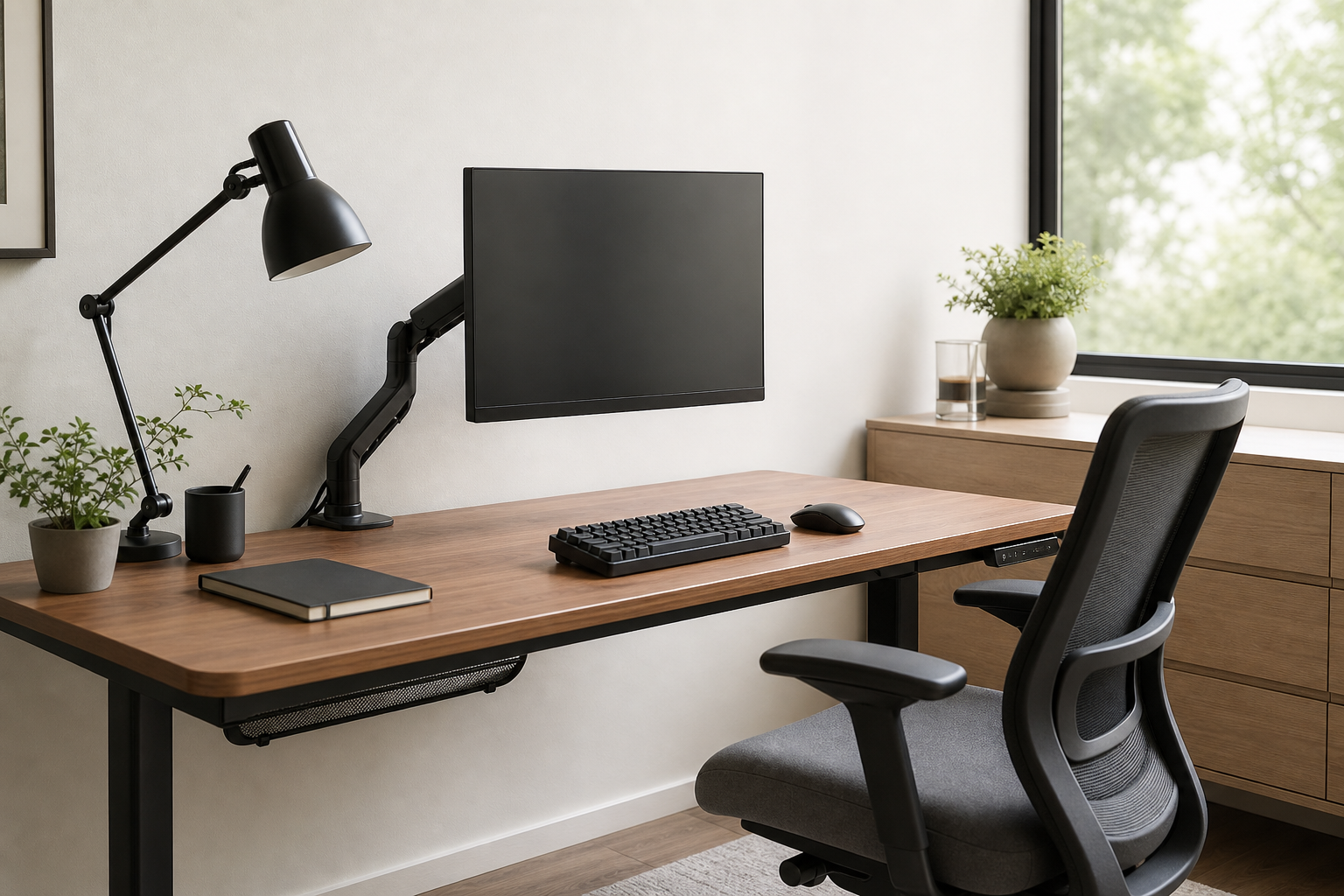
Start with the desk and your work habits
A good home office setup starts with measurements, not a shopping list. Desk depth, top thickness, monitor count, laptop use, and wall clearance all affect whether a product will actually fit.
Before buying, write down the recurring problems in your current setup: screen height, wrist angle, glare, chair adjustment limits, or cables on the floor. Those pain points should set the order of purchase.
- Measure desk width, depth, top thickness, and monitor weight.
- Note whether you work seated, standing, or both.
- Count the laptop, dock, chargers, and peripherals that need space.
- Check window position and room lighting for glare.
Compare core gear by adjustability
For monitor arms, prioritize VESA compatibility, supported weight, clamp style, and height and depth range. For keyboards, compare layout, switch feel, noise, connection type, and whether you need a wrist rest.
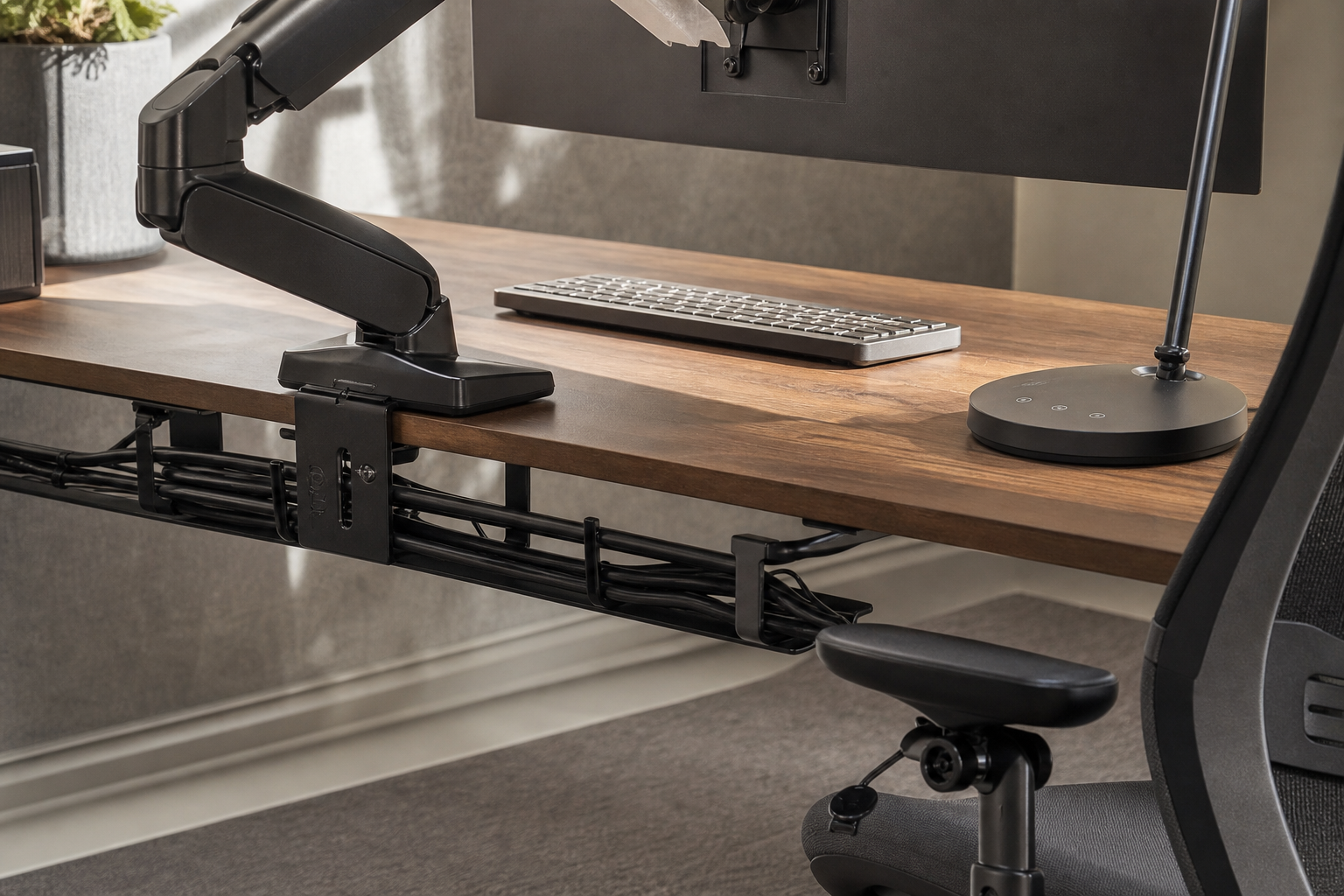
For desk lamps, look for brightness control, color temperature options, and a design that lights the work surface without reflecting into the screen. For chairs, compare seat depth, armrests, back support, material, and return terms. Cable management works best when trays, clips, and labels are planned together.
- Match the monitor arm to the display weight and desk mounting method.
- Choose a keyboard layout around writing, number entry, and shortcut use.
- Pick a lamp that illuminates the task area instead of the screen.
- Favor chair adjustments that fit your body over a long feature list.
- Plan cable routes around power location and devices you unplug often.
Check the practical buying conditions
The final comparison should include more than price: return window, delivery size, assembly effort, replacement parts, and warranty terms all matter. Use online and local stores neutrally to verify price, delivery, return policy, and availability.
Avoid choosing by brand reputation or ranking alone. The better long-term purchase is the item that fits your desk, is easy to adjust after installation, and does not add distracting noise, glare, or cable clutter.
- Read the return policy, especially for assembled chairs and mounted arms.
- Check package size and installation clearance before ordering large items.
- Confirm cable and power-strip lengths against your real layout.
- Buy the essential setup first, then add decorative accessories later.
Frequently asked questions
What should I compare first?
A practical guide to comparing monitor arms, keyboards, lamps, chairs, and cable management by fit, comfort, and daily usability rather than hype. Start with use frequency, dimensions, warranty, replacement parts, recent reviews, and the return policy before chasing the lowest price.
Should I check Amazon, Coupang, or AliExpress first?
Use Amazon and Coupang for fast delivery categories, then compare AliExpress for low-cost accessories, parts, and bundles.
Where should I confirm price and availability?
Prices, coupons, shipping times, and stock change often, so confirm the final details on the merchant page before buying.