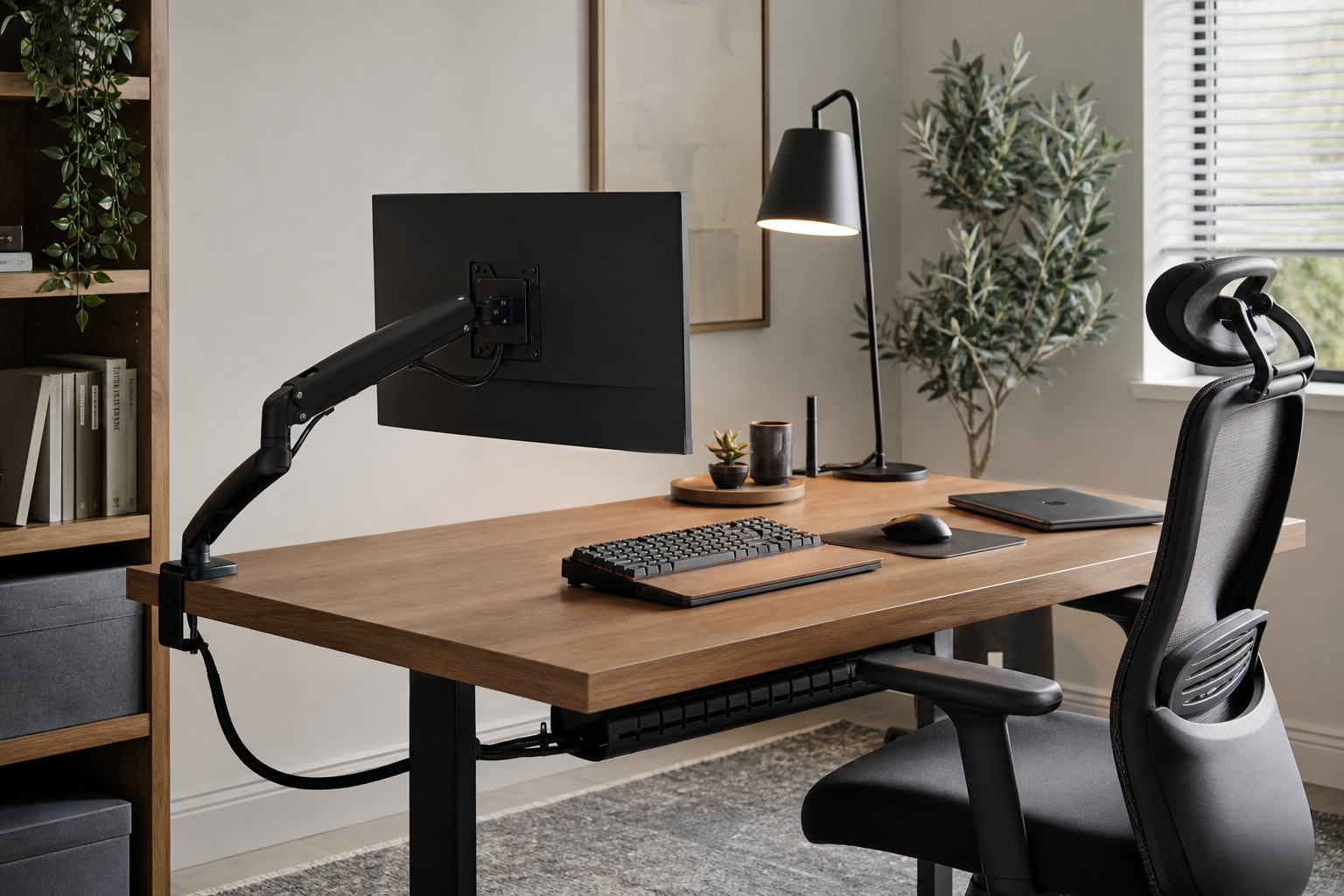
Start With Your Desk and Workday
A useful home office buying plan starts with your actual desk, monitor count, working hours, and storage habits. The same product can feel very different depending on desk thickness, wall clearance, cable routes, and outlet placement.
- For monitor arms, check desk thickness, clamp clearance, monitor weight, and VESA compatibility.
- For keyboards, compare layout, switch feel, noise level, and whether you use a wrist rest.
- For desk lamps, consider glare on the screen, dimming range, and adjustable color temperature.
- For chairs, prioritize seat height, back support, armrest adjustment, and fit under the desk.
Compare Core Gear by Adjustability
A monitor arm is useful when you change screen position often, while a fixed stand can be simpler and more stable. Keyboard choice should follow typing habits, shared-room noise, and whether you prefer a compact or full-size layout.
Chairs and lighting tend to stay in use for years, so materials, warranty terms, and replacement parts matter. Cable trays, clips, and reusable ties are modest purchases that can make the whole setup easier to clean and adjust.
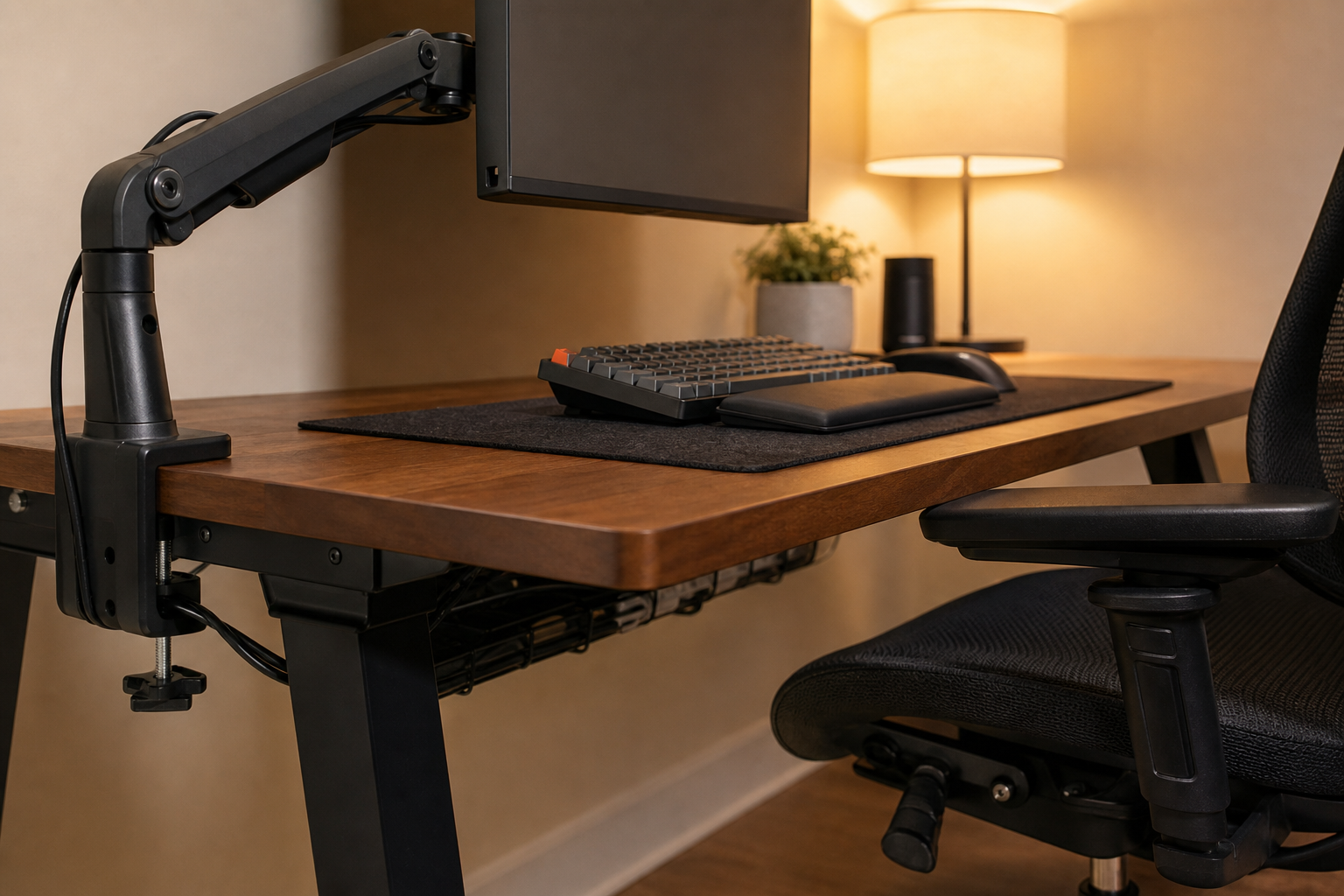
- If you take frequent video calls, plan camera height and lamp placement together.
- Small desks benefit from monitor arms and vertical cable routing.
- Shared spaces usually favor quieter keyboards and lamps with controlled glare.
Check the Buying Details
Before purchasing, compare manufacturer specifications with retailer pages to verify price, delivery, return policy, and availability. Reviews are most useful when they reveal repeated complaints, assembly issues, and long-term use notes rather than only first impressions.
- Measure the product and your desk instead of relying only on photos.
- Check whether returns allow assembled items and opened packaging.
- Look for spare parts, replacement casters, lamp bulbs, or cable clips when relevant.
- Upgrade in stages: chair fit, screen height, lighting, then cable management.
Frequently asked questions
What should I compare first?
A practical guide to comparing monitor arms, keyboards, lighting, chairs, and cable management by fit, adjustability, and daily workflow rather than hype. Start with use frequency, dimensions, warranty, replacement parts, recent reviews, and the return policy before chasing the lowest price.
Should I check Amazon, Coupang, or AliExpress first?
Use Amazon and Coupang for fast delivery categories, then compare AliExpress for low-cost accessories, parts, and bundles.
Where should I confirm price and availability?
Prices, coupons, shipping times, and stock change often, so confirm the final details on the merchant page before buying.