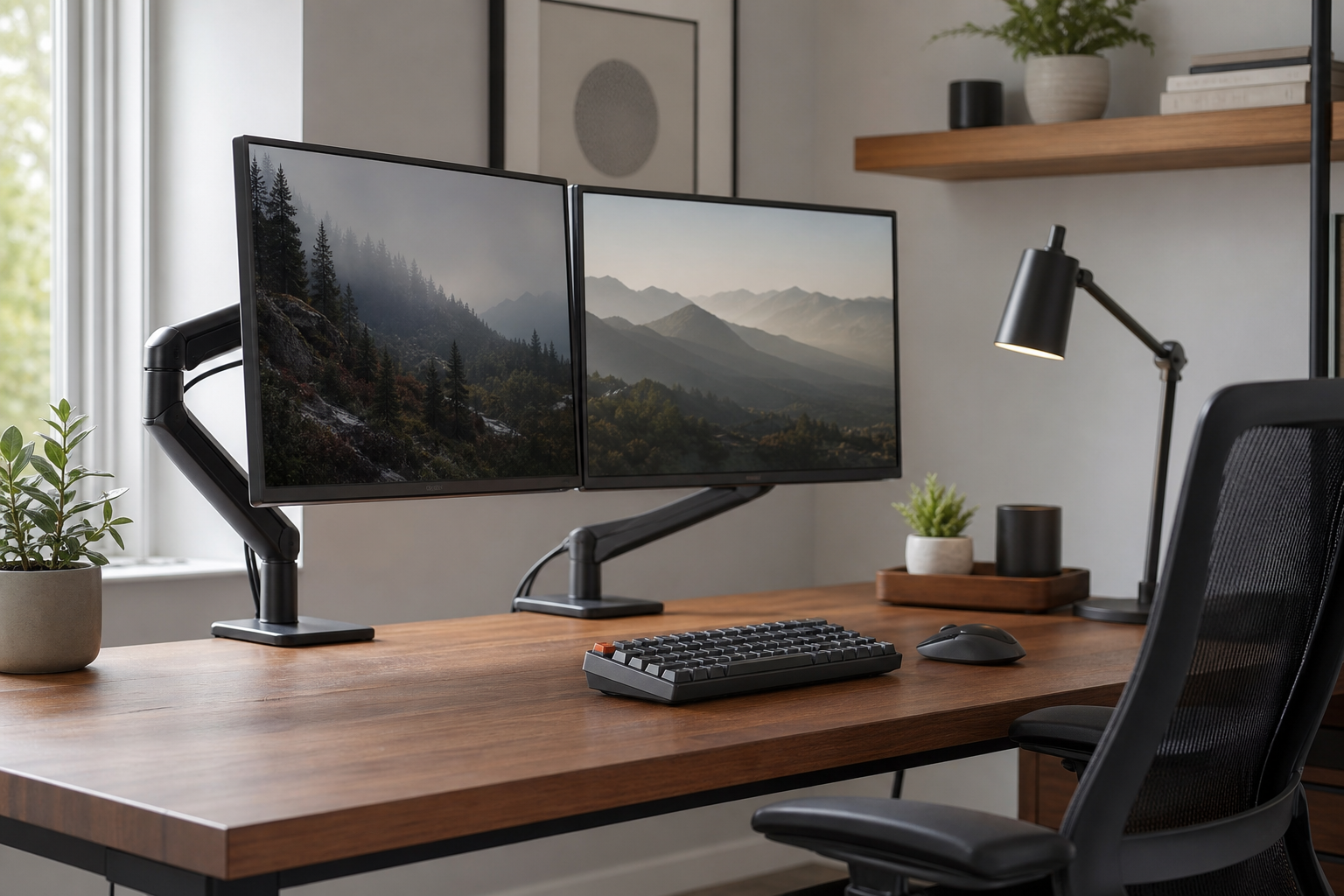
Start with the screen and desk
A durable home office setup begins with the desk surface, monitor position, and reach zone, not with isolated accessories. A monitor arm can free desk space, but only if the mount, desk thickness, and display weight range are compatible.
Before buying, compare manufacturer specifications and check stores only for price, delivery, return policy, and availability.
- Match the monitor’s VESA pattern and weight to the arm’s rated range.
- Choose clamp or grommet mounting based on the desk construction.
- Check rear clearance if the desk sits close to a wall.
- Look for cable routing through the arm or behind the desk.
Balance keyboard, lighting, and chair
For keyboards, layout, height, noise, and wrist angle usually matter more than switch preference alone. For chairs, compare practical adjustability such as seat height, back support, and armrests rather than relying on broad comfort claims.
A desk lamp should offer dimming, controlled glare, and adjustable color temperature where possible. It should be easy to place so light does not reflect directly from the monitor.
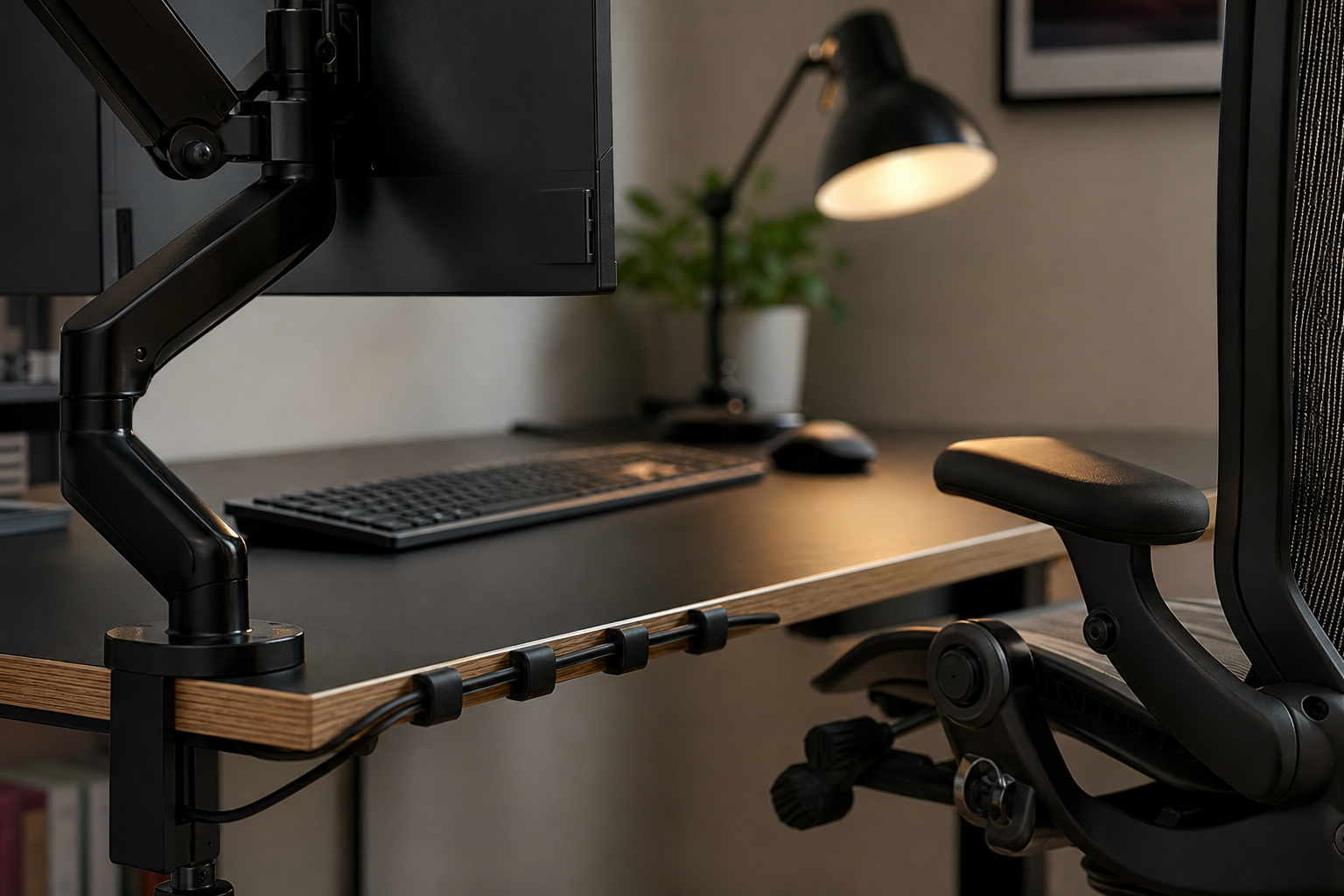
- A tenkeyless or compact keyboard can create more mouse space.
- Low-profile keyboards may reduce the need for a separate wrist rest.
- Compare chair seat height, armrest range, and lumbar support adjustment.
- Choose a lamp with stable positioning, dimming, and a controlled beam.
Plan cable management and upgrades
Cable management is not just cosmetic. When chargers, docks, and power leads have fixed routes, the desk is easier to clean, troubleshoot, and upgrade.
If the budget is limited, prioritize monitor position, chair fit, lighting, input devices, and cable routing in that order. This keeps the setup functional before adding visual refinements.
- Combine a cable tray, reusable ties, and adhesive clips.
- Mount power bricks under the desk when the surface allows it.
- Leave slack for devices that move or get replaced often.
- Verify price, delivery, returns, and stock across neutral retail sources.
Frequently asked questions
What should I compare first?
A practical evergreen guide to comparing monitor arms, keyboards, lighting, chairs, and cable management for a home office setup that stays useful over time. Start with use frequency, dimensions, warranty, replacement parts, recent reviews, and the return policy before chasing the lowest price.
Should I check Amazon, Coupang, or AliExpress first?
Use Amazon and Coupang for fast delivery categories, then compare AliExpress for low-cost accessories, parts, and bundles.
Where should I confirm price and availability?
Prices, coupons, shipping times, and stock change often, so confirm the final details on the merchant page before buying.