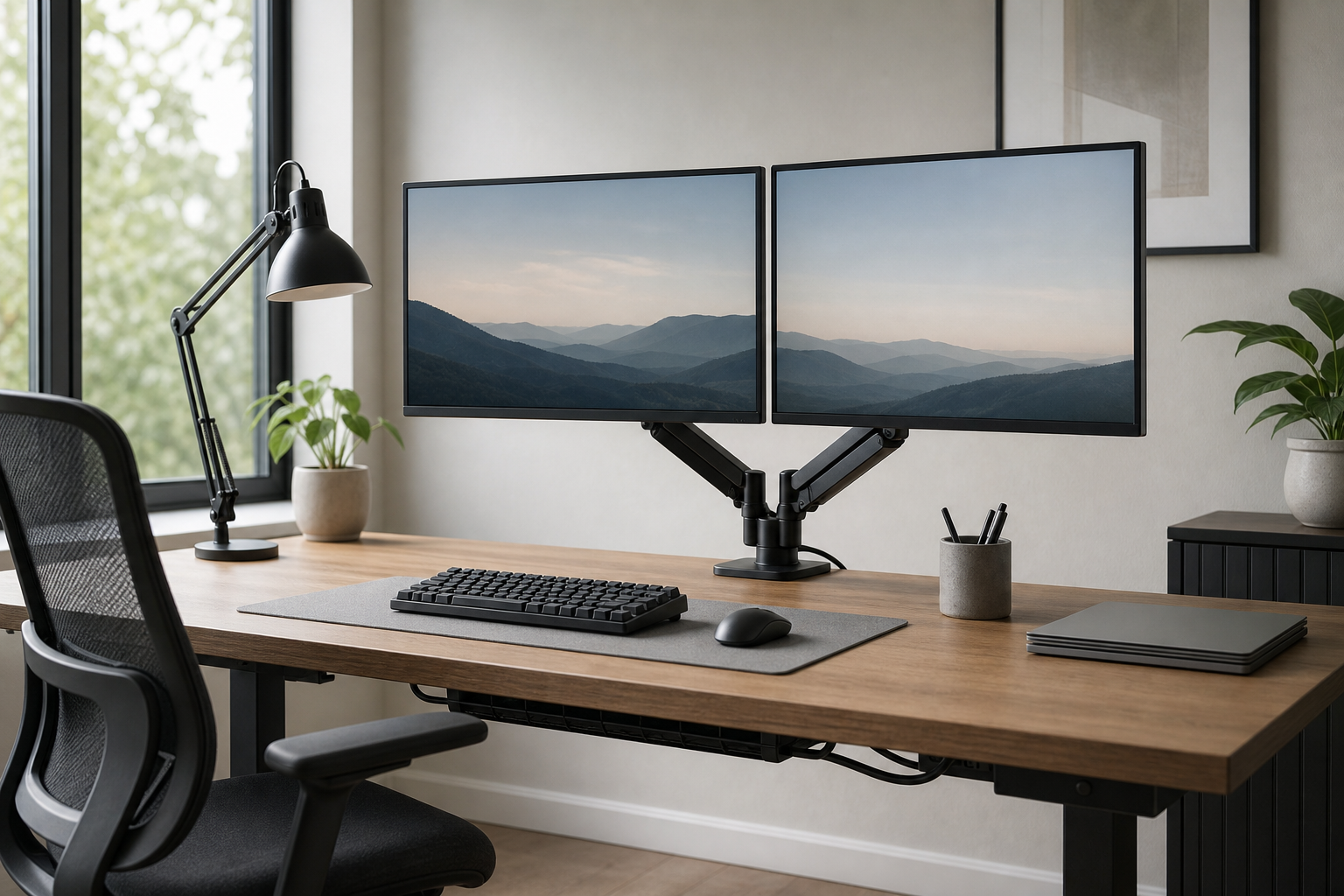
Start with how many hours you use the desk
A good home office setup should match your real workday, not just a tidy product photo. For short sessions, lighting and cable management may deliver the fastest improvement; for longer focus blocks, chair adjustability, monitor height, and input comfort become more important.
Before buying, check desk size, monitor weight, VESA compatibility, clamp clearance, tabletop thickness, and outlet placement. Use stores and marketplaces neutrally to verify price, delivery, return policy, and availability.
- For monitor arms, confirm weight range, VESA pattern, desk thickness, and mounting style.
- For keyboards, compare layout, switch feel, noise level, and wrist position.
- For desk lamps, look for dimming, color temperature control, and glare management.
- For chairs, check seat height, back support, armrest range, and return terms.
Prioritize adjustability and compatibility
A monitor arm frees desk space and makes screen positioning easier. If you use two displays, leave headroom in the weight rating and check whether the arms can move without pushing the desk far from the wall.
Keyboard choice depends on the work. Heavy spreadsheet users may prefer a full-size layout or separate numpad, while people who need more mouse space may prefer tenkeyless or compact boards.
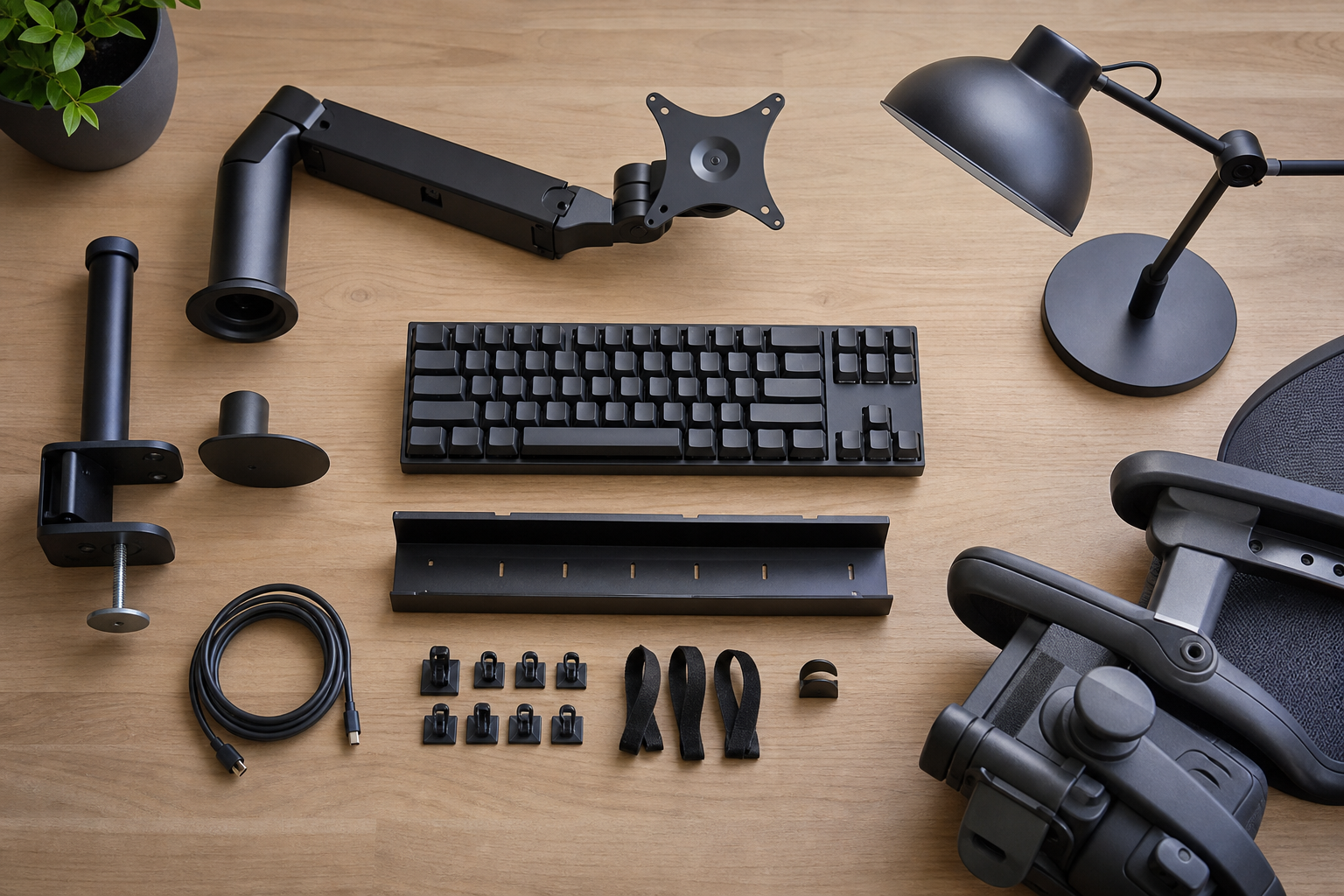
- Compare monitor arm clamp style, cable routing, tilt range, and tension adjustment.
- Check wired versus wireless keyboards, multi-device pairing, and battery setup.
- In shared spaces, consider quieter switches or low-profile keyboards.
- Clear return policies help reduce the risk of buying the wrong size or feel.
Finish with lighting, seating, and cable control
Desk lamps work best when considered alongside room lighting. Look for a beam angle that avoids screen reflections, enough output for the work surface, and controls that are easy to reach during the day.
Cable management is not just cosmetic. A tray, reusable straps, and adhesive clips can make cleaning easier, keep chargers accessible, and reduce clutter around hubs and power strips.
- For chairs, compare adjustable features before upholstery or styling details.
- For lamps, check base footprint, arm reach, power source, and shade direction.
- For cable trays, confirm load capacity and under-desk clearance.
- Before ordering, review package size, assembly steps, and return shipping conditions.
Frequently asked questions
What should I compare first?
A concise guide to choosing monitor arms, keyboards, lighting, chairs, and cable management for a practical home office setup. Start with use frequency, dimensions, warranty, replacement parts, recent reviews, and the return policy before chasing the lowest price.
Should I check Amazon, Coupang, or AliExpress first?
Use Amazon and Coupang for fast delivery categories, then compare AliExpress for low-cost accessories, parts, and bundles.
Where should I confirm price and availability?
Prices, coupons, shipping times, and stock change often, so confirm the final details on the merchant page before buying.