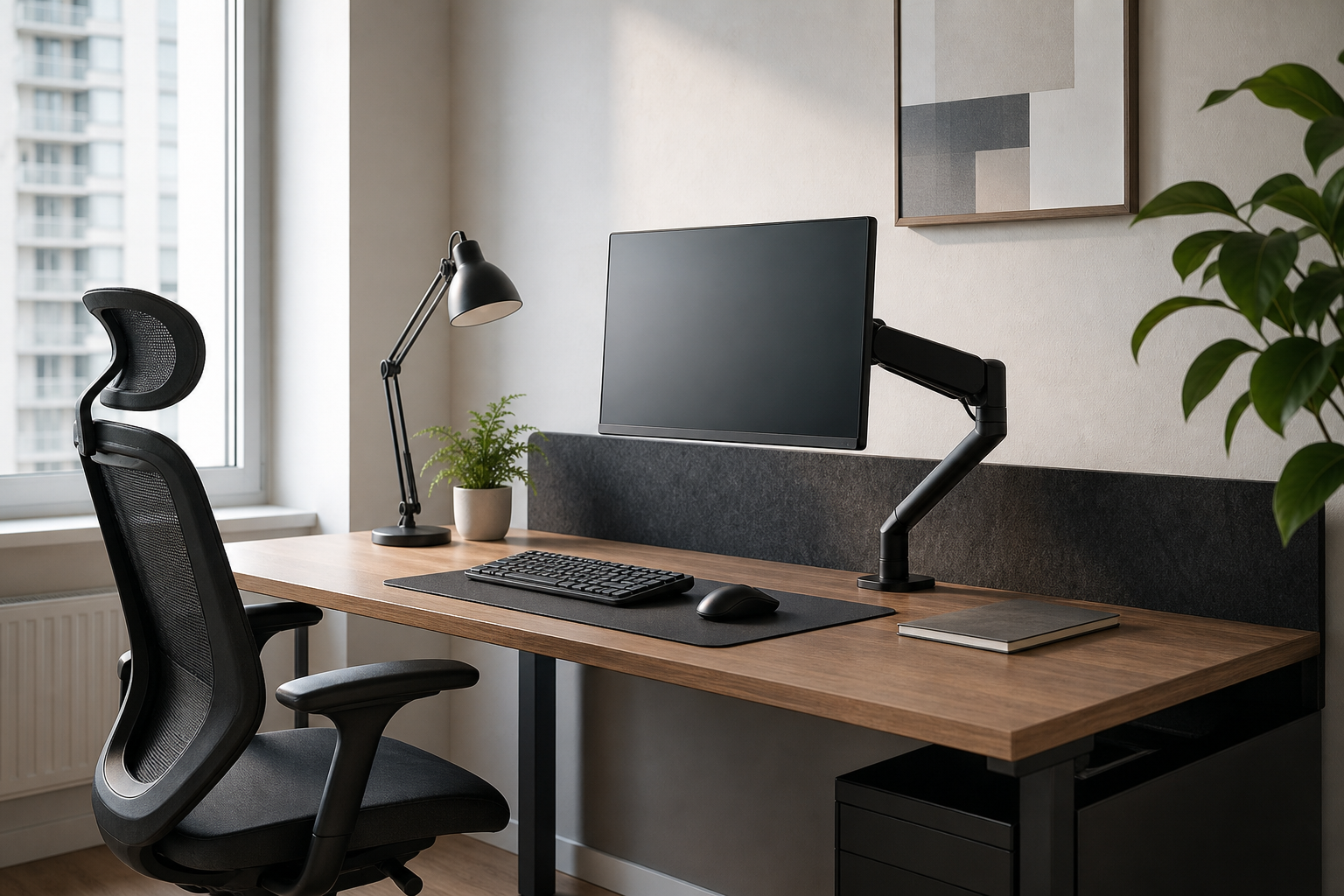
Start With Your Daily Desk Hours
A setup used for 1 to 3 hours a day mainly needs clear organization and sensible screen height. At 4 to 6 hours, keyboard feel and lighting quality become more noticeable. For 7 or more hours, chair adjustability and the ability to shift posture matter more.
- Short sessions: check screen height, simple cable clips, and low-glare lighting
- Medium sessions: compare keyboard angle, adjustable lamps, and desk workflow
- Long sessions: review seat, backrest, armrest, monitor-arm load, and range of motion
- For every setup: measure desk depth, monitor size, outlet position, and clamp clearance
Choose Gear as a System
A monitor arm can free space and improve screen placement, but only if it fits the desk thickness and mounting area. A keyboard is best compared by layout, height, noise, and hand position rather than switch type alone.
A desk lamp should be judged by brightness control, color temperature, and reflections on the screen. For an ergonomic chair, look at adjustment range and fit. Cable management should make chargers and power bricks easier to access, not just hide them.
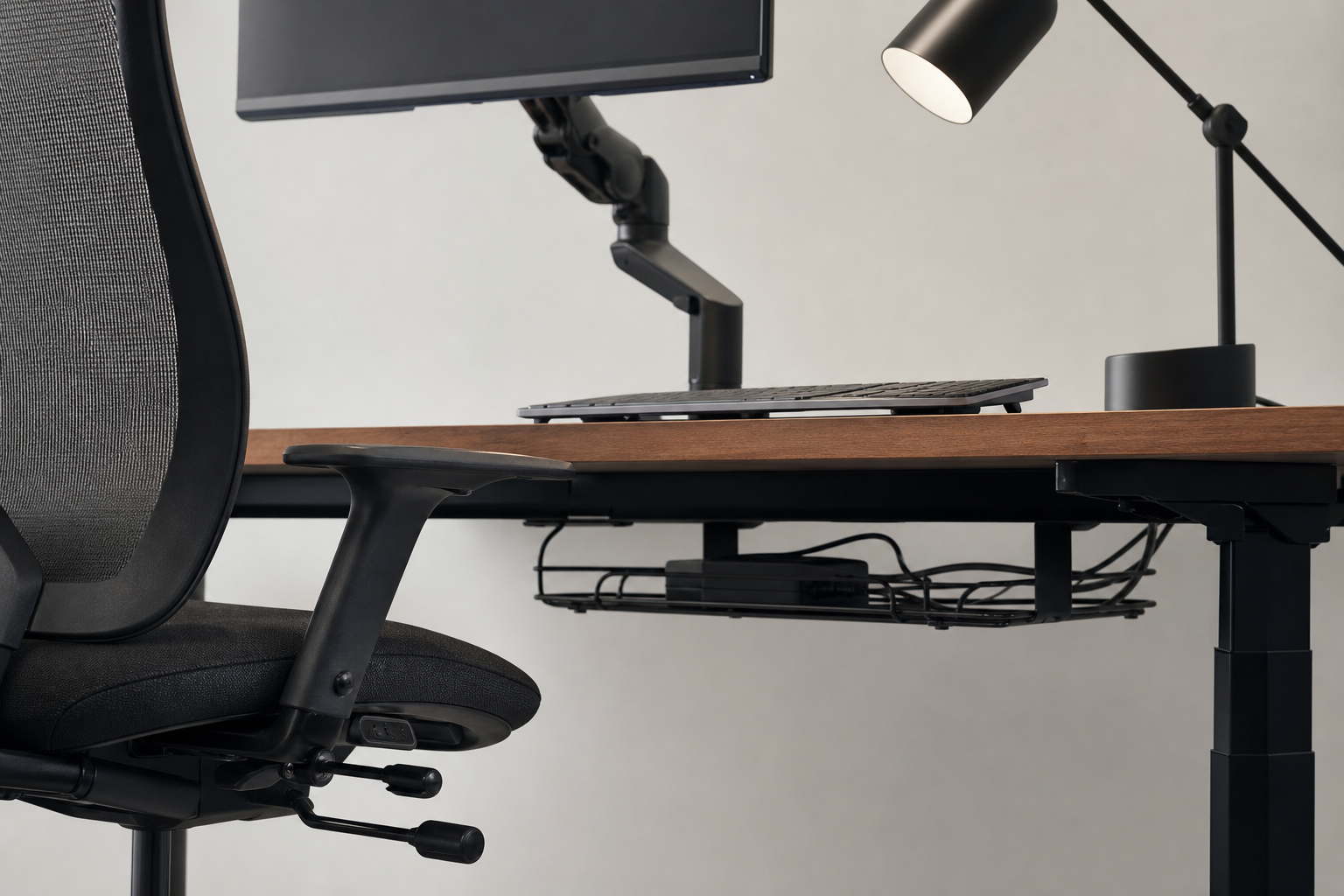
- Monitor arm: check supported weight, VESA pattern, reach, and clamp style
- Keyboard: compare layout size, key height, connection type, and noise level
- Desk lamp: look for dimming, adjustable head angle, and controlled spill light
- Chair: review seat depth, lumbar adjustment, armrest range, and stable base
- Cable management: combine tray, reusable ties, and routing holes where useful
What to Verify Before Buying
Product photos rarely show the full scale or installation effort. Check manufacturer dimensions, real user setup photos, and neutral store details such as price, delivery timing, return policy, and availability before choosing.
- Confirm desk thickness and monitor-arm clamp compatibility
- Compare chair and desk height as a pair, not separately
- Check whether the lamp position creates screen glare
- Plan cable paths after leaving room for keyboard and mouse movement
- Review return terms and replacement-part availability before purchase
Frequently asked questions
What should I compare first?
The right home office setup depends on how long you sit at the desk each day. This guide compares monitor arms, keyboards, lamps, ergonomic chairs, and cable management by practical buyer criteria. Start with use frequency, dimensions, warranty, replacement parts, recent reviews, and the return policy before chasing the lowest price.
Should I check Amazon, Coupang, or AliExpress first?
Use Amazon and Coupang for fast delivery categories, then compare AliExpress for low-cost accessories, parts, and bundles.
Where should I confirm price and availability?
Prices, coupons, shipping times, and stock change often, so confirm the final details on the merchant page before buying.