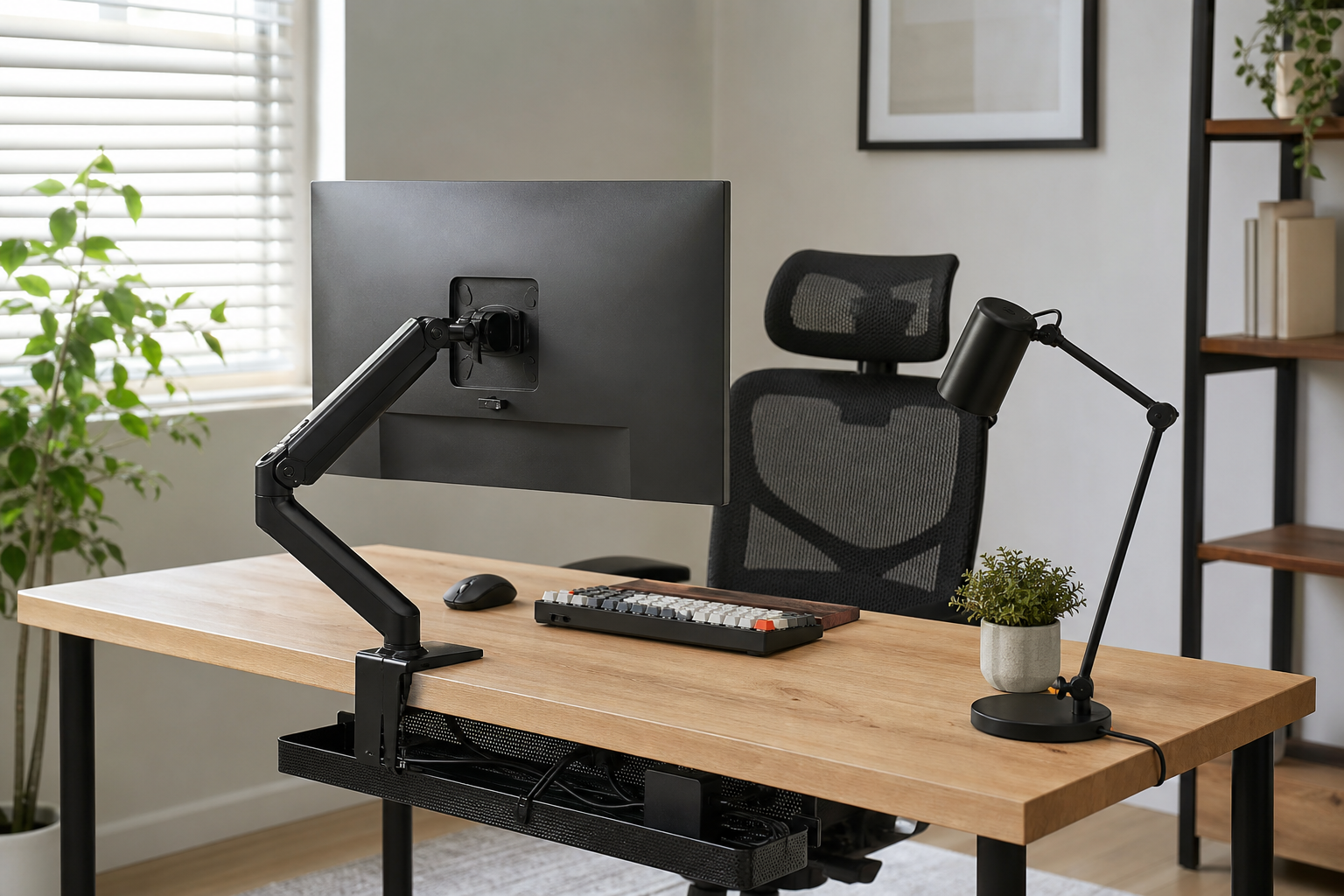
Start With Your Work Style and Desk Limits
The best home office gear is not simply the most expensive option. It is the equipment that fits your desk size, monitor count, work hours, lighting, and available power. Before buying, check desktop thickness, clamp clearance, outlet placement, and how much room your chair needs to move.
- For monitor arms, verify screen weight, VESA support, and clamp or grommet compatibility.
- For keyboards, compare layout, switch feel, noise level, and wrist angle.
- For chairs, review seat height, back support adjustment, and armrest range.
- Use stores as neutral places to verify price, delivery, return policy, and availability.
Evaluate Monitor Position, Lighting, and Input Gear Together
A monitor arm can free desk space and improve screen placement, but it may disappoint on a shallow or crowded desk. Think about the keyboard, mouse, lamp direction, and screen angle as one setup so the workspace stays balanced and easy to adjust.
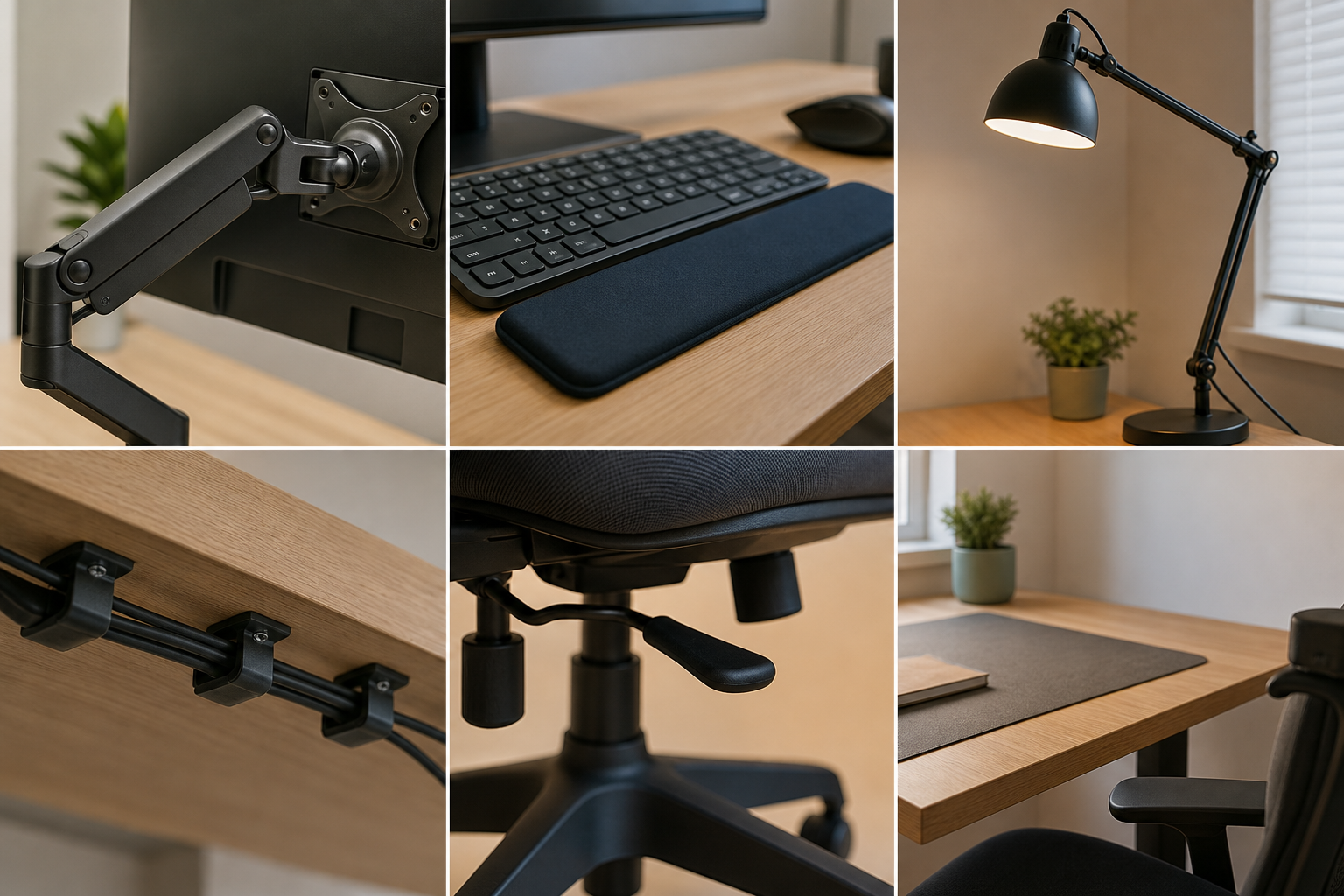
- For one monitor, prioritize smooth movement; for two monitors, look for enough load capacity and stable alignment.
- Choose a desk lamp with dimming, color temperature control, and a head design that limits glare.
- Pick keyboards by real typing comfort, connection reliability, charging method, and layout familiarity.
- Include cable length and power adapter size in your layout plan.
Choose Adjustable Gear You Can Maintain
Ergonomic accessories should make it easier to change posture rather than lock you into one ideal position. Chairs, arms, lamps, and cable trays are often kept for years, so adjustment range, build quality, and replaceable parts matter more than trend-driven features.
- Test chair fit when possible, including seat depth, lever access, and fabric or mesh maintenance.
- Leave extra room in cable trays and clips for future devices.
- Read long-term reviews for durability, wobble, noise, and assembly difficulty.
- Check return windows and whether assembled items can still be returned.
Frequently asked questions
What should I compare first?
A practical evergreen guide to choosing monitor arms, keyboards, desk lamps, ergonomic chairs, and cable management for a better home office setup. Start with use frequency, dimensions, warranty, replacement parts, recent reviews, and the return policy before chasing the lowest price.
Should I check Amazon, Coupang, or AliExpress first?
Use Amazon and Coupang for fast delivery categories, then compare AliExpress for low-cost accessories, parts, and bundles.
Where should I confirm price and availability?
Prices, coupons, shipping times, and stock change often, so confirm the final details on the merchant page before buying.