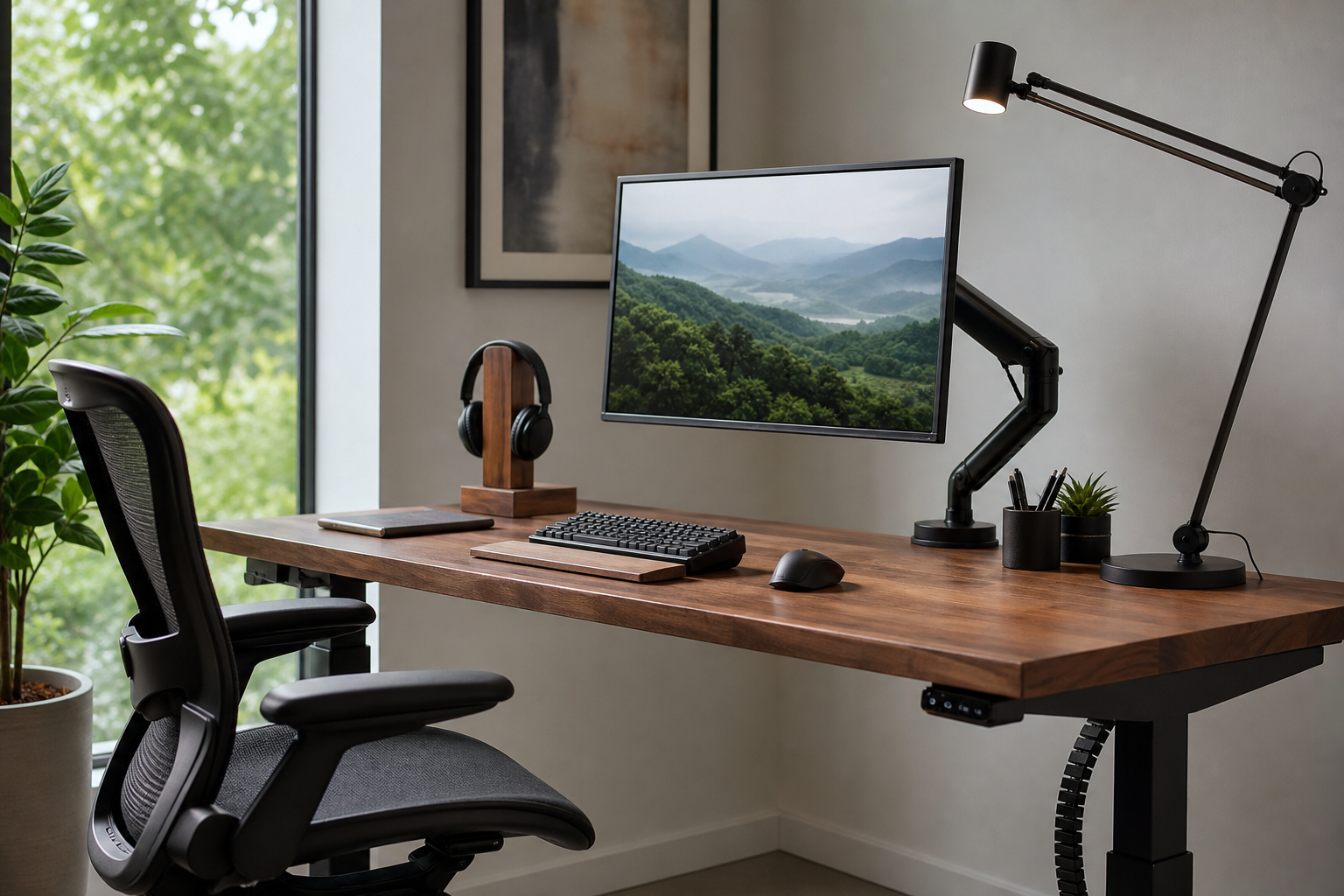
Morning: Set Posture and Screen Position First
At the start of the workday, the first items to evaluate are the monitor arm and chair. The strongest buying criteria are not flashy features, but desk thickness, monitor weight, adjustment range, and stable seated fit.
A monitor arm can place the display closer to eye level while clearing desk space. For a chair, check whether seat height, back support, and armrest adjustment actually match your desk and working style.
- For monitor arms, check VESA support, weight range, clamp type, and cable routing.
- For chairs, compare seat depth, lumbar support shape, armrest adjustment, and caster material.
- For small desks, a single arm plus a laptop stand may be simpler than a dual-arm setup.
Afternoon: Compare Typing Feel and Lighting Control
By the afternoon, keyboard and lighting choices become more noticeable. Choose a keyboard by sound, switch feel, layout, and wrist position; compare desk lamps by brightness steps, color temperature, and glare control.
Mechanical, quiet, and low-profile keyboards each suit different rooms and habits. A desk lamp should reduce screen reflections while still lighting notebooks, documents, or tools where you actually use them.
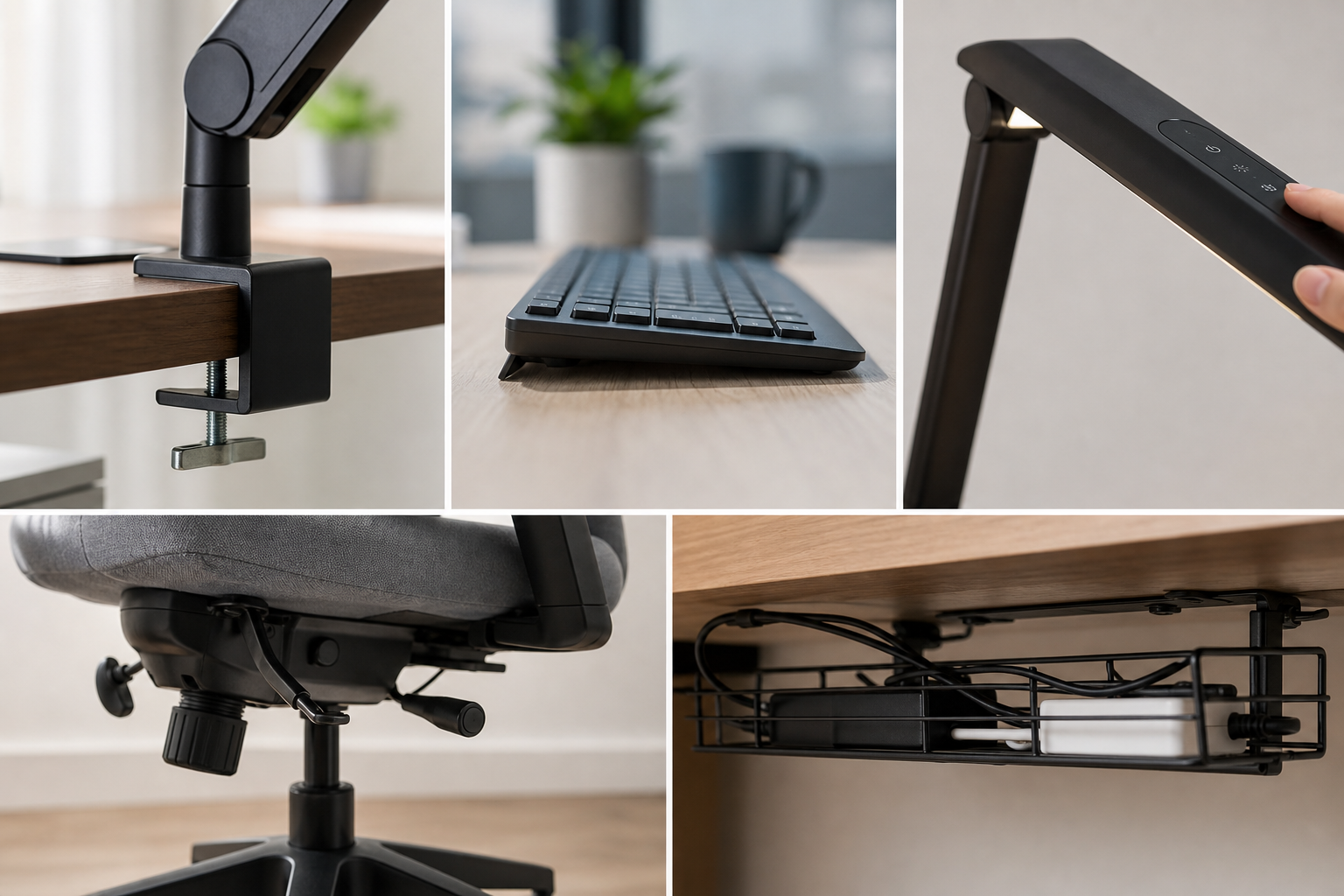
- Match full-size, tenkeyless, or compact layouts to your shortcut and number-entry habits.
- For lamps, check arm movement, head angle, dimming controls, and power cable length.
- In shared spaces, consider keyboard noise and whether lamp direction affects others.
Evening: Clean Up, Maintain, and Verify Before Buying
If your desk looks cluttered at the end of the day, cable management deserves priority. Cable trays, clips, hook-and-loop ties, and mounted power strips should be judged by how easy they are to install and rearrange.
Before buying, use stores only to verify price, delivery, return policy, and availability. Read reviews for repeated notes about durability, installation difficulty, and long-term wobble rather than one-off praise.
- Plan cable management after placing the main equipment, not before.
- Count under-desk space, outlet locations, and the number of devices that need charging.
- Upgrade in stages: chair, monitor arm, lighting, keyboard, then cable management.
Frequently asked questions
What should I compare first?
A practical guide to comparing monitor arms, keyboards, desk lamps, ergonomic chairs, and cable management by how your workday actually unfolds. Start with use frequency, dimensions, warranty, replacement parts, recent reviews, and the return policy before chasing the lowest price.
Should I check Amazon, Coupang, or AliExpress first?
Use Amazon and Coupang for fast delivery categories, then compare AliExpress for low-cost accessories, parts, and bundles.
Where should I confirm price and availability?
Prices, coupons, shipping times, and stock change often, so confirm the final details on the merchant page before buying.