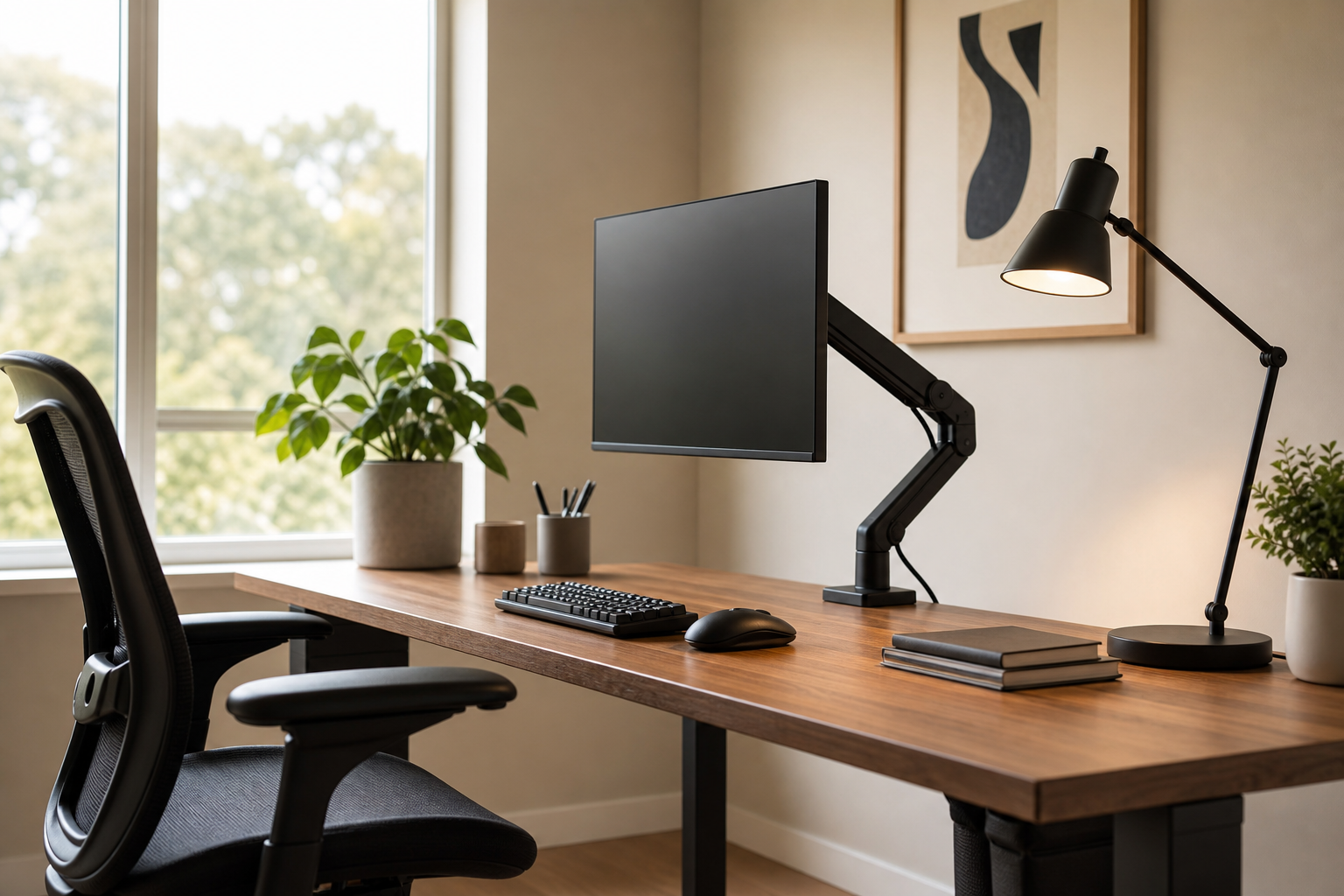
Start With Your Desk and Daily Hours
A reliable home office setup is not the most expensive bundle; it is the group of products that fits your desk, devices, and work rhythm. Before comparing specs, note how long you sit, whether you use one or two monitors, and how much of your day is typing, calling, reading, or creative work.
- For monitor arms, check screen weight, VESA fit, desk thickness, and clamp or grommet compatibility.
- For keyboards, compare layout, switch feel, noise level, connectivity, and wrist position.
- For desk lamps, look for adjustable brightness, color temperature, head angle, and glare control.
- For ergonomic chairs, compare seat height, back support, arm adjustment, material, and return terms.
Choose Gear That Works Together
Monitor arms, keyboards, chairs, lamps, and cable tools are often bought separately, but they shape one working posture. A chair with many adjustments will not help much if the monitor is fixed too high or the keyboard forces your shoulders forward.
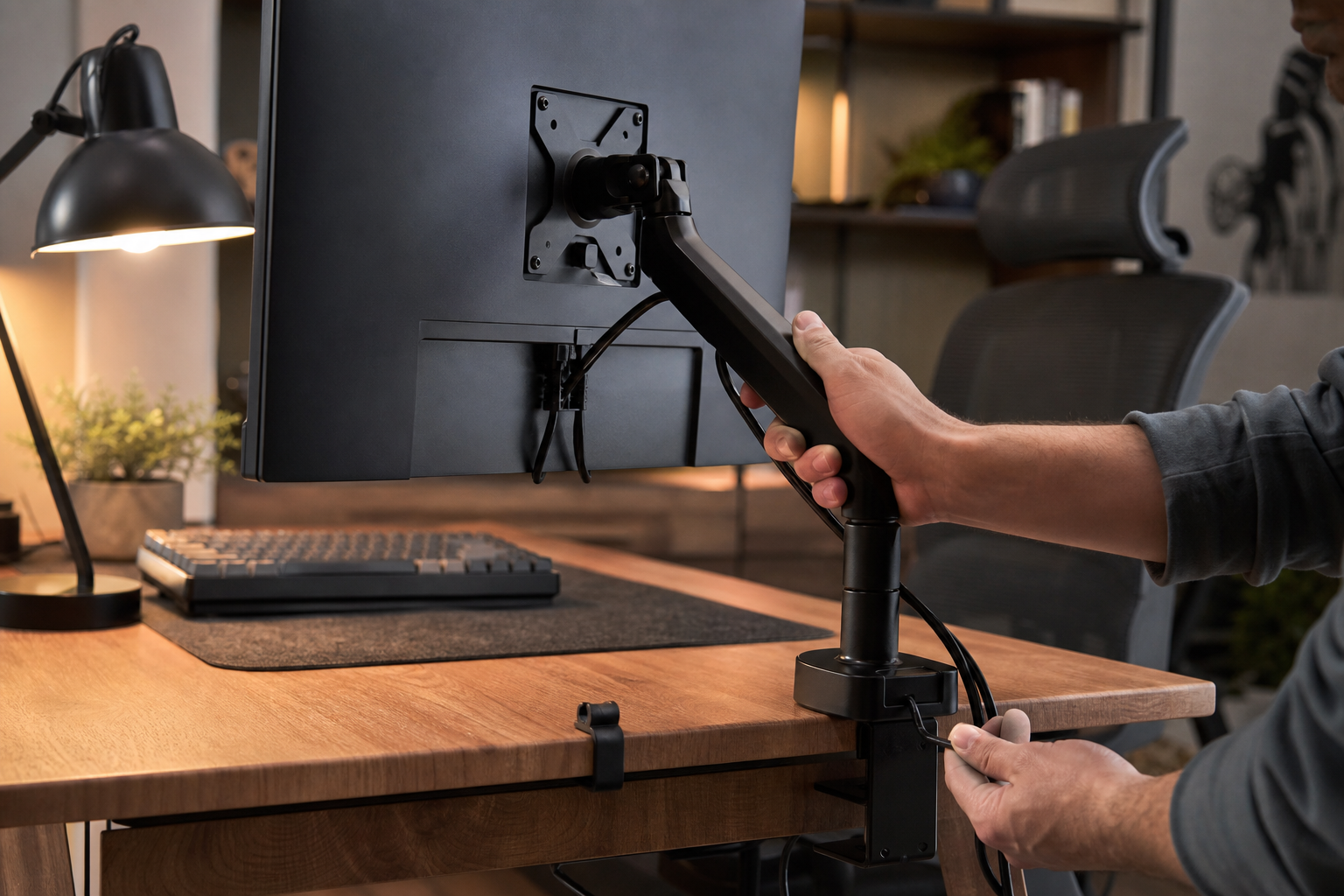
- Pick a monitor arm with enough height and depth range to place the screen near eye level.
- Consider compact or low-profile keyboards if you need more mouse space or a shallower reach.
- Choose a lamp that can move away from direct screen reflections.
- Use trays, clips, sleeves, and hook-and-loop ties to separate power and data cables cleanly.
Check the Practical Details Before Buying
The final comparison should focus on installation and ownership details, not only feature lists. Retailers, brand stores, and local shops are useful neutral places to verify price, delivery time, return policy, and availability.
- Measure the rear edge of your desk and the wall gap before buying a monitor arm.
- If possible, test chair size, adjustment controls, fabric feel, and wheel type.
- Check whether keyboard noise suits shared spaces and video meetings.
- Buy cable management with a little extra capacity for future chargers, docks, or peripherals.
Frequently asked questions
What should I compare first?
Compare monitor arms, keyboards, lamps, chairs, and cable management by fit, adjustability, noise, light quality, and long-term daily usability. Start with use frequency, dimensions, warranty, replacement parts, recent reviews, and the return policy before chasing the lowest price.
Should I check Amazon, Coupang, or AliExpress first?
Use Amazon and Coupang for fast delivery categories, then compare AliExpress for low-cost accessories, parts, and bundles.
Where should I confirm price and availability?
Prices, coupons, shipping times, and stock change often, so confirm the final details on the merchant page before buying.