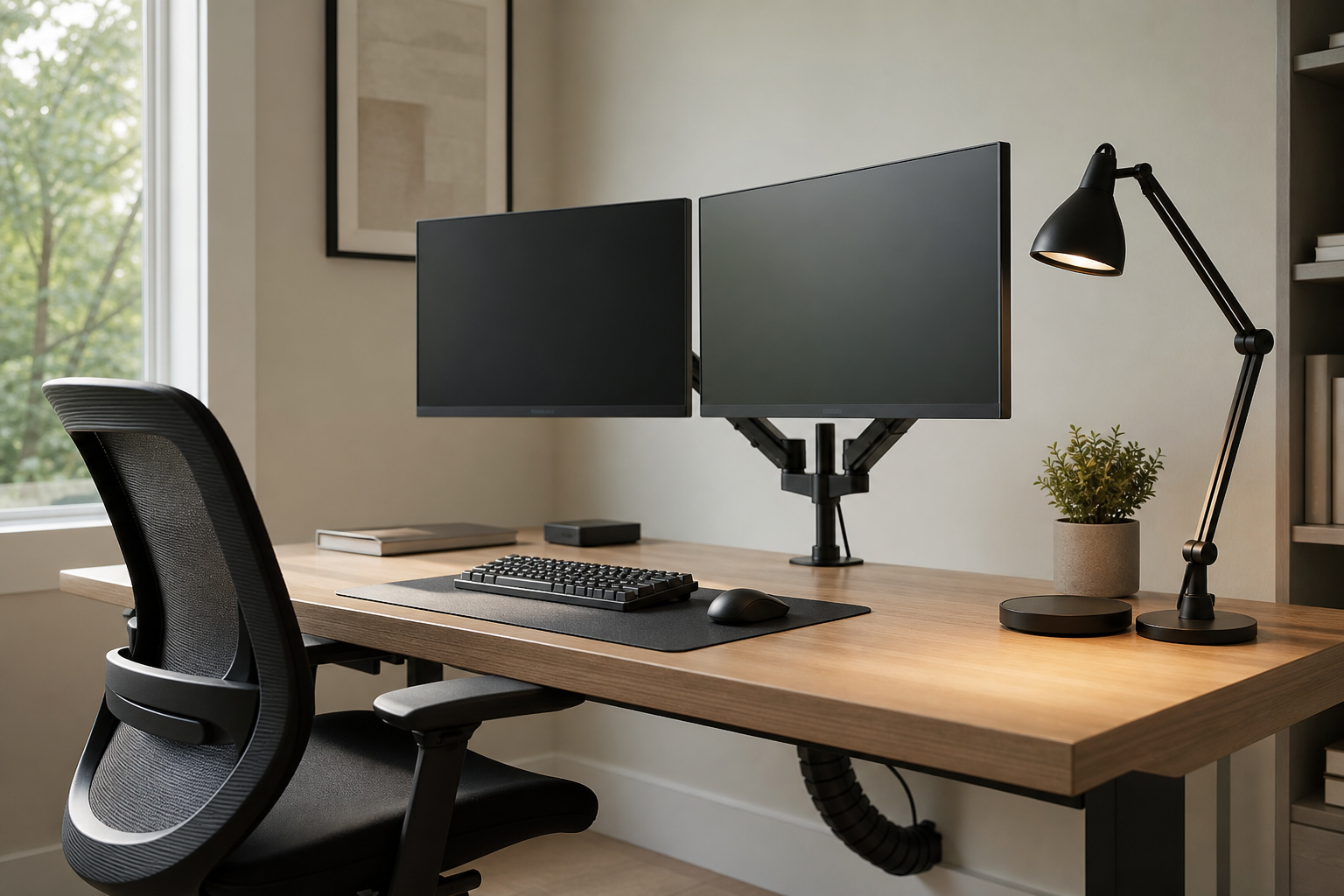
First Hour: Fix Screen Position and Desk Space
The first hour of work quickly reveals whether your monitor height, viewing distance, and desk surface are working for you. A monitor arm can free space for a keyboard, notebook, and lamp, but only if it fits your desk and monitor.
Before buying, check monitor weight, VESA compatibility, desktop thickness, and clearance behind the desk. Use retailer and manufacturer pages to verify price, delivery, return policy, and parts availability.
- Decide whether you need a single or dual monitor setup.
- Choose an arm with a weight range that comfortably covers your monitor.
- Check clamp or grommet mounting against your desktop thickness.
- Look for cable routing that keeps power and display cables out of the way.
Midday: Match Keyboard Feel and Task Lighting
From late morning into the afternoon, typing feel and lighting become more noticeable. Choose a keyboard by layout, key height, noise level, and wrist angle, and choose a desk lamp by adjustability rather than appearance alone.
Mechanical, quiet, and low-profile keyboards each suit different rooms and routines. A good lamp should light paper or notebook space without throwing glare onto the monitor.
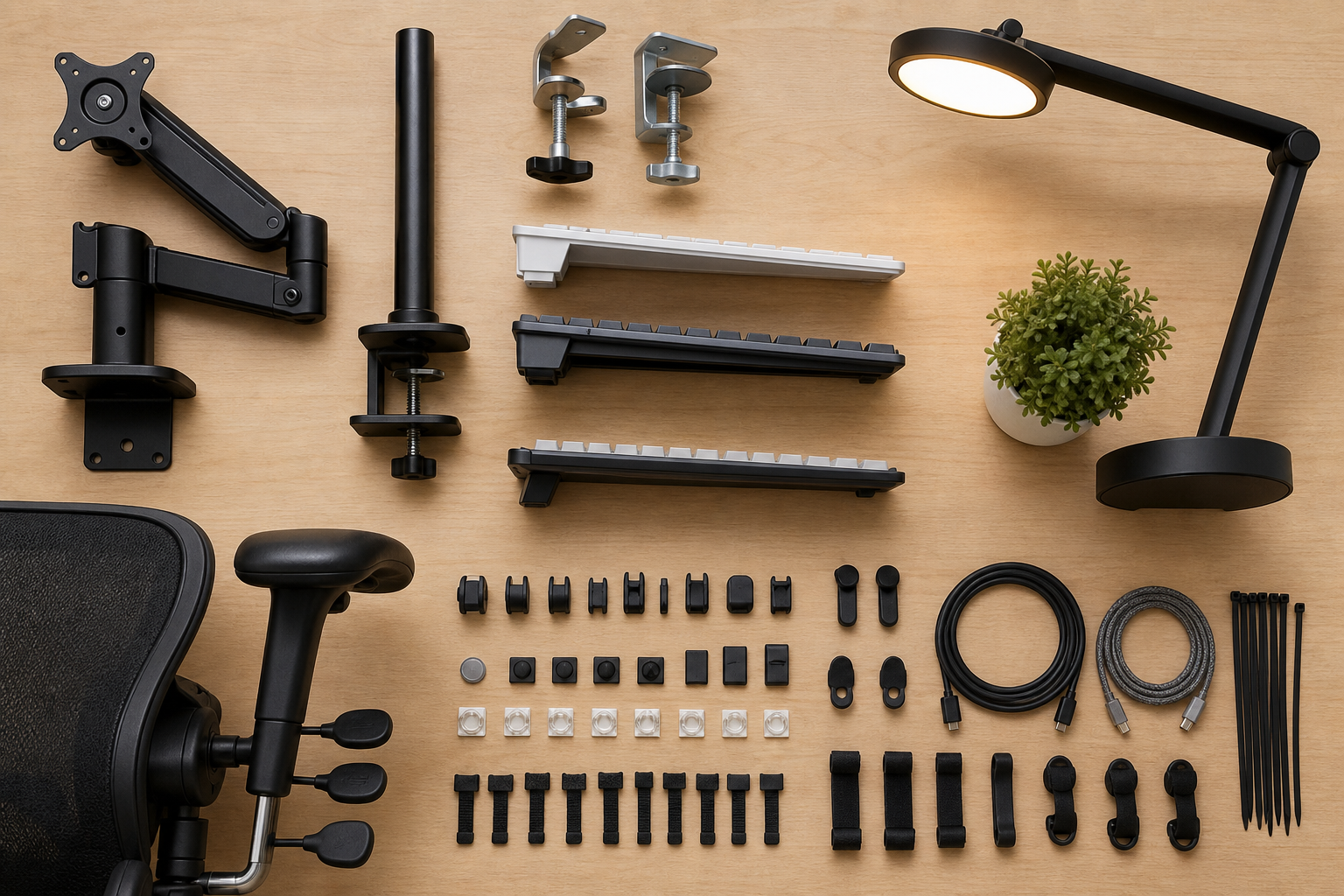
- Pick full-size, tenkeyless, or compact based on whether you use a number pad.
- Compare typing noise if you share a room or join many calls.
- Check the lamp’s arm range, base footprint, brightness levels, and color temperature options.
- Make sure the lamp can be angled away from the screen.
End of Day: Judge Chairs and Cables for Long-Term Use
End-of-day discomfort often points to adjustment range rather than a single missing feature. An ergonomic chair should be evaluated as a fit-and-adjustment tool, not as a guarantee of comfort or health outcomes.
Compare seat height, seat depth, back support, armrests, wheels, and fabric. For cable management, trays, clips, and reusable ties make cleaning, moving, and troubleshooting easier.
- Check seat depth, height range, recline control, and armrest adjustment.
- Review return policies and assembly requirements before purchase.
- Separate power cables from data cables where practical.
- Keep frequently used charging cables easy to reach instead of fully hidden.
Frequently asked questions
What should I compare first?
A practical, evergreen guide to choosing monitor arms, keyboards, lamps, chairs, and cable management by how your workday actually unfolds. Start with use frequency, dimensions, warranty, replacement parts, recent reviews, and the return policy before chasing the lowest price.
Should I check Amazon, Coupang, or AliExpress first?
Use Amazon and Coupang for fast delivery categories, then compare AliExpress for low-cost accessories, parts, and bundles.
Where should I confirm price and availability?
Prices, coupons, shipping times, and stock change often, so confirm the final details on the merchant page before buying.