Morning: Start With Posture and Sightlines
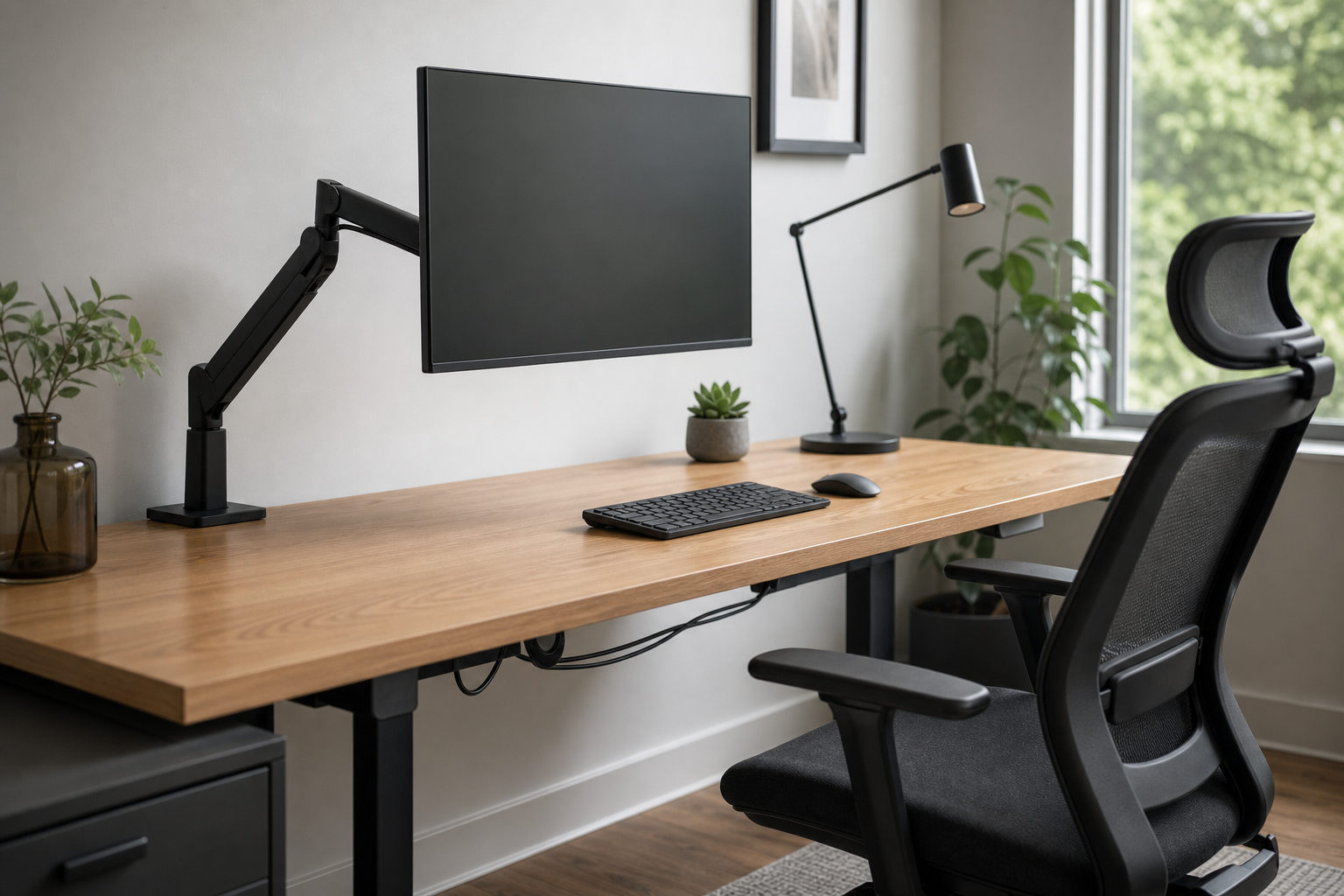
The first thing you notice at the start of work is usually screen height and chair fit. A monitor arm can lift the display closer to eye level and free desk space, but check monitor weight, VESA compatibility, and desk thickness before choosing one.
For chairs, prioritize adjustment range over brand language. Seat height, backrest angle, and armrest position should match your desk and body proportions without locking you into one posture.
- Check the monitor arm’s supported weight and screen-size range.
- Confirm the clamp or grommet mount works with your desktop.
- Compare chair height, backrest, and armrest adjustability.
- Use stores to verify price, delivery, return policy, and availability.
Midday: Choose Input Gear and Lighting
With keyboards, layout and height matter as much as switch feel. Decide whether you need a number pad, whether the keyboard keeps your wrists neutral, and whether it lets your mouse sit closer.
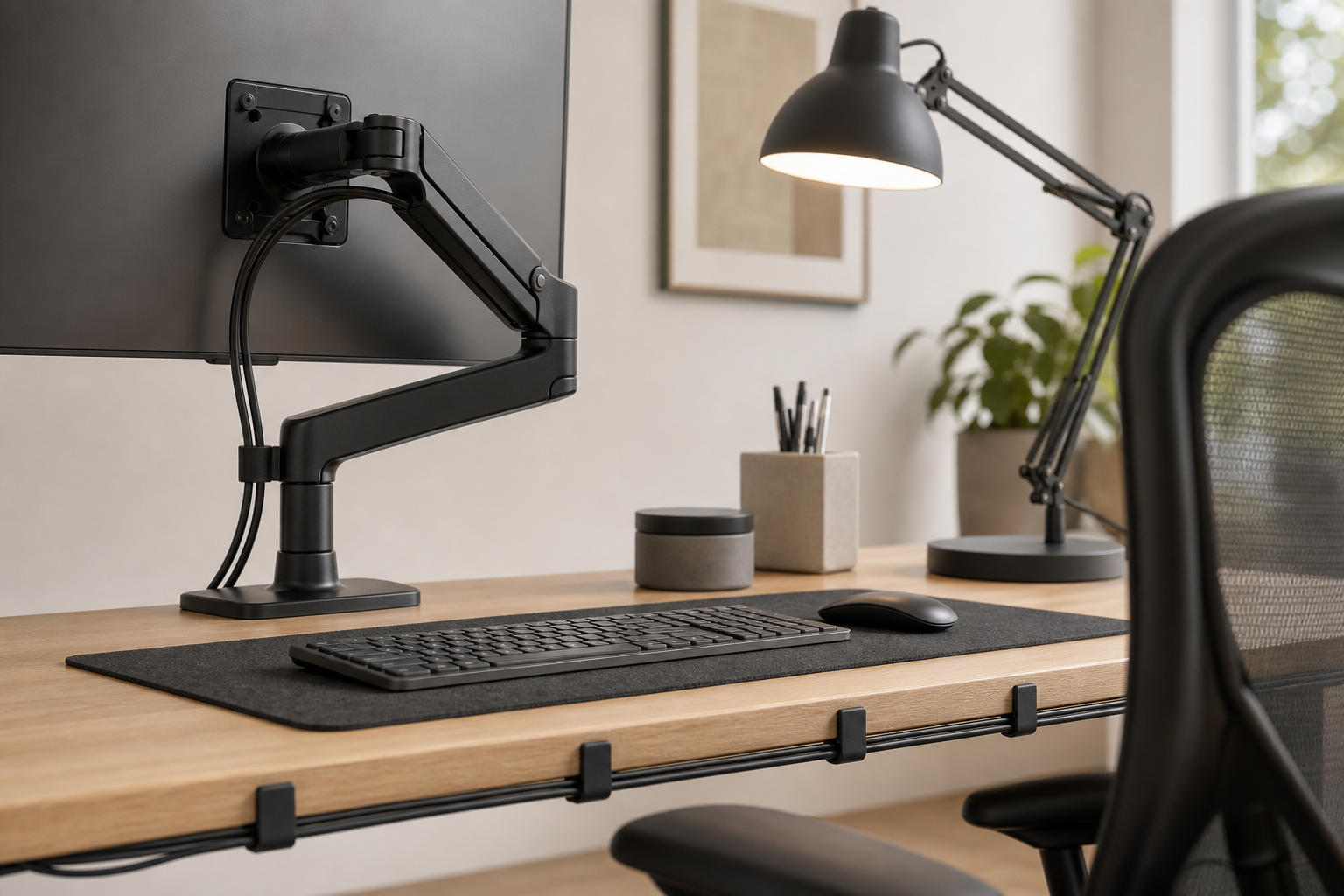
A desk lamp should be judged by control, not just brightness. Look for an adjustable head, stable base or clamp, dimming steps, and positioning that avoids reflections on the screen.
- Compact or low-profile keyboards can help on smaller desks.
- For wireless models, check battery type and connection options.
- Compare lamp arm reach, brightness levels, and footprint.
- Choose lighting that can move away from screen glare.
Evening: Tidy Cables and Plan Upgrades
If cables collect underfoot or across the desktop by the end of the day, small organizers can improve the setup before major purchases. Cable trays, clips, and hook-and-loop ties make the desk easier to clean and adjust.
Upgrade according to the friction you feel most often. If the screen sits too low, compare monitor arms first; if sitting feels limiting, review chairs; if late-day work feels dim, start with lighting.
- Match cable trays to power strip size and mounting method.
- Separate fixed cables from cables you unplug often.
- Replace the most irritating part of the setup before buying everything.
- Measure desk size, outlet location, and device count before ordering.
Frequently asked questions
What should I compare first?
A practical guide to choosing monitor arms, keyboards, lamps, chairs, and cable management based on how your desk is used through the workday. Start with use frequency, dimensions, warranty, replacement parts, recent reviews, and the return policy before chasing the lowest price.
Should I check Amazon, Coupang, or AliExpress first?
Use Amazon and Coupang for fast delivery categories, then compare AliExpress for low-cost accessories, parts, and bundles.
Where should I confirm price and availability?
Prices, coupons, shipping times, and stock change often, so confirm the final details on the merchant page before buying.