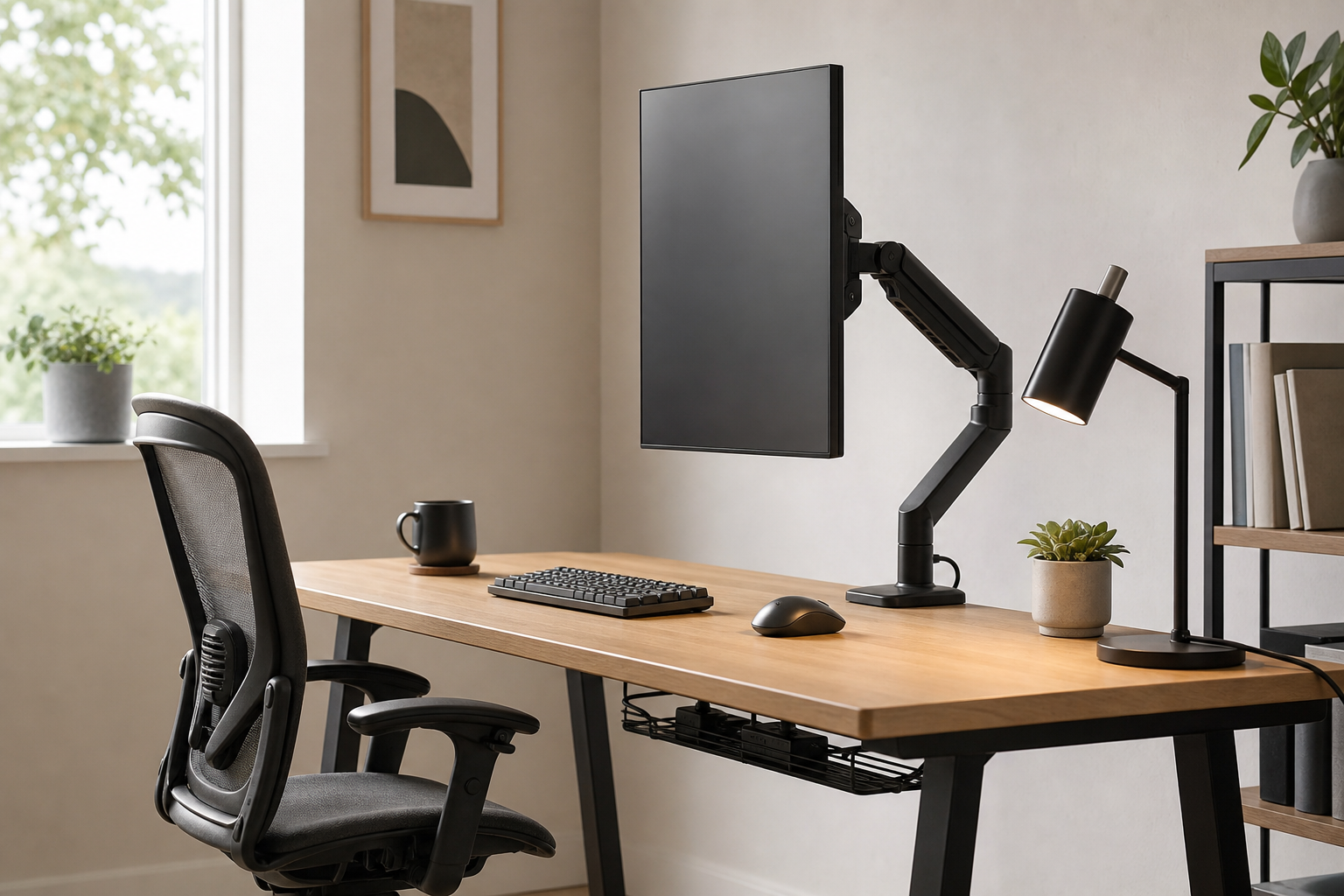
Start With How Many Hours You Actually Work
Home office gear should be prioritized by time at the desk, screen use, and meeting habits. For short sessions, lighting and cable control may matter first; for full workdays, chair adjustability and monitor position usually deserve earlier attention.
- 1-2 hours a day: look first at glare-controlled desk lamps and simple cable clips.
- 3-5 hours a day: compare adjustable monitor arms and keyboards that suit your typing posture.
- 6+ hours a day: give more weight to chair seat depth, back support, and armrest adjustment.
- Use stores and marketplaces to verify current price, delivery, return policy, and availability.
Match Core Gear to Desk Size and Movement
A monitor arm needs to fit the monitor weight, VESA pattern, and desktop thickness. A keyboard should support your preferred typing reach, while a desk lamp should offer useful brightness and angle control without crowding the work surface.
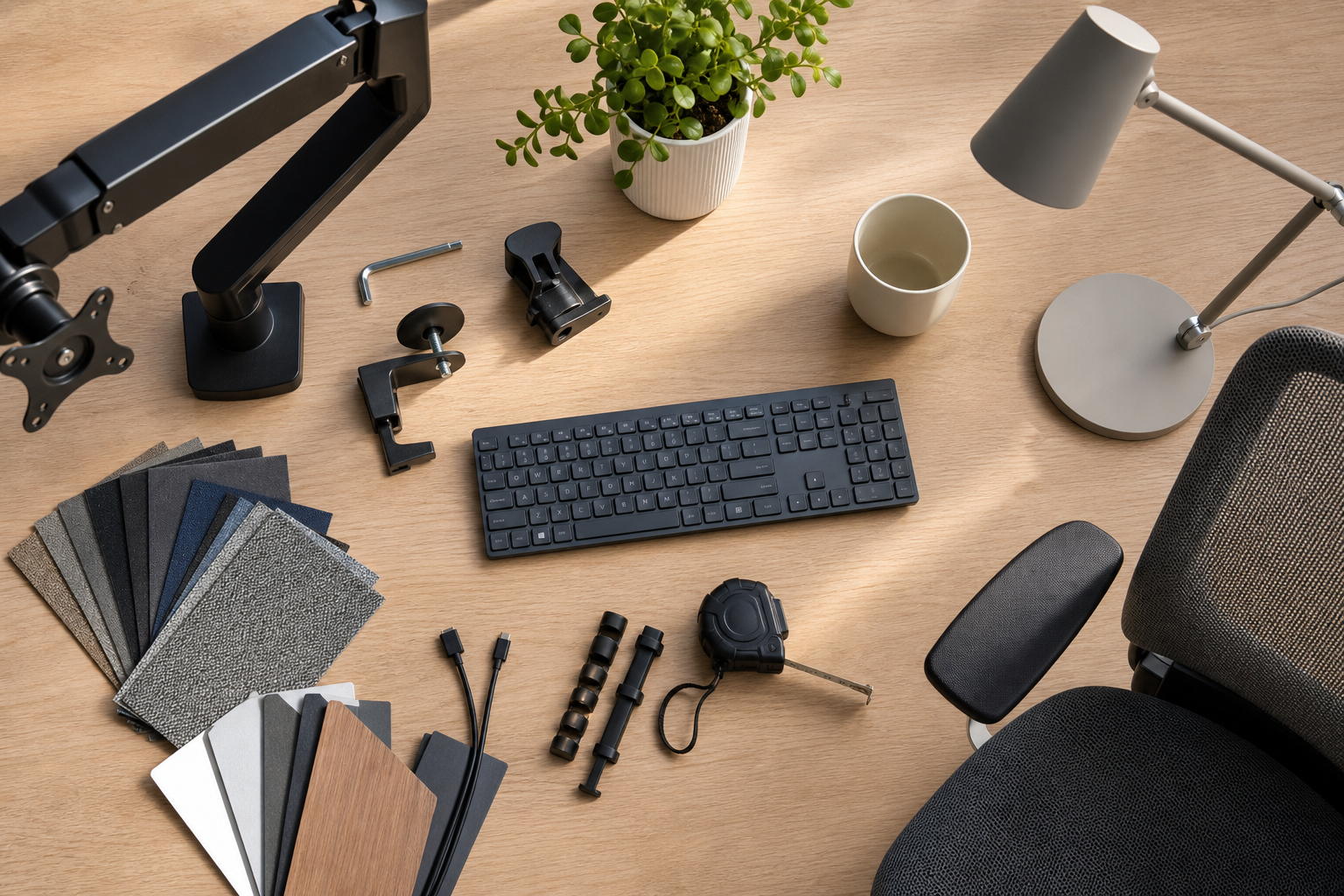
- Monitor arm: check load rating, clamp style, height range, and cable routing.
- Keyboard: choose full-size, tenkeyless, compact, or low-profile based on the work you do.
- Desk lamp: compare color temperature settings, glare control, base footprint, and arm reach.
- Chair: check seat depth, lumbar adjustment, armrest range, and caster type.
Keep Organization Modular
Cable management works best when it follows the actual path of power, display, and peripheral cables. Sketch the route first, then combine trays, sleeves, clips, and ties only where they solve a visible problem.
- Choose a cable tray only after checking power strip weight and under-desk clearance.
- For frequently unplugged cables, magnetic or desktop clips may be easier than fixed channels.
- Leave extra cable length if you may add a laptop stand or second monitor later.
- The best purchase is not simply the most expensive one; it is the one with the right fit, adjustment range, and return terms.
Frequently asked questions
What should I compare first?
A practical, evergreen framework for choosing monitor arms, keyboards, desk lamps, ergonomic chairs, and cable management around real work hours and habits. Start with use frequency, dimensions, warranty, replacement parts, recent reviews, and the return policy before chasing the lowest price.
Should I check Amazon, Coupang, or AliExpress first?
Use Amazon and Coupang for fast delivery categories, then compare AliExpress for low-cost accessories, parts, and bundles.
Where should I confirm price and availability?
Prices, coupons, shipping times, and stock change often, so confirm the final details on the merchant page before buying.