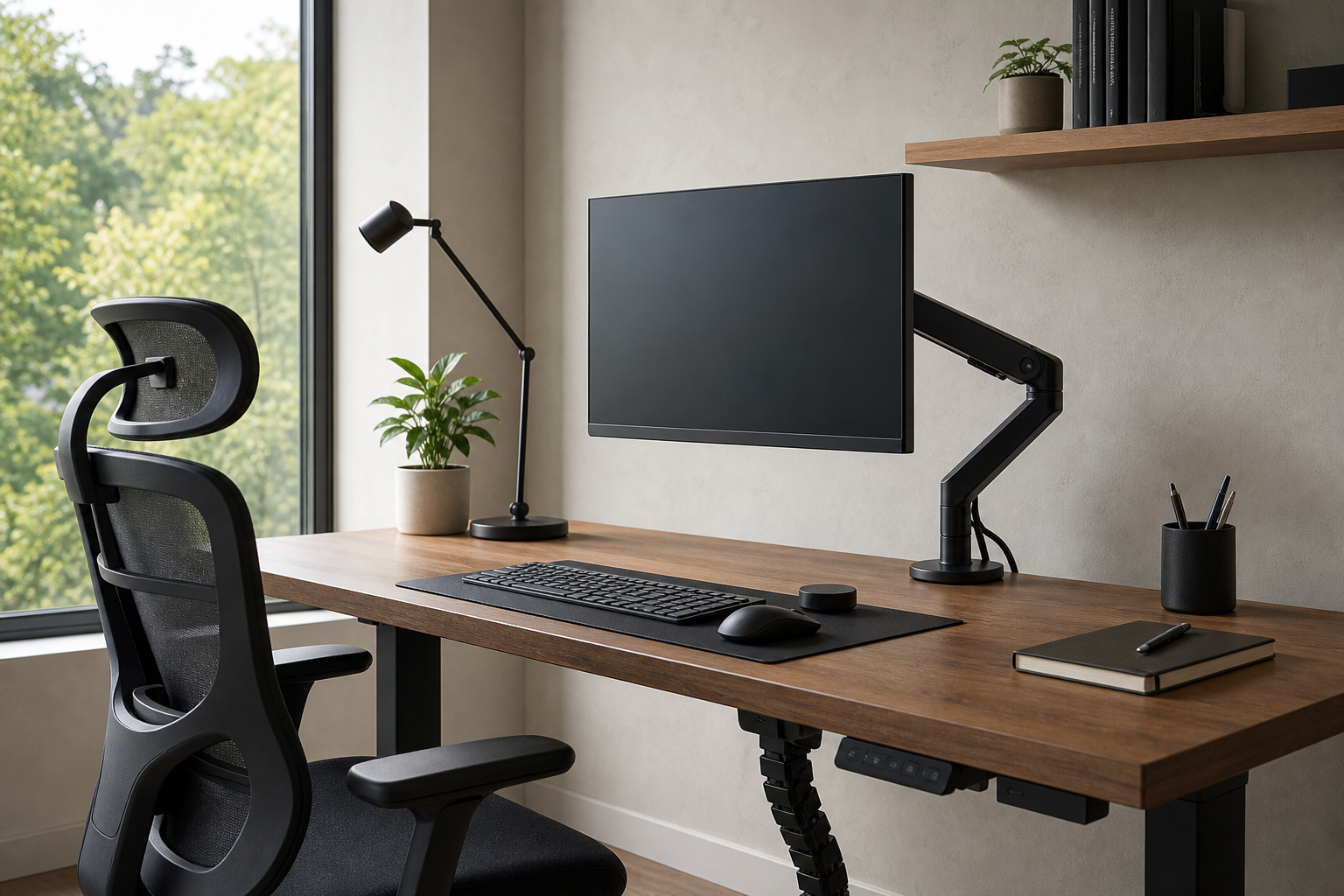
Morning: Align Your Screen and Seating First
At the start of the workday, screen position and seating usually shape the first impression of comfort. A monitor arm can free desk space and make height and depth adjustments easier, but check monitor weight, VESA compatibility, and desktop thickness before buying.
An ergonomic chair is the foundation of the setup, especially for long sessions. Instead of expecting universal benefits, compare adjustment ranges against your body size, desk height, and preferred sitting posture.
- Confirm the monitor arm’s supported weight and screen-size range.
- For clamp mounts, check rear desk clearance and surface strength.
- Compare chair seat height, armrest range, and backrest adjustment.
- Use stores only to verify current price, delivery, return policy, and availability.
Midday: Keep Focus With Input Gear and Lighting
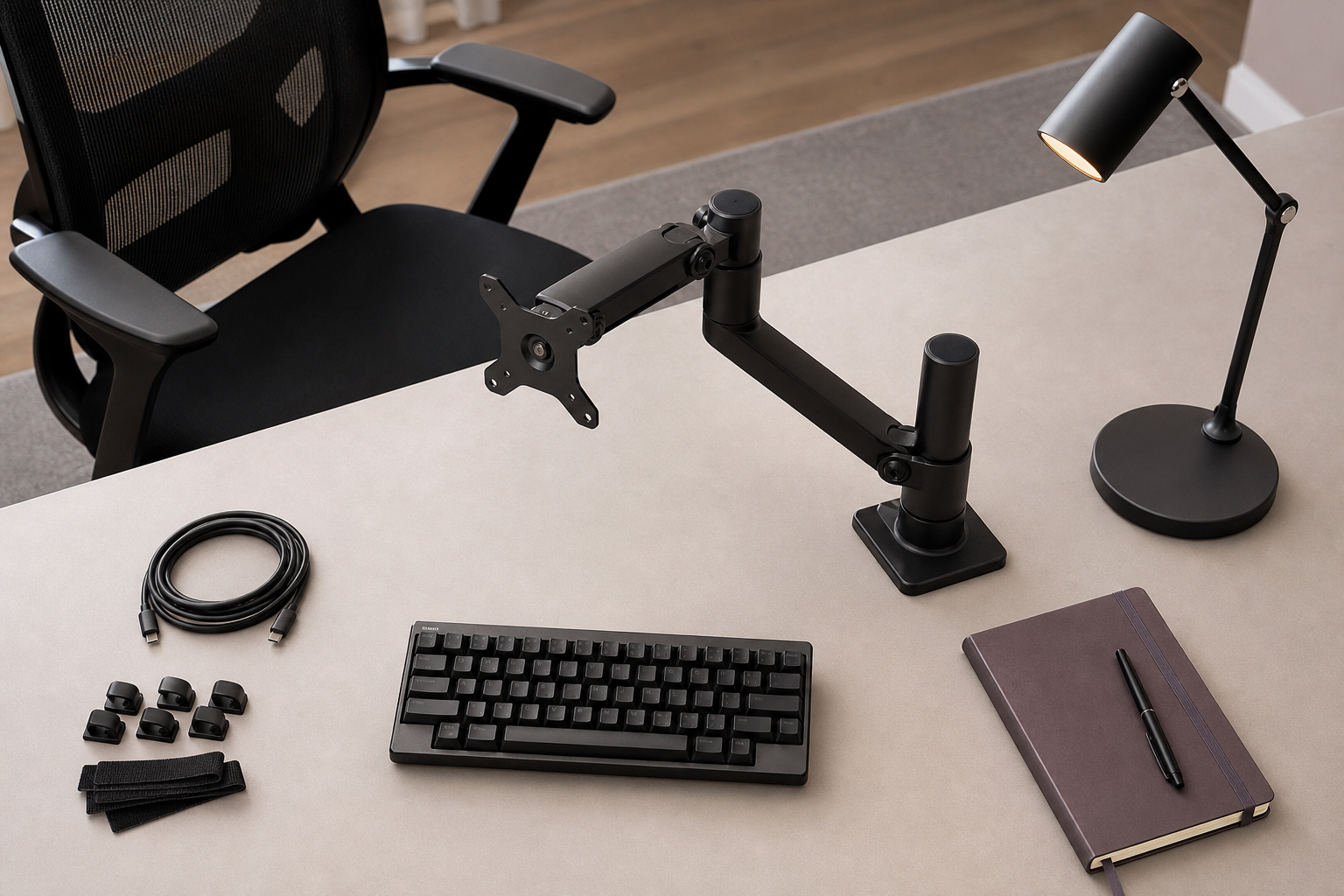
For keyboards, layout, height, and connection type often matter more than switch preference alone. Heavy number entry may justify a full-size board or separate numpad, while smaller desks may benefit from tenkeyless or compact layouts.
A desk lamp is easier to compare when you look at dimming, color temperature, and arm articulation. Models with precise positioning can help reduce screen glare and adapt to changing daylight.
- For long writing sessions, consider a stable feel and a low front edge.
- For wireless keyboards, check battery type and multi-device pairing.
- Compare lamp brightness levels and direction control.
- For frequent video calls, plan lighting that covers both face and work surface naturally.
Afternoon and Evening: Control Cables and Prioritize Upgrades
As the day goes on, cable clutter can make a desk harder to use. Cable trays, clips, hook-and-loop ties, and power-strip mounts should be chosen for your desk structure and device count rather than for looks alone.
You do not need to replace everything at once. Identify the biggest friction point first, then compare options neutrally across retailers, brand stores, and local office suppliers for price, delivery, return policy, and availability.
- Map the path of monitor, power, and charging cables first.
- Keep frequently unplugged cables accessible instead of fully hidden.
- Review upgrades in this order: chair, screen position, lighting, input gear.
- Measure the desk and confirm equipment weight before ordering.
Frequently asked questions
What should I compare first?
A practical buying guide for choosing monitor arms, keyboards, lighting, chairs, and cable management around the rhythm of a full workday. Start with use frequency, dimensions, warranty, replacement parts, recent reviews, and the return policy before chasing the lowest price.
Should I check Amazon, Coupang, or AliExpress first?
Use Amazon and Coupang for fast delivery categories, then compare AliExpress for low-cost accessories, parts, and bundles.
Where should I confirm price and availability?
Prices, coupons, shipping times, and stock change often, so confirm the final details on the merchant page before buying.