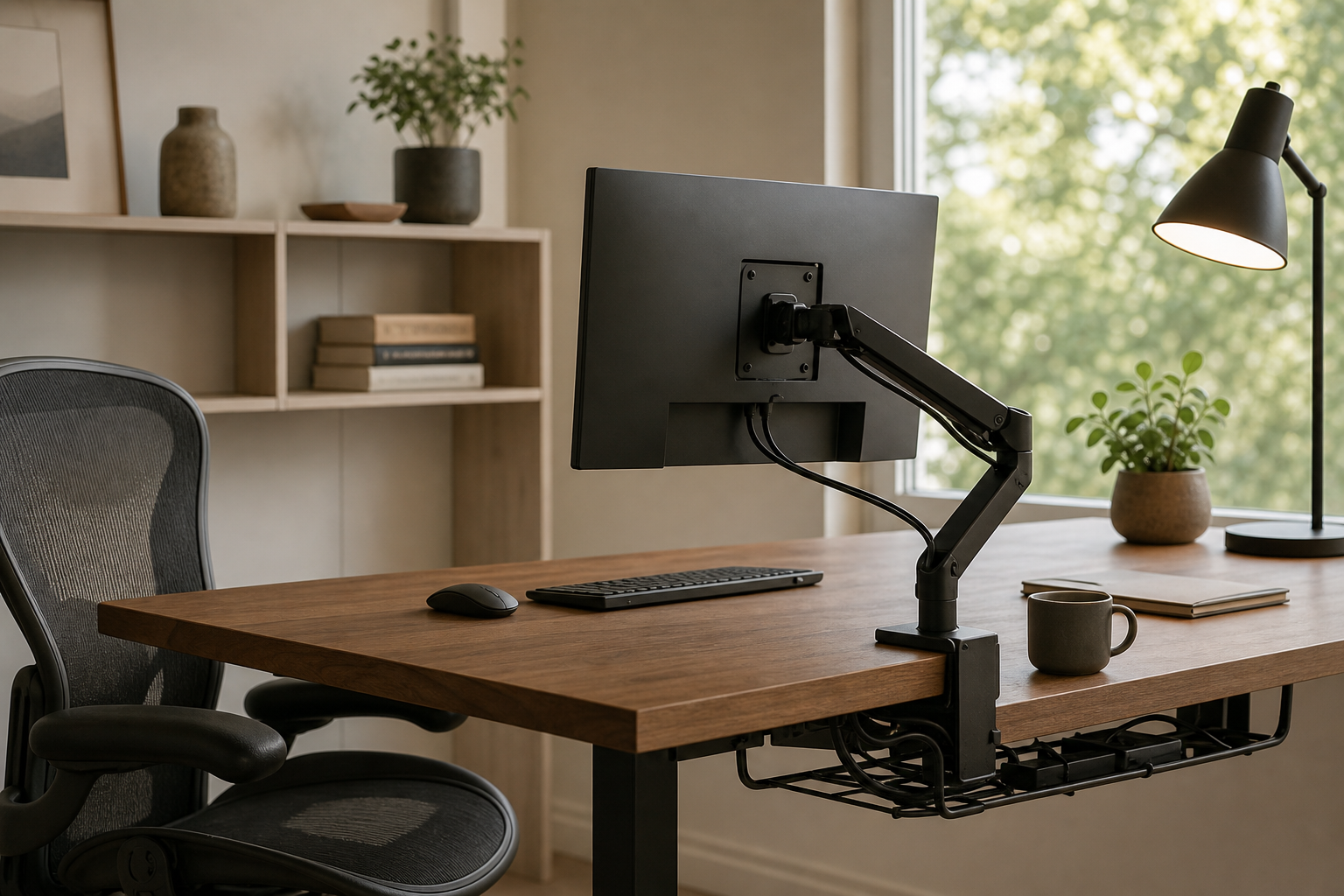
Start with your desk and daily workflow
A good home office setup is less about one perfect product and more about how the pieces fit together. For monitor arms, check desk thickness, surface strength, screen weight, and VESA compatibility before comparing finishes or extra features.
For keyboards and chairs, focus on fit. A keyboard should match your typing style, desk depth, and noise tolerance, while an ergonomic chair is easier to compare by seat height, back support, armrest adjustment, and return flexibility.
- Monitor arm: confirm screen weight, clamp clearance, VESA pattern, and cable routing
- Keyboard: compare layout, height, switch feel, noise, and wrist support needs
- Chair: check seat depth, height range, recline control, and armrest adjustability
- Store check: verify price, delivery timing, return policy, and availability
Lighting and cables shape the everyday experience
A desk lamp should be judged by light placement, glare control, color temperature, and how it reflects on your monitor. A lamp used for writing may need a different arm length and beam shape than one used mainly for ambient desk light.
Cable management is easiest when planned as a system: tray, clips, reusable ties, and power strip placement. Choose parts that can be moved when you add a monitor, swap a keyboard, or change the desk layout.
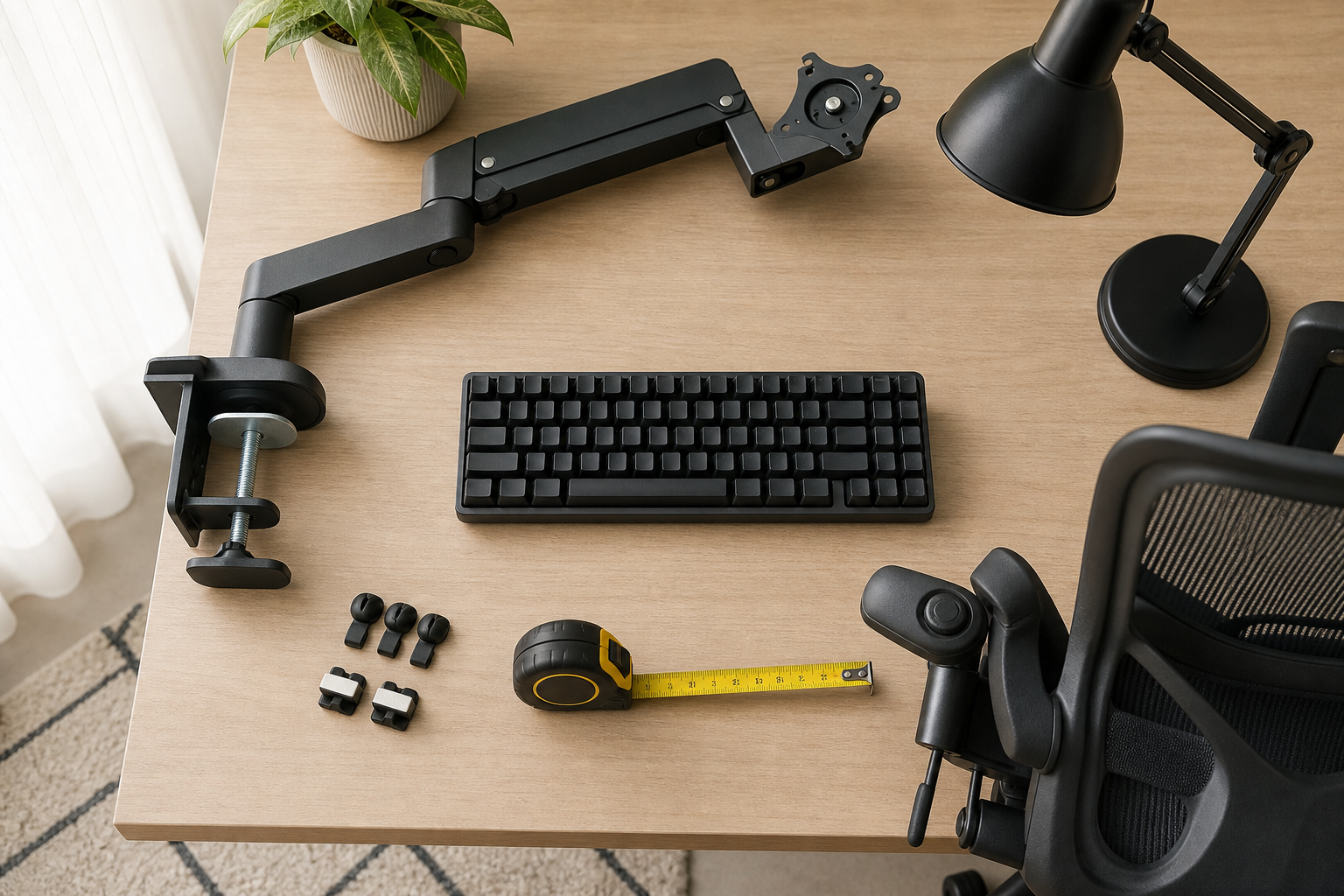
- Lamp: look for dimming, color temperature control, reach, and glare reduction
- Cable tray: check under-desk clearance and adapter size
- Clips and ties: separate frequently moved cables from fixed cables
- Power strip: place it where it stays accessible without crowding leg space
Prioritize upgrades instead of buying everything at once
If the budget is limited, start with the part of the setup that causes the most frequent friction. Screen height issues usually point to a monitor arm or riser, while typing discomfort may be better solved by keyboard layout, desk depth, or wrist position.
Before buying, compare dimensions, assembly steps, compatibility, and the return window. The strongest choice is not always the most feature-heavy one; it is the product that fits your desk, body proportions, and daily work pattern.
- First priority: monitor position and chair fit
- Second priority: keyboard feel and input space
- Third priority: lighting quality and cable organization
- Final check: dimensions, compatibility, delivery date, and return terms
Frequently asked questions
What should I compare first?
A neutral guide to choosing monitor arms, keyboards, desk lamps, ergonomic chairs, and cable management for a practical home office setup. Start with use frequency, dimensions, warranty, replacement parts, recent reviews, and the return policy before chasing the lowest price.
Should I check Amazon, Coupang, or AliExpress first?
Use Amazon and Coupang for fast delivery categories, then compare AliExpress for low-cost accessories, parts, and bundles.
Where should I confirm price and availability?
Prices, coupons, shipping times, and stock change often, so confirm the final details on the merchant page before buying.