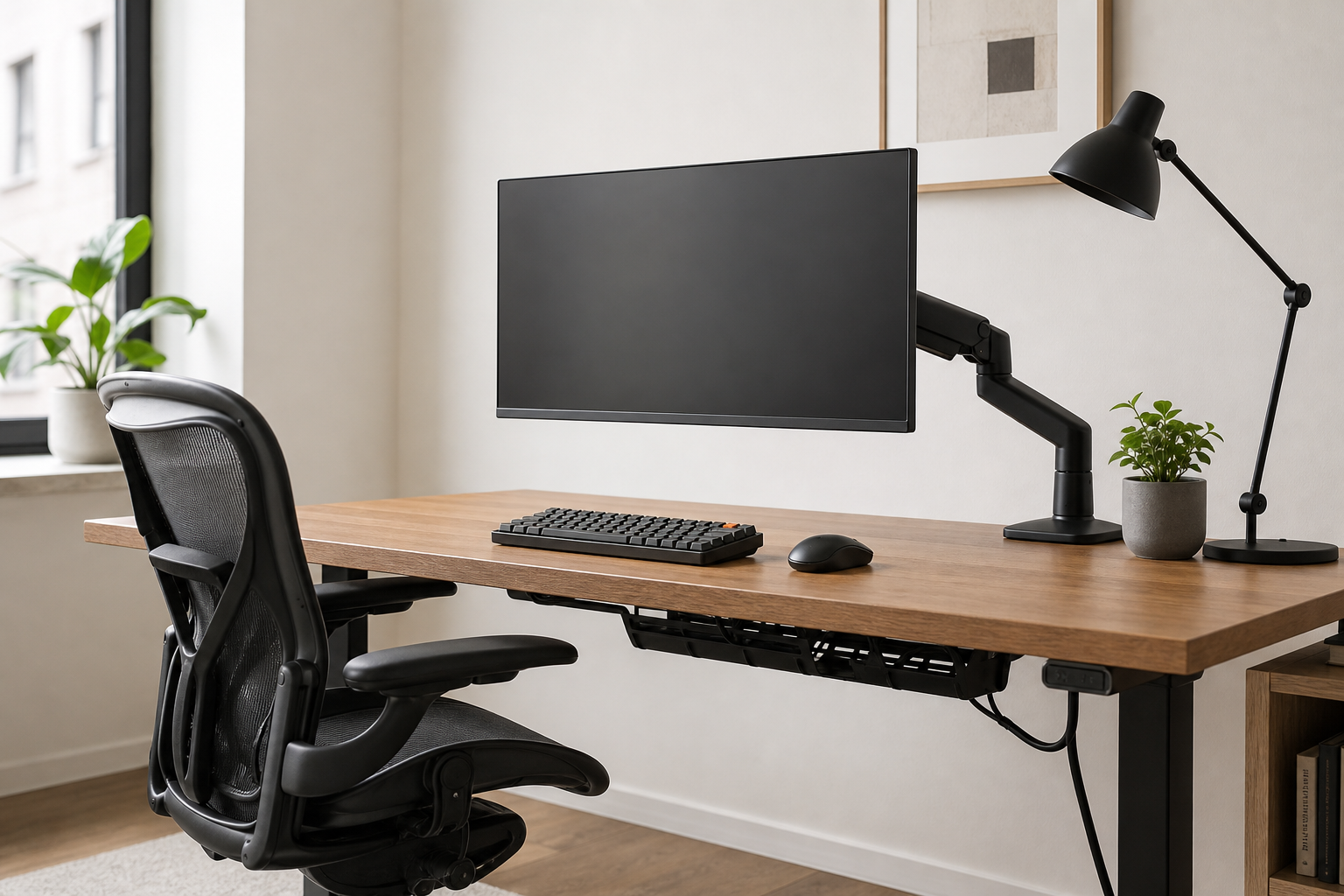
Morning: Set Sightlines and Support First
Before the workday starts, monitor height and chair adjustability usually shape the setup more than decorative accessories. A monitor arm can bring the screen closer to eye level and free desk space, but only if it matches your desk thickness, clamp area, screen weight, and VESA pattern.
For chairs, compare adjustability instead of relying on broad comfort claims. Seat height, seat depth, back angle, armrest range, caster type, and floor compatibility matter more than a single feature name.
- Check monitor arm weight range, screen size support, and VESA compatibility.
- Measure the rear edge of the desk and confirm clamp clearance.
- Compare chair seat depth, lumbar adjustment, armrest height, and recline control.
- Use stores and retailer pages to verify price, delivery, return policy, and availability.
Afternoon: Match Input Gear and Lighting
If you type for long stretches, the keyboard should be judged by layout, switch feel, noise, and wrist position. A full-size keyboard is not always necessary; tenkeyless or compact layouts can create more room for the mouse if you rarely use a number pad.
A desk lamp should be chosen for control rather than maximum brightness alone. Look at dimming range, color temperature, head angle, reach, and whether the lamp can light the work surface without reflecting directly on the monitor.
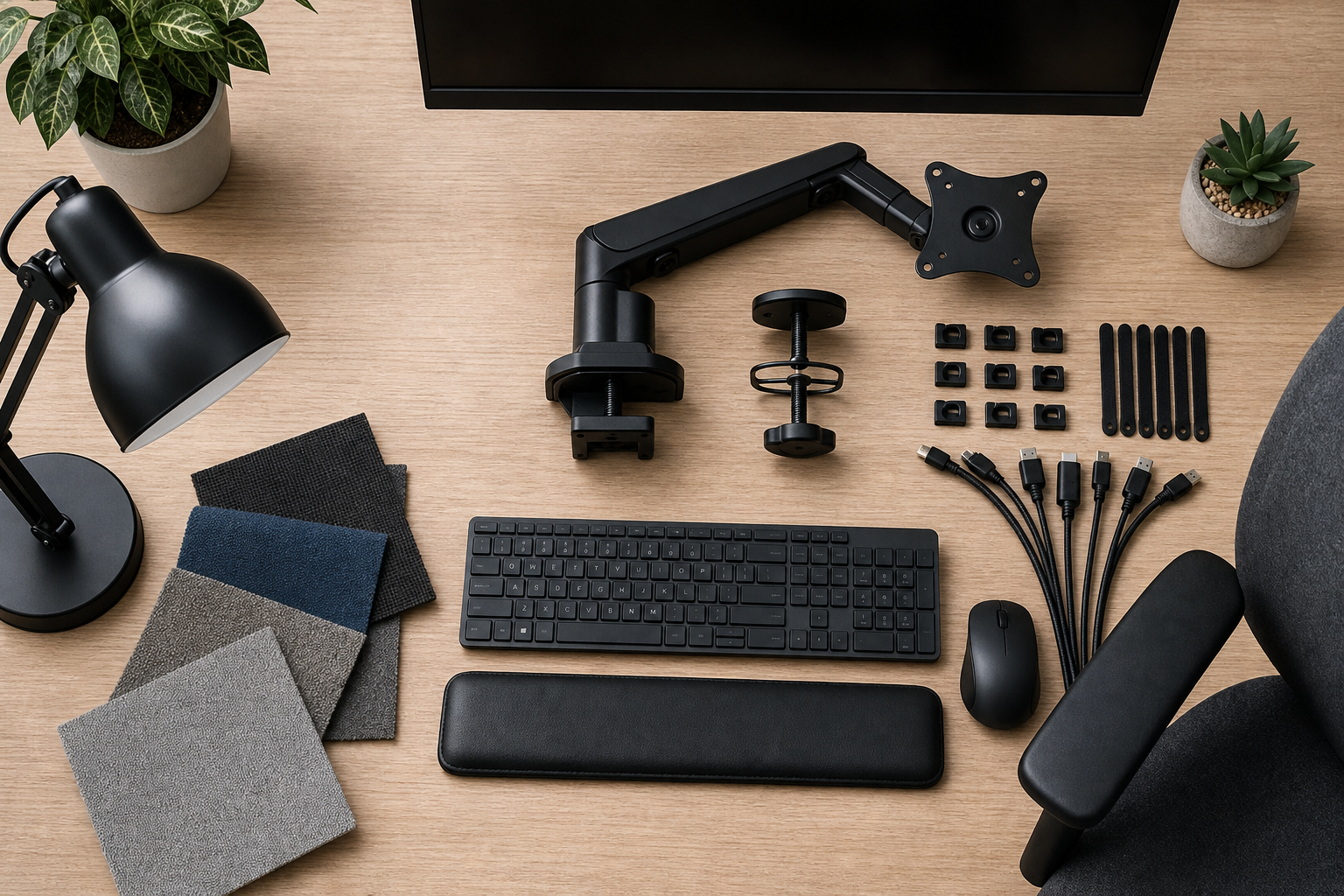
- Compare keyboard layout, connection type, key height, and noise level.
- For wireless keyboards, check battery style and multi-device pairing needs.
- For lamps, assess dimming, color temperature, arm reach, and base footprint.
- Side lighting is often easier to manage than placing a lamp directly in front of the screen.
End of Day: Tidy Cables and Prioritize Upgrades
A cleaner desk often starts with cable routing, not with buying more accessories. Map the path for power, charging, monitor, and peripheral cables before choosing trays, clips, sleeves, or ties.
Upgrade in response to specific friction. If screen position bothers you, compare monitor arms first; if typing feels cramped, look at keyboards; if evening work feels dim or uneven, start with lighting.
- Choose cable trays based on underside clearance and whether screws are acceptable.
- Use clips for frequently moved cables and sleeves or ties for fixed runs.
- Review needs in this order: chair, monitor position, input gear, lighting, cable control.
- Before buying, compare retailer price, delivery window, return terms, stock, and included parts.
Frequently asked questions
What should I compare first?
A practical buying guide that compares monitor arms, keyboards, lighting, chairs, and cable management around the rhythm of a full workday. Start with use frequency, dimensions, warranty, replacement parts, recent reviews, and the return policy before chasing the lowest price.
Should I check Amazon, Coupang, or AliExpress first?
Use Amazon and Coupang for fast delivery categories, then compare AliExpress for low-cost accessories, parts, and bundles.
Where should I confirm price and availability?
Prices, coupons, shipping times, and stock change often, so confirm the final details on the merchant page before buying.