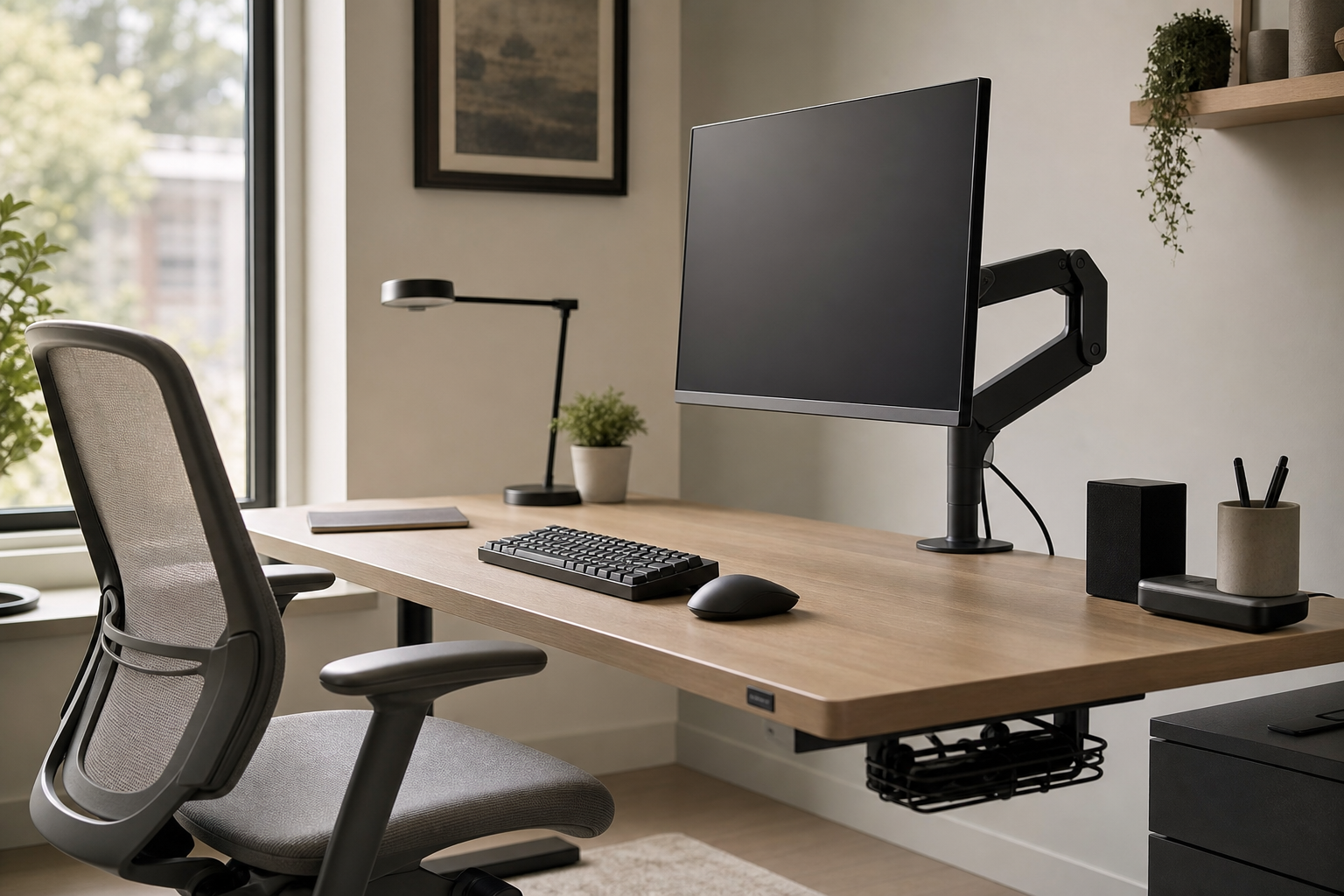
First Hour: Set the Screen and Light
The first part of the workday usually reveals whether the monitor height and lighting are working. For a monitor arm, check desk thickness, clamp style, monitor weight, and VESA compatibility before style. For a desk lamp, prioritize easy brightness control, stable positioning, and glare management.
- Match the monitor arm’s height, depth, and rotation range to your actual desk width.
- For dual monitors, compare each display’s weight and the arm’s total load rating.
- Choose a lamp head and arm that can angle light away from screen reflections.
- In bright rooms, wider brightness and color-temperature ranges are easier to adapt.
Midday: Compare Keyboard and Chair Fit
After several hours of typing, layout, key feel, wrist position, and chair adjustability matter more than product photos. A good buying shortlist should match your work habits, body proportions, and desk space rather than chasing one universal setup.
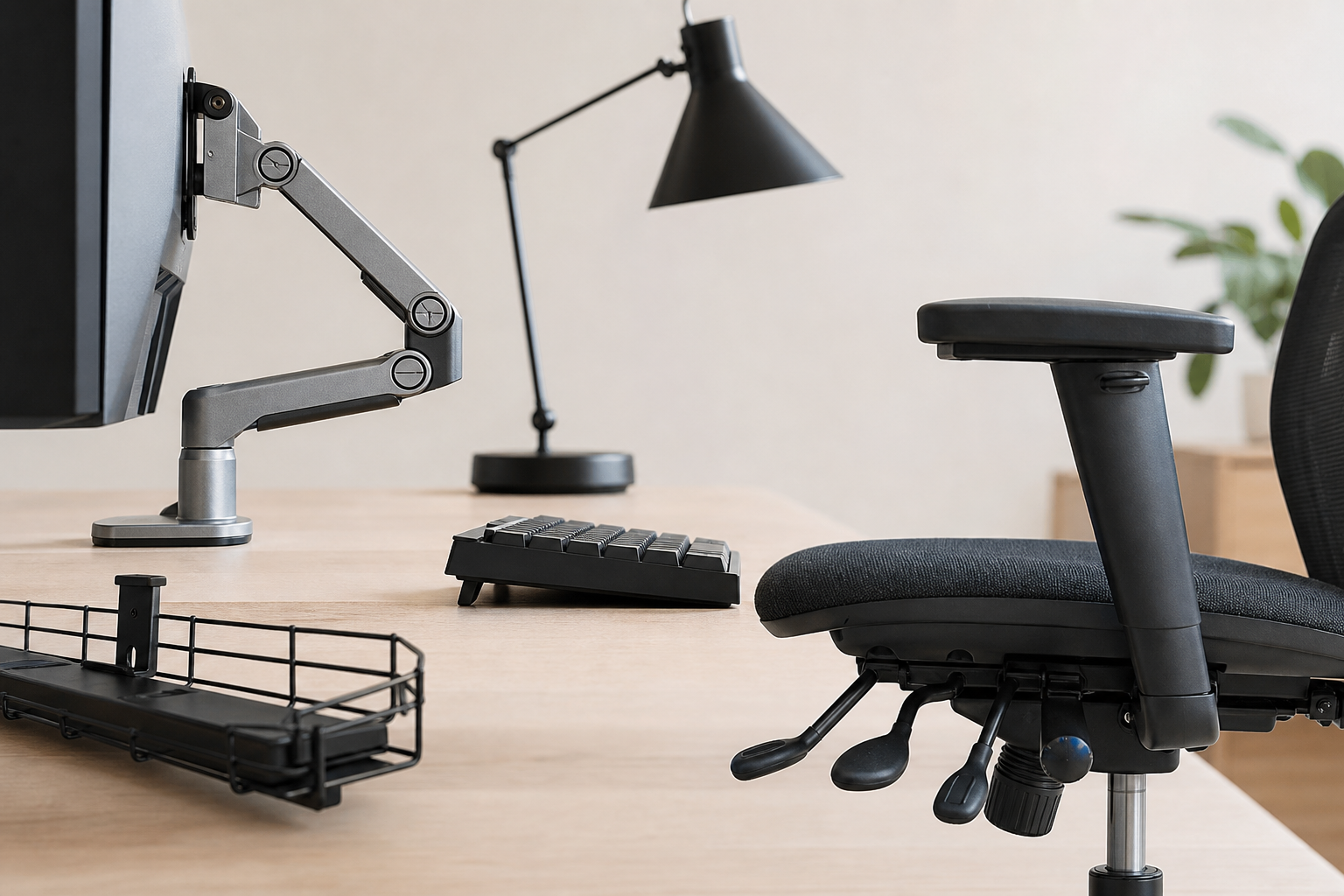
- Choose full-size or a separate numpad for heavy spreadsheet work; compare tenkeyless or compact layouts for smaller desks.
- For wireless keyboards, check connection stability, battery type, and multi-device switching.
- For chairs, compare seat height, seat depth, armrest range, and backrest position.
- For daily use, also consider fabric breathability, cleaning, replacement parts, and assembly quality.
End of Day: Review Cables and Buying Terms
If the desk looks messy by the end of the day, cable management may improve the setup more than another visible accessory. Trays, clips, sleeves, and power-strip mounts should be chosen around how often you move devices. Before buying, use retailers and brand stores simply to verify price, delivery, return policy, and availability.
- Check whether an under-desk tray fits your power strip, adapters, and extra cable length.
- Use clips or magnetic holders for cables you disconnect often instead of fully hidden routing.
- Match cable-management colors to the desk, wall, or cables for a calmer look.
- Compare compatibility, adjustment range, return terms, warranty coverage, and spare-part access before deciding.
Frequently asked questions
What should I compare first?
A practical, evergreen framework for choosing monitor arms, keyboards, desk lamps, ergonomic chairs, and cable management by how your workday actually unfolds. Start with use frequency, dimensions, warranty, replacement parts, recent reviews, and the return policy before chasing the lowest price.
Should I check Amazon, Coupang, or AliExpress first?
Use Amazon and Coupang for fast delivery categories, then compare AliExpress for low-cost accessories, parts, and bundles.
Where should I confirm price and availability?
Prices, coupons, shipping times, and stock change often, so confirm the final details on the merchant page before buying.