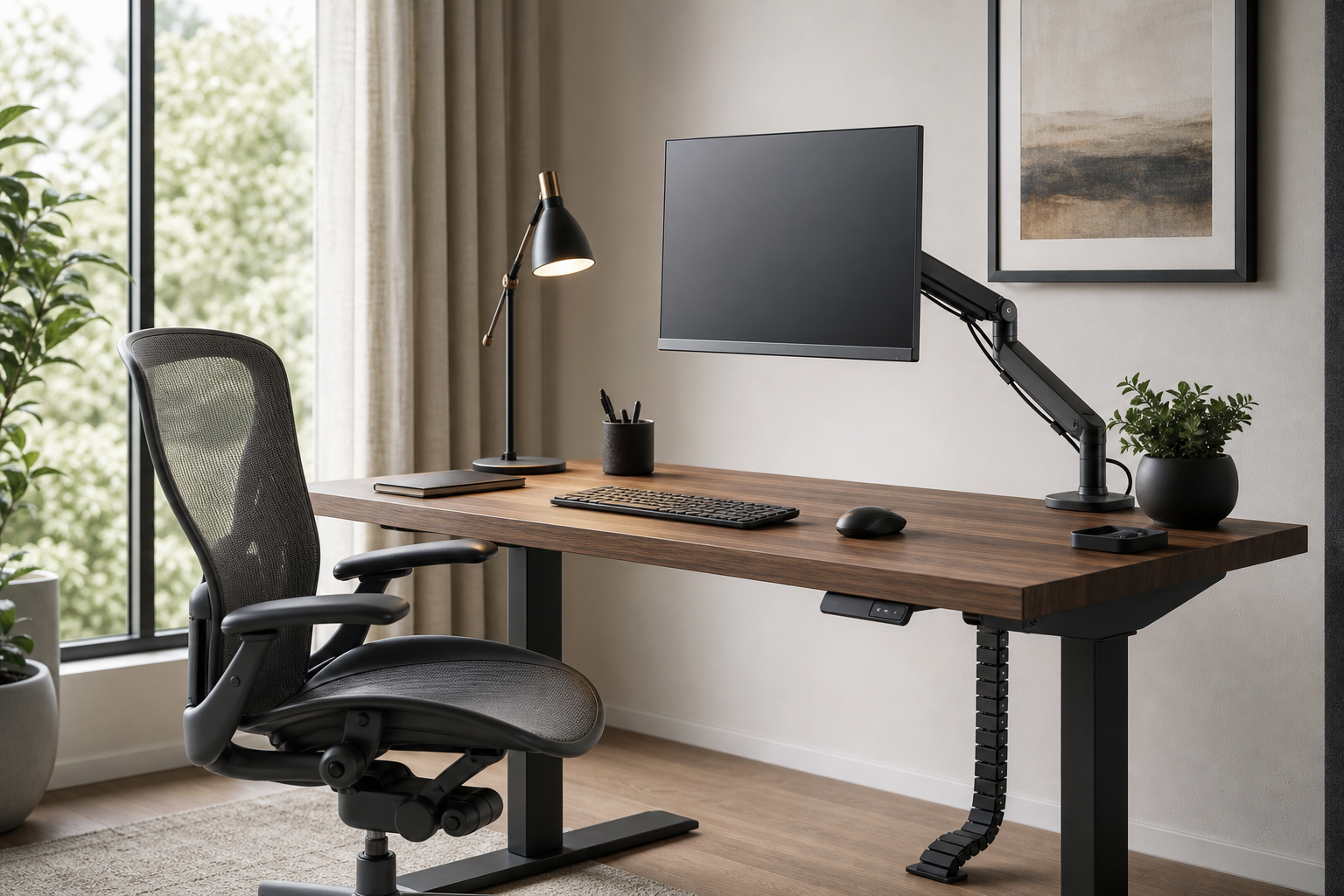
Start with the shape of your workday
A better home office starts with the hours you spend at the desk, not with a product list. Note what feels awkward during focused morning work, calls, late-day writing, and end-of-day cleanup.
Use those patterns to compare gear. Monitor arms affect screen height and desk depth, keyboards change shoulder and wrist positioning, lamps control glare and shadows, while chairs and cable management shape the baseline comfort of the room.
- Check desk thickness, monitor weight, and VESA compatibility before choosing an arm.
- Compare keyboard layout, switch feel, noise, and connection type together.
- For lamps, review dimming, color temperature, reach, and footprint.
- For chairs, look at adjustment range, materials, and how much space the chair needs to move.
Compare each category by fit, not hype
A monitor arm can free desk space, but only if the clamp, weight range, and height travel match your setup. For dual displays, check total supported weight and how far each arm can move independently.
Keyboards and task lamps often change the desk experience quickly. A smaller keyboard can open mouse space, while a well-placed lamp keeps the work surface usable across changing daylight.
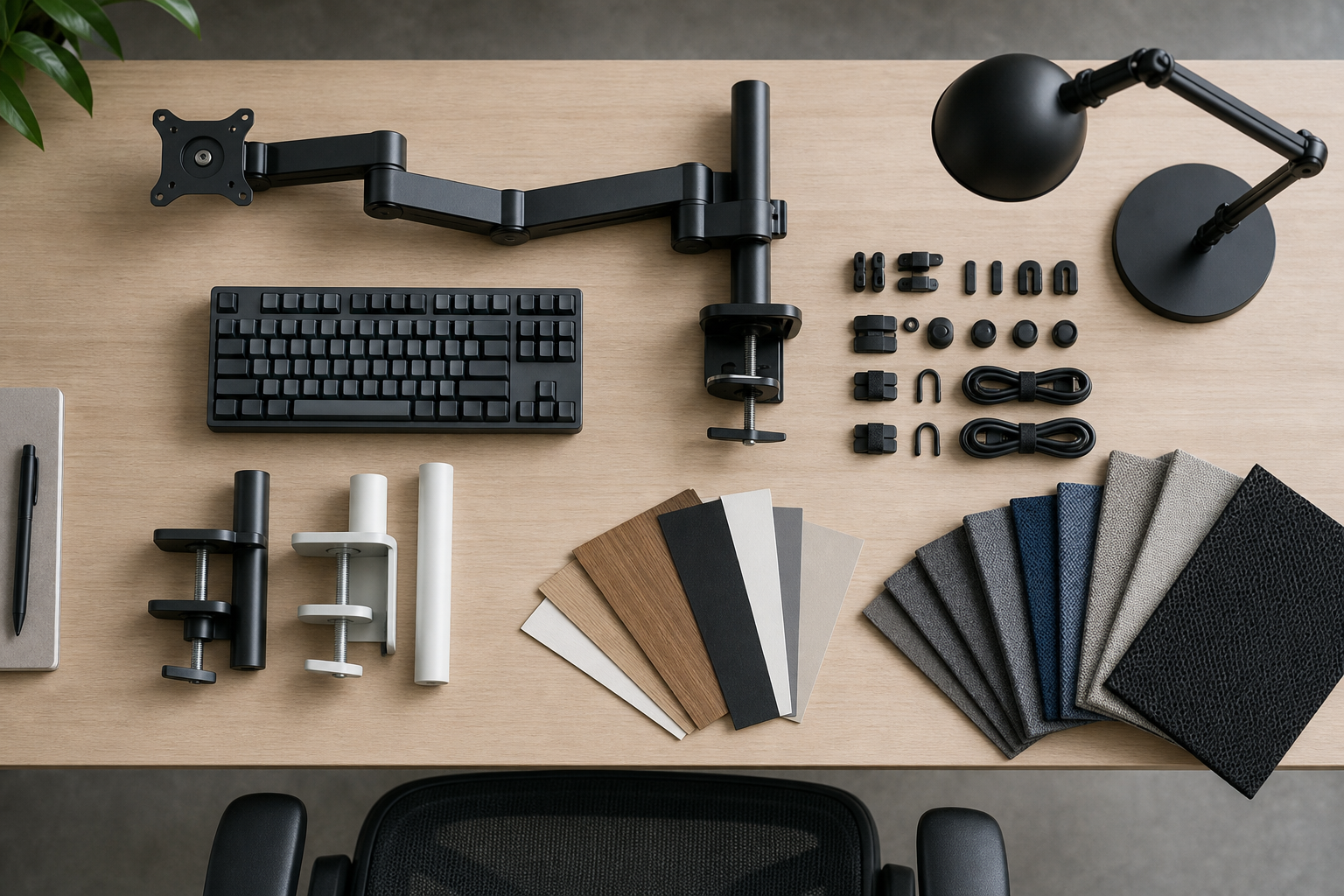
- Monitor arms: compare load range, height travel, tilt, and cable routing.
- Keyboards: choose full-size, tenkeyless, or compact based on your daily shortcuts and desk width.
- Desk lamps: test whether the light can avoid screen reflections and hand shadows.
- Cable management: favor trays, clips, sleeves, and hook-and-loop ties that can be rearranged.
Check the buying details before you commit
Before buying, verify the practical conditions rather than relying on broad claims. Treat stores as neutral places to confirm price, delivery timing, return policy, warranty terms, and availability.
You do not need to upgrade everything at once. Start with the issue that interrupts work most often, then move through screen position, input devices, lighting, seating, and cables.
- Review return windows and rules for assembled products.
- Match product dimensions against the actual desk, room, and monitor measurements.
- Read reviews for repeated notes on durability, noise, wobble, and assembly.
- Choose finishes and materials that fit the desk, chair, and lighting you already own.
Frequently asked questions
What should I compare first?
A practical evergreen guide to comparing monitor arms, keyboards, lamps, chairs, and cable management for a home office that works hour by hour. Start with use frequency, dimensions, warranty, replacement parts, recent reviews, and the return policy before chasing the lowest price.
Should I check Amazon, Coupang, or AliExpress first?
Use Amazon and Coupang for fast delivery categories, then compare AliExpress for low-cost accessories, parts, and bundles.
Where should I confirm price and availability?
Prices, coupons, shipping times, and stock change often, so confirm the final details on the merchant page before buying.