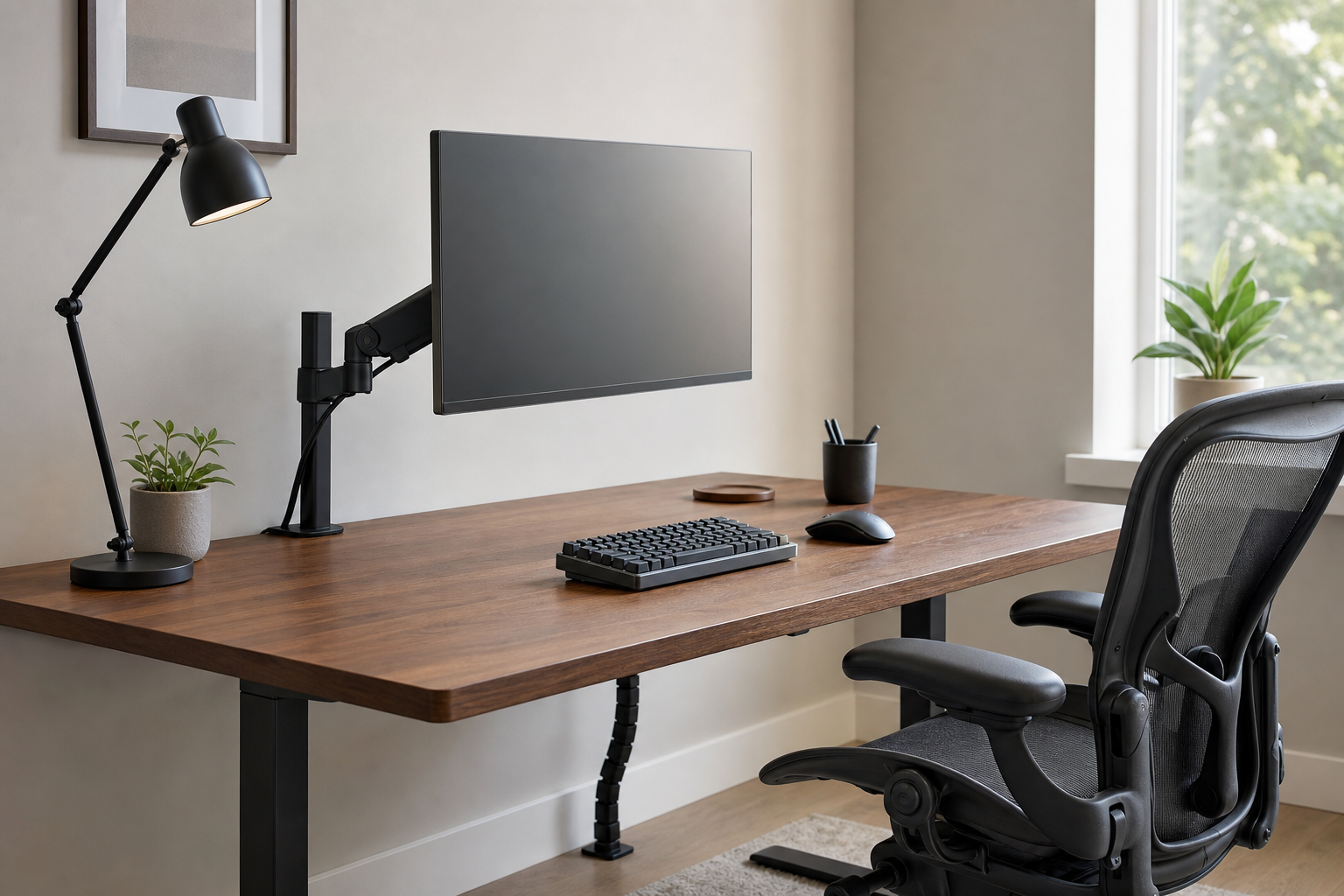
Start with the desk and the workday
The best home office purchases fit your desk, room, body, and daily schedule before they impress on a spec sheet. List the problems that repeat during the day: glare in the morning, cramped typing after lunch, a screen that feels too low, or cables that make cleaning difficult. Those patterns should set the buying order.
- For monitor arms, check screen size, weight, VESA support, desk thickness, and clamp clearance.
- For keyboards, compare layout, key height, noise, and wrist position against your actual typing habits.
- For chairs, match seat height, seat depth, back adjustment, and armrest range to your desk.
- For lamps, look at brightness levels, color temperature control, reach, and glare control.
Compare by adjustability, not hype
A monitor arm can free desk space and place the display closer to eye level, but only if it is rated for the monitor and stable on your desk. Keyboards are more personal: low-profile, mechanical, compact, split, and full-size layouts all solve different problems.
Task lamps and chairs often affect the room immediately. A good lamp lets you separate ambient light from focused work light. A useful chair should support changes in posture instead of locking you into one position.
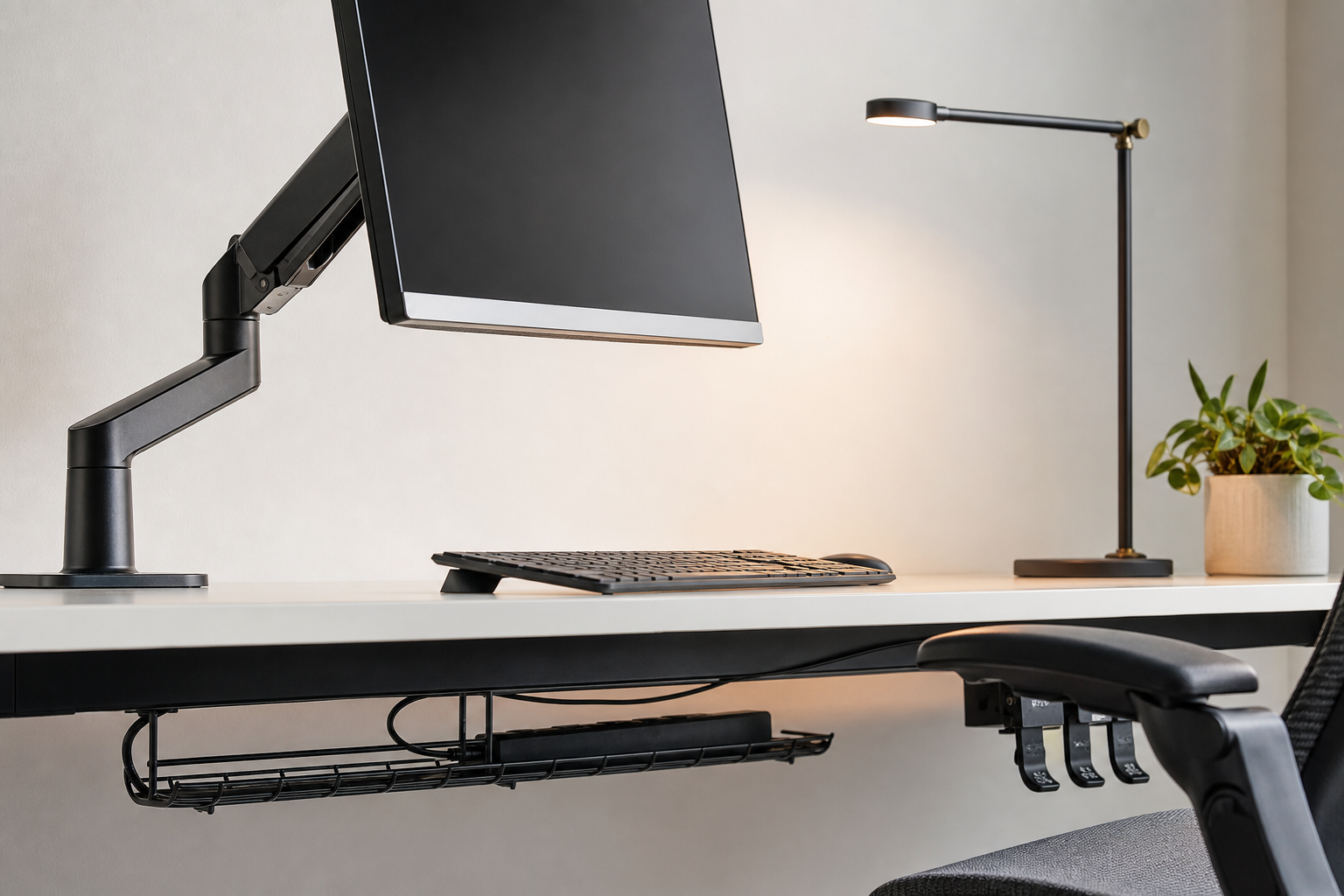
- For dual monitors, confirm total load, arm span, and side-by-side spacing.
- If you enter numbers often, a full-size keyboard or separate numpad may be more efficient.
- For frequent video calls, test lamp angle, screen reflection, and face lighting.
- For long sitting sessions, prioritize a return window that lets you test the chair at your own desk.
Check the buying details
Cable trays, reusable ties, under-desk mounts, and grommets are small purchases that shape how easy the setup is to maintain. If you swap chargers or peripherals often, choose accessible cable routing instead of hiding everything permanently.
Use stores as neutral places to verify price, delivery time, return policy, warranty coverage, and availability. A low price matters less if the arm does not fit the desktop, the chair cannot be returned, or replacement parts are unclear.
- Leave margin between the product's stated load limit and your real equipment weight.
- Check chair casters, floor type, and mat compatibility before ordering.
- Review assembly steps and required tools before the box arrives.
- Give more weight to reviews with desks and monitor sizes similar to yours.
Frequently asked questions
What should I compare first?
A practical evergreen guide to choosing monitor arms, keyboards, lamps, chairs, and cable management by fit, adjustability, durability, and daily workflow. Start with use frequency, dimensions, warranty, replacement parts, recent reviews, and the return policy before chasing the lowest price.
Should I check Amazon, Coupang, or AliExpress first?
Use Amazon and Coupang for fast delivery categories, then compare AliExpress for low-cost accessories, parts, and bundles.
Where should I confirm price and availability?
Prices, coupons, shipping times, and stock change often, so confirm the final details on the merchant page before buying.