First Hour: Set the Screen and Chair
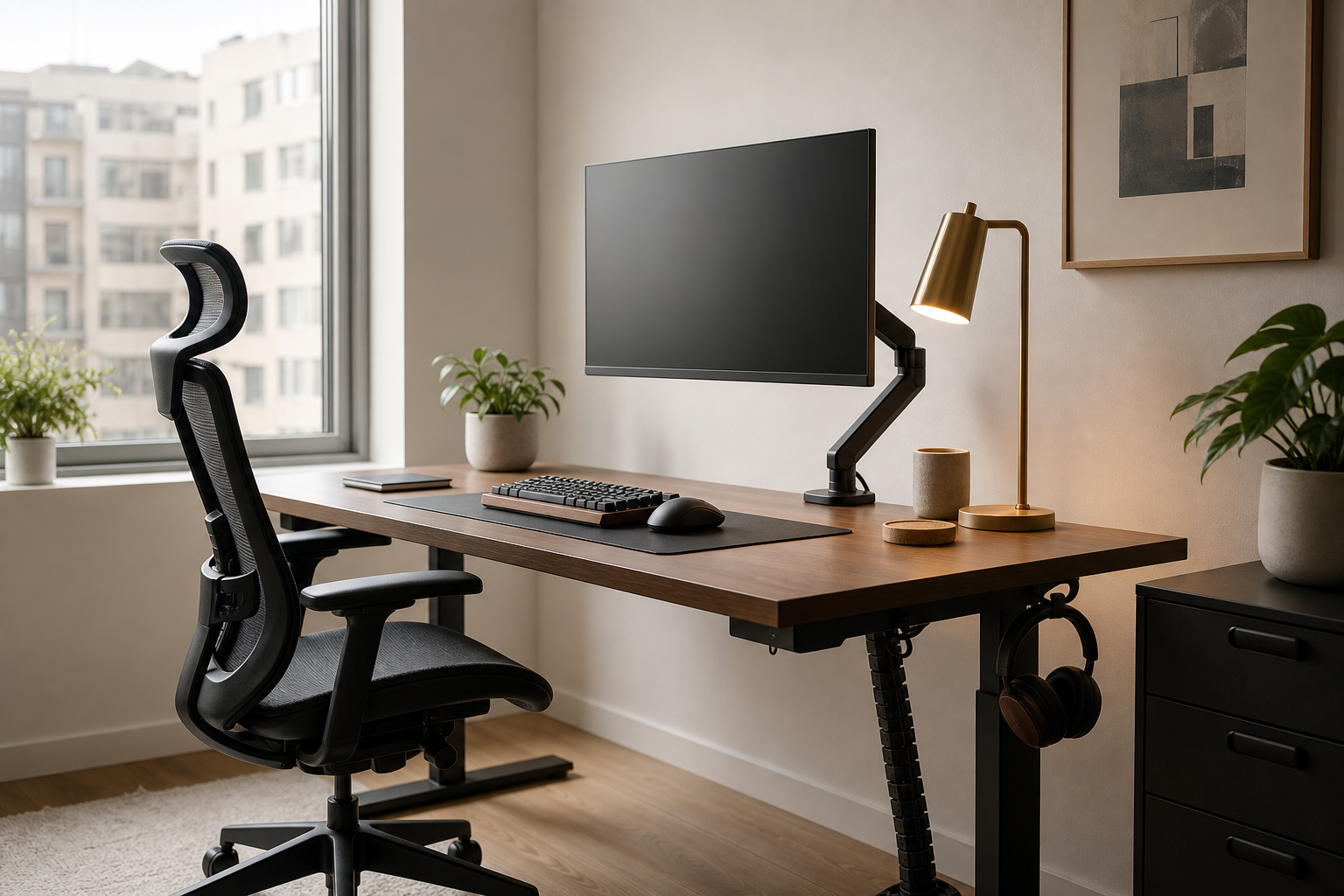
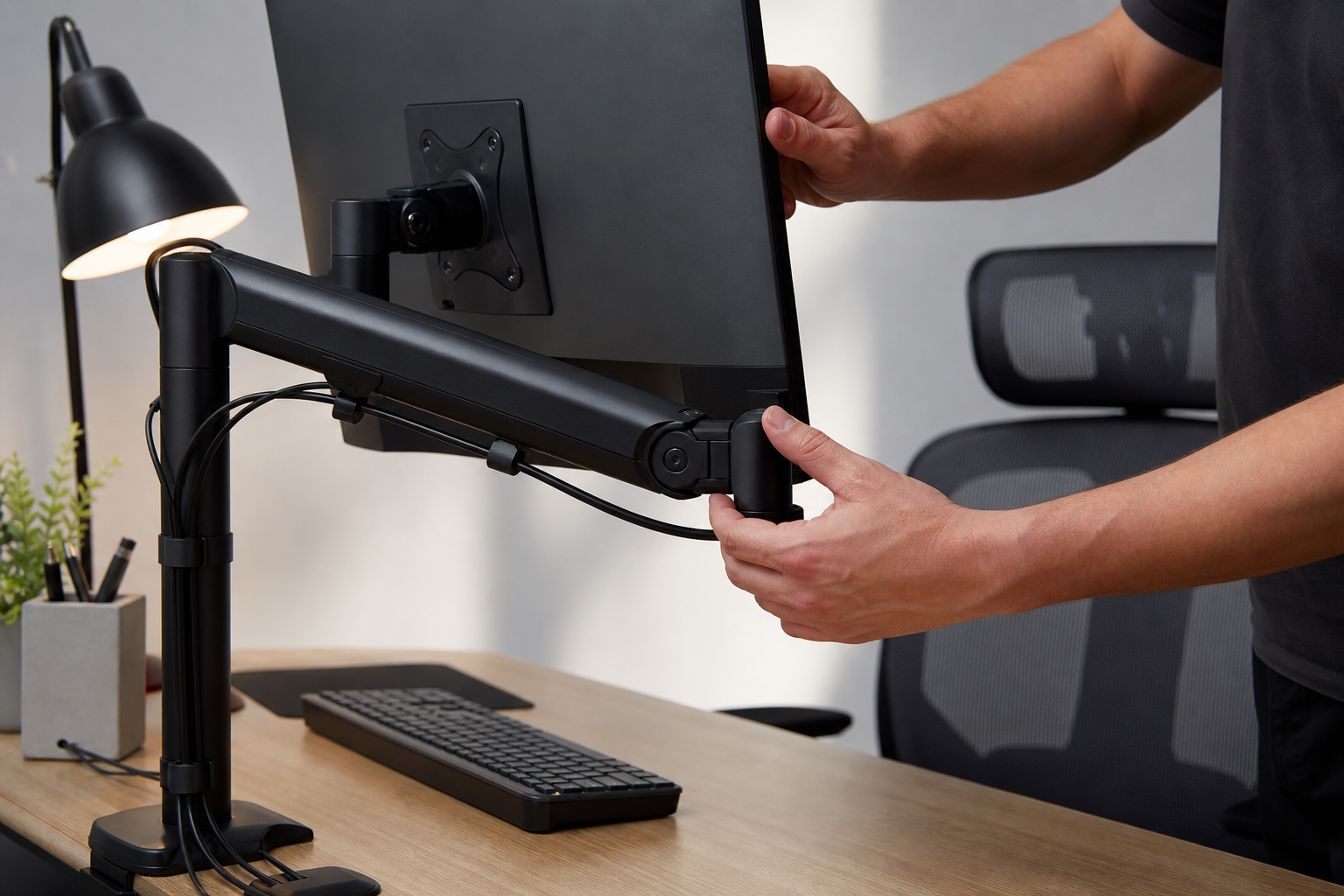
At the start of the workday, screen position and seating have the biggest immediate effect on comfort. For a monitor arm, compare desk depth, monitor weight, VESA support, clamp clearance, and adjustment range; for a chair, focus on seat height, backrest support, and fit.
- Check whether the monitor can sit near eye level without forcing the arm to its limit.
- For dual screens, compare total weight capacity and side-to-side reach.
- Choose a chair with usable adjustments for armrests, seat depth, and lumbar support.
- Use manufacturer sites, local retailers, and online stores to verify current price, delivery, return policy, and availability.
Deep Work Hours: Choose Keyboard and Lighting
Long typing sessions make keyboard layout, key feel, noise, and wrist angle matter more than decorative features. Desk lamps should be judged by brightness levels, color temperature range, glare control, and how easily the arm moves through the day.
- Pick full-size, tenkeyless, compact, or low-profile layouts based on your actual tasks.
- In shared rooms, prioritize quieter switches or dampened keycaps.
- Check that the lamp can light the desk without reflecting directly on the screen.
- Treat USB ports, wireless charging, and smart controls as extras after the core lighting quality.
Last Hour: Clean Up Cables and Plan Growth
If the desk feels messy at the end of the day, cable planning is usually the missing layer. Cable trays, reusable ties, adhesive clips, and power-strip placement should be planned together so new gear does not undo the setup.
- Map cable routes for laptop, monitor, lamp, charger, and peripherals before buying organizers.
- Separate cables you unplug often from cables that stay fixed.
- Check tray weight limits, mounting method, and knee clearance under the desk.
- Leave spare outlet and port access for future monitors, docks, or accessories.
Frequently asked questions
What should I compare first?
Use the rhythm of a workday to choose monitor arms, keyboards, lighting, chairs, and cable management with practical, evergreen criteria. Start with use frequency, dimensions, warranty, replacement parts, recent reviews, and the return policy before chasing the lowest price.
Should I check Amazon, Coupang, or AliExpress first?
Use Amazon and Coupang for fast delivery categories, then compare AliExpress for low-cost accessories, parts, and bundles.
Where should I confirm price and availability?
Prices, coupons, shipping times, and stock change often, so confirm the final details on the merchant page before buying.