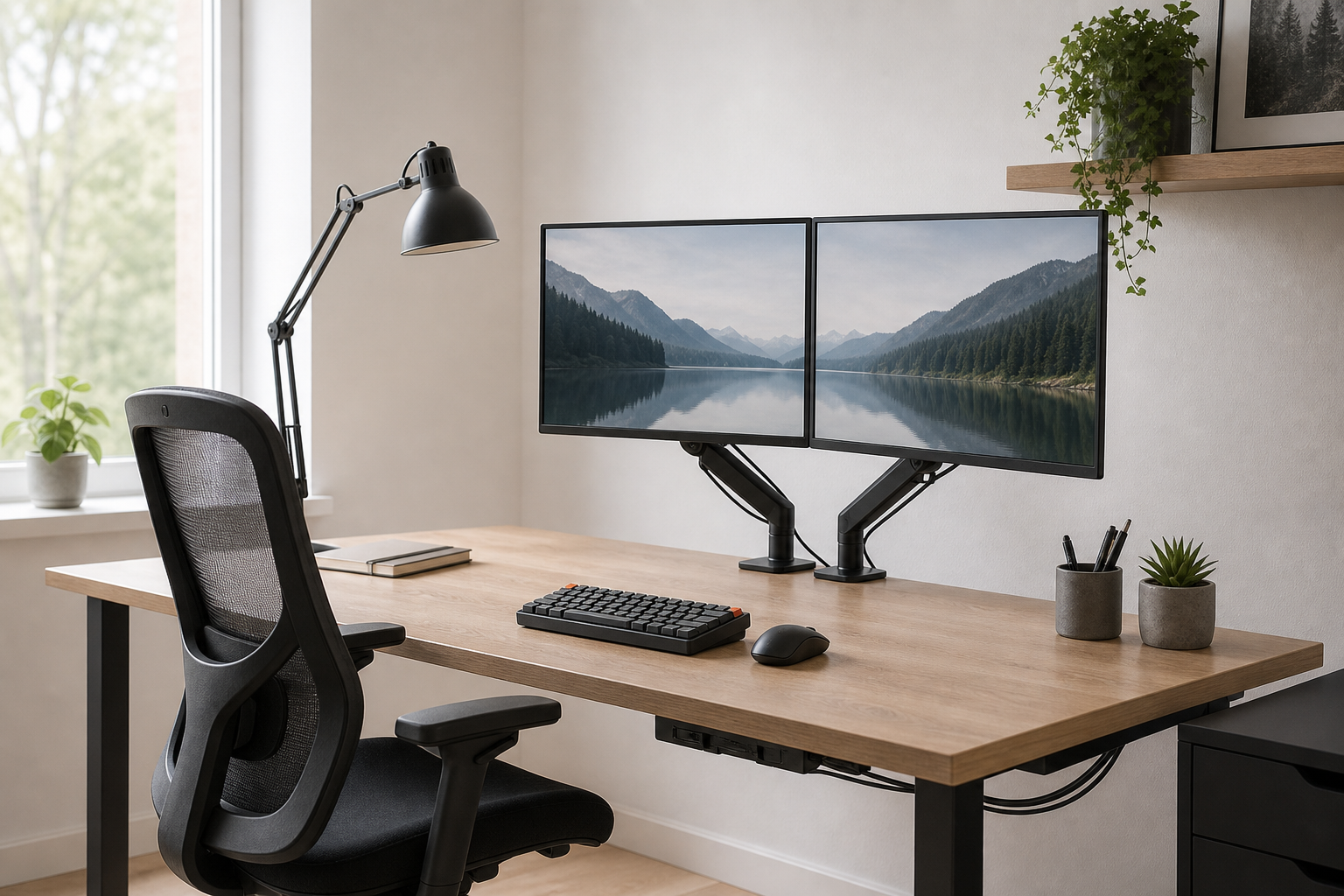
Morning: Set the Screen and Chair First
Start with the gear that shapes your viewing height and seated position. For a monitor arm, compare desk thickness, monitor weight, VESA compatibility, and the height range you actually need.
For an ergonomic chair, look past broad labels and focus on adjustable parts. Seat height, seat depth, armrests, back support, and recline tension matter more than a vague promise of comfort.
- Check monitor arm load capacity and supported screen size together.
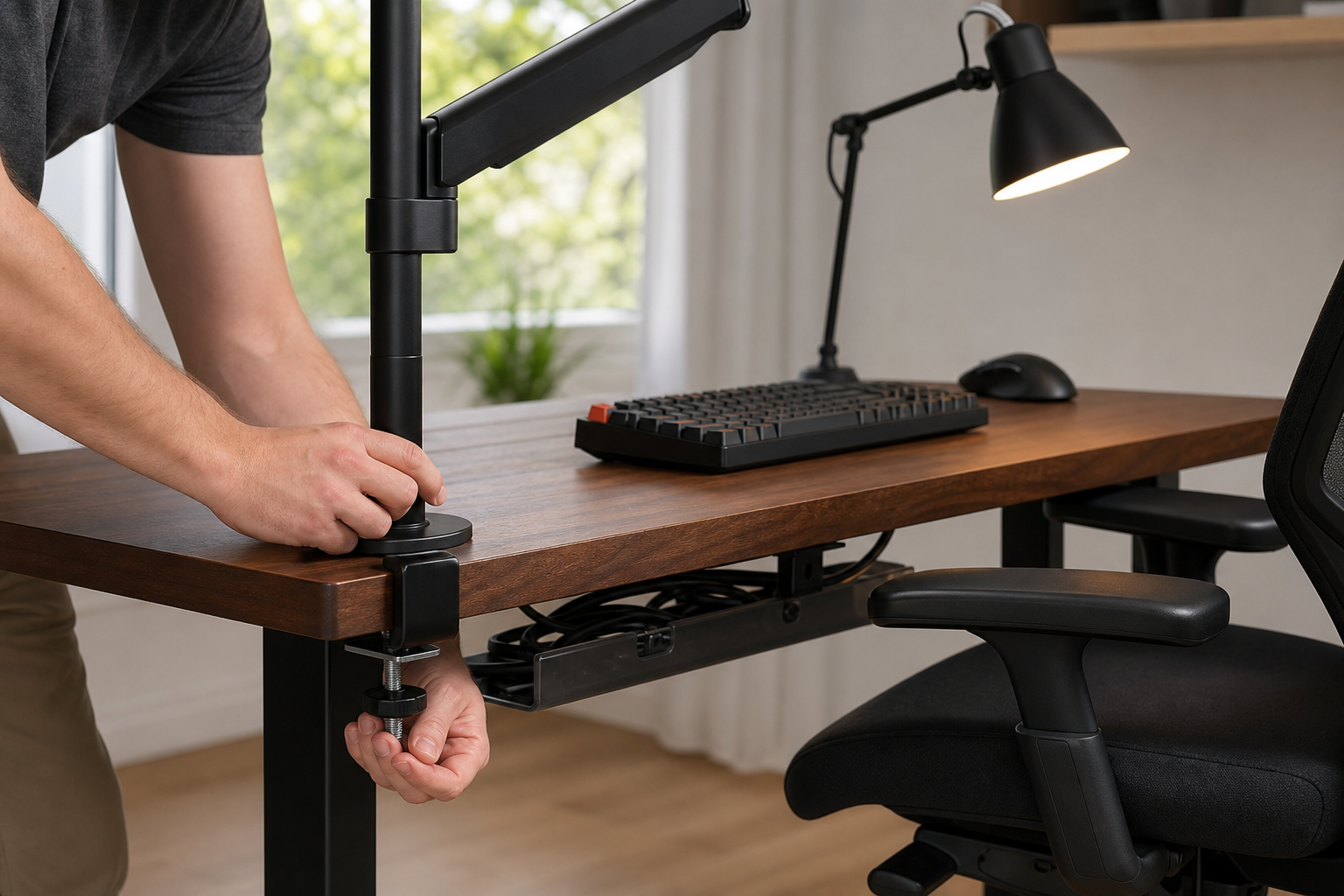
- Measure rear desk clearance and the clamp or grommet mounting method.
- For chairs, a clear return policy is useful because fit is personal.
- Use retailers only to verify price, delivery, return terms, and availability.
Afternoon: Match Input and Light to Real Work
A keyboard should fit your tasks and hand position before it fits a spec sheet. Choose full-size or a separate numpad for heavy data entry, and consider tenkeyless or compact layouts when mouse space matters.
Desk lamps should be compared by brightness control, arm reach, glare management, and footprint. The right lamp should illuminate the work surface without bouncing strongly off the monitor.
- Compare keyboard layout, switch feel, noise, connection type, and battery approach.
- For long typing sessions, desk height and keyboard angle can matter as much as accessories.
- Check whether the lamp head and arm can stay clear of screen reflections.
- Small desks may benefit from clamp lamps or slim-base task lights.
End of Day: Plan Cables and Upgrade Paths
A good home office stays manageable when you add or replace gear. Plan cable trays, reusable ties, adhesive clips, and power-strip placement as part of the setup rather than as an afterthought.
Before buying everything at once, identify the biggest limitation in your current desk. Screen position, chair adjustment, input comfort, lighting, and cable clutter are useful checkpoints for deciding where money should go first.
- Make sure a cable tray fits the underside structure of the desk.
- Keep frequently unplugged charging cables accessible instead of fully fixed in place.
- Choose tray width and depth with bulky power adapters in mind.
- Confirm compatibility with your monitor, laptop dock, and desktop size before ordering.
Frequently asked questions
What should I compare first?
Practical criteria for choosing monitor arms, keyboards, lamps, chairs, and cable management around a full workday. Start with use frequency, dimensions, warranty, replacement parts, recent reviews, and the return policy before chasing the lowest price.
Should I check Amazon, Coupang, or AliExpress first?
Use Amazon and Coupang for fast delivery categories, then compare AliExpress for low-cost accessories, parts, and bundles.
Where should I confirm price and availability?
Prices, coupons, shipping times, and stock change often, so confirm the final details on the merchant page before buying.