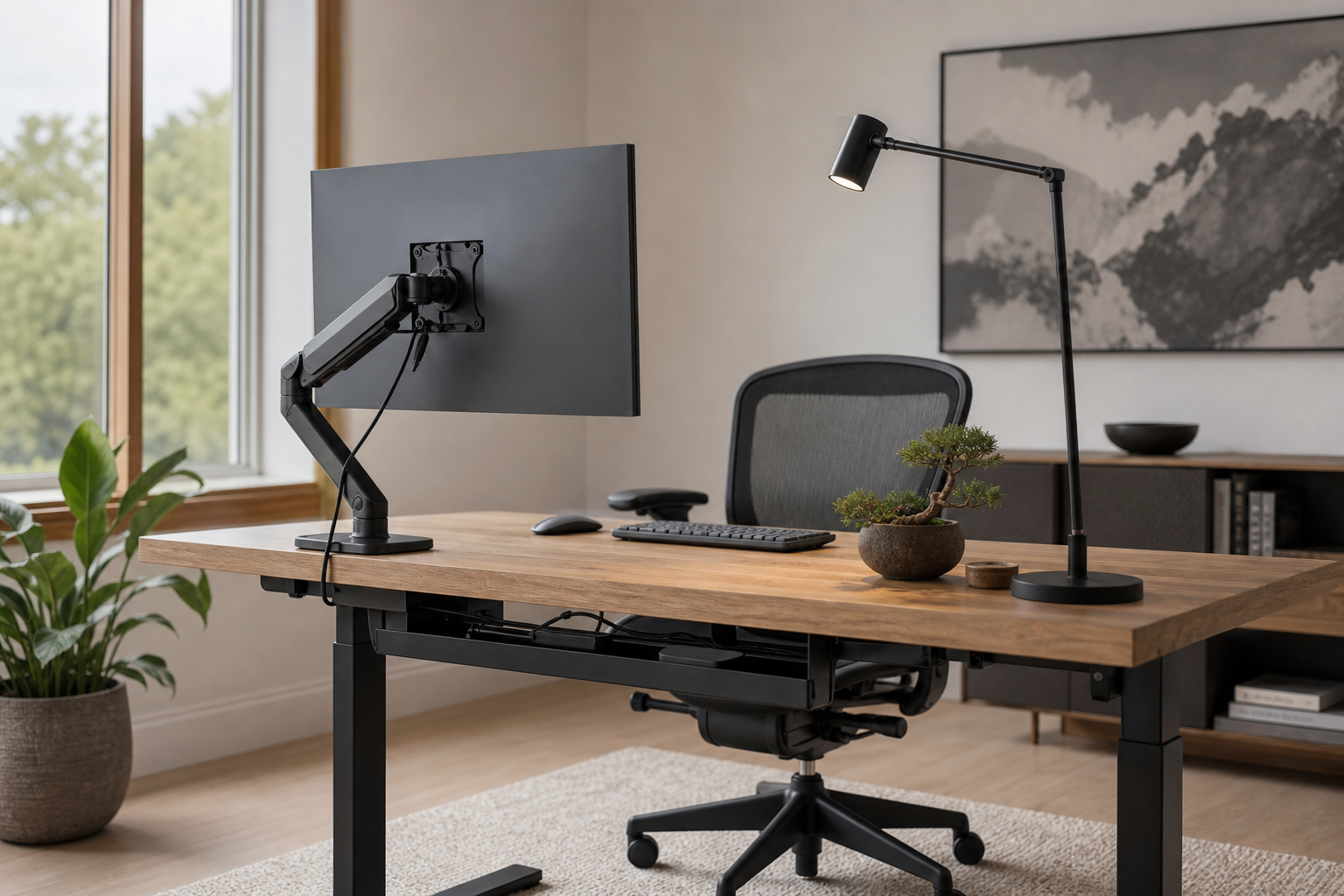
First Hour: Check Posture and Screen Position
The first hour at your desk usually reveals whether the chair and monitor position are working. Before buying anything, note desk height, screen distance, elbow position, and foot support so each purchase solves a specific problem.
- For chairs, compare seat depth, height range, back support, and armrest adjustment.
- For monitor arms, check screen weight, VESA pattern, desk thickness, and clamp clearance.
- For laptop-heavy work, a stand plus external keyboard may be more useful than a larger display.
- Use stores and marketplaces to verify price, delivery, return policy, and availability without treating listings as advice.
Middle Hours: Choose Inputs and Lighting
After several hours, small mismatches in keyboard, pointer, and lighting become easier to notice. These items are not only about preference; they need to fit your desk width, hand position, noise tolerance, and daily tasks.
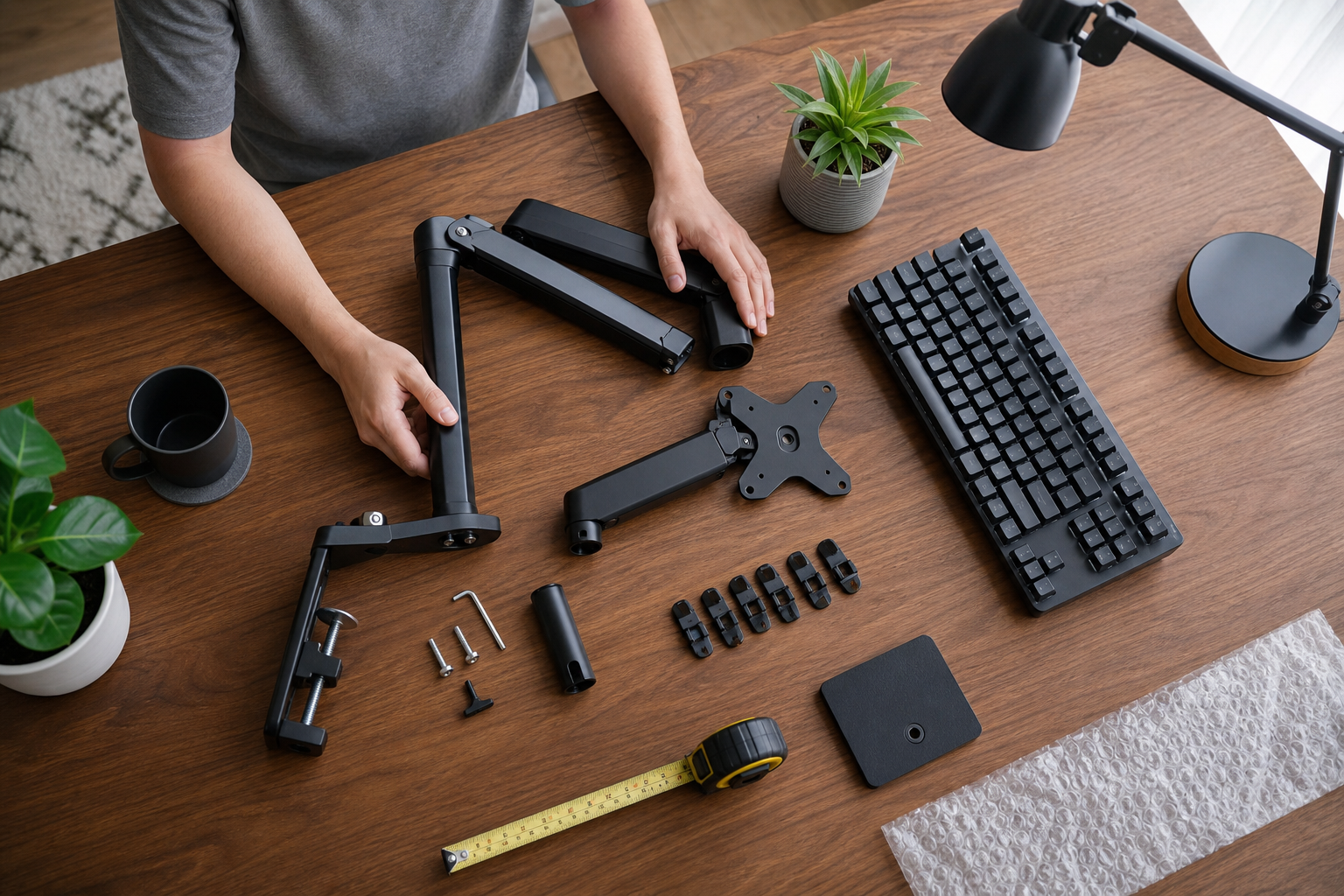
- Compare keyboards by layout, key height, switch feel, noise, connection type, and wrist space.
- Match a mouse or trackpad to hand size, scrolling habits, shortcuts, and the apps you use most.
- Choose a desk lamp with dimming, color temperature control, glare control, and a flexible arm.
- Place lighting where it reduces reflections and shadows rather than simply where it looks tidy.
Final Hour: Plan Cables and Future Gear
If the desk feels cluttered by the end of the day, cable routing and power placement may be the missing layer. Cable trays, clips, and hook-and-loop straps work best after you decide where chargers, hubs, and frequently moved devices belong.
- Separate cables you unplug often from cables that can stay fixed.
- Check cable trays for weight limits, mounting method, desk compatibility, and knee clearance.
- Place power strips where they are reachable without crowding plugs or crossing walkways.
- Leave room for future monitors, microphones, lamps, docking stations, or charging pads.
Frequently asked questions
What should I compare first?
A practical evergreen guide to prioritizing chairs, monitor arms, keyboards, lighting, and cable management by observing how your desk feels across the workday. Start with use frequency, dimensions, warranty, replacement parts, recent reviews, and the return policy before chasing the lowest price.
Should I check Amazon, Coupang, or AliExpress first?
Use Amazon and Coupang for fast delivery categories, then compare AliExpress for low-cost accessories, parts, and bundles.
Where should I confirm price and availability?
Prices, coupons, shipping times, and stock change often, so confirm the final details on the merchant page before buying.