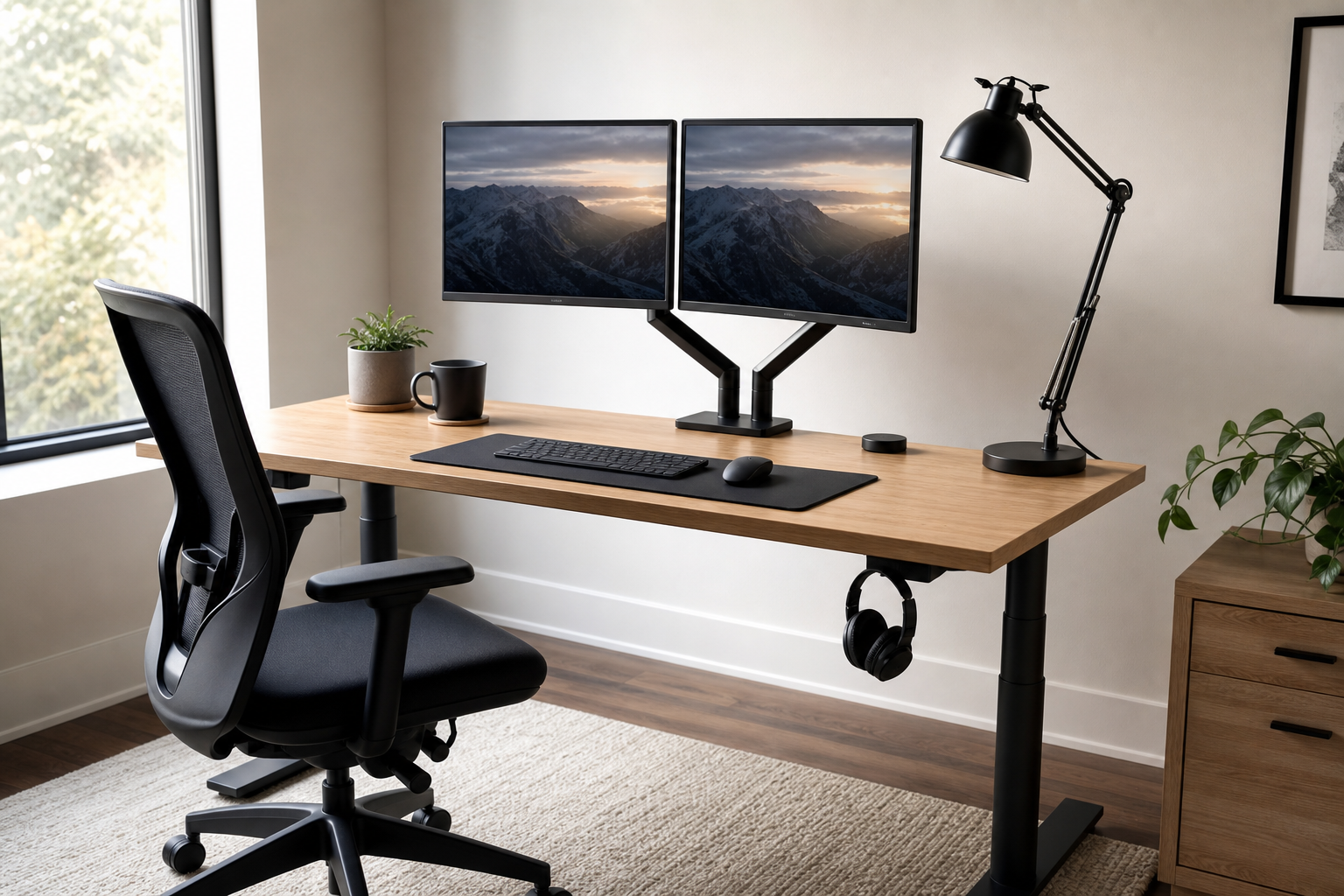
Start With How You Work
A useful home office setup begins with your work pattern, not a shopping list. Video calls, writing, coding, design work, and long reading sessions all place different demands on the desk.
For a one-hour buying pass, note your desk size, monitor count, outlet location, sitting time, and noise tolerance first. Then use stores only to verify price, delivery, return policy, and availability.
- Match monitor arm capacity to your screen size and weight
- Compare keyboard layout, feel, and noise before extra features
- Check lamp brightness control, color temperature, and glare handling
- Compare chair height range, armrests, back support, and seat depth
Compare the Core Gear
A monitor arm can clear desk space, but only if the clamp, VESA mount, and weight range fit your desk and display. A keyboard should match your posture and workflow before it tries to impress with extras.
For desk lamps, look beyond brightness and consider whether the light reflects on the screen. For chairs, wider adjustment range usually makes it easier to fit different desks and sitting preferences.
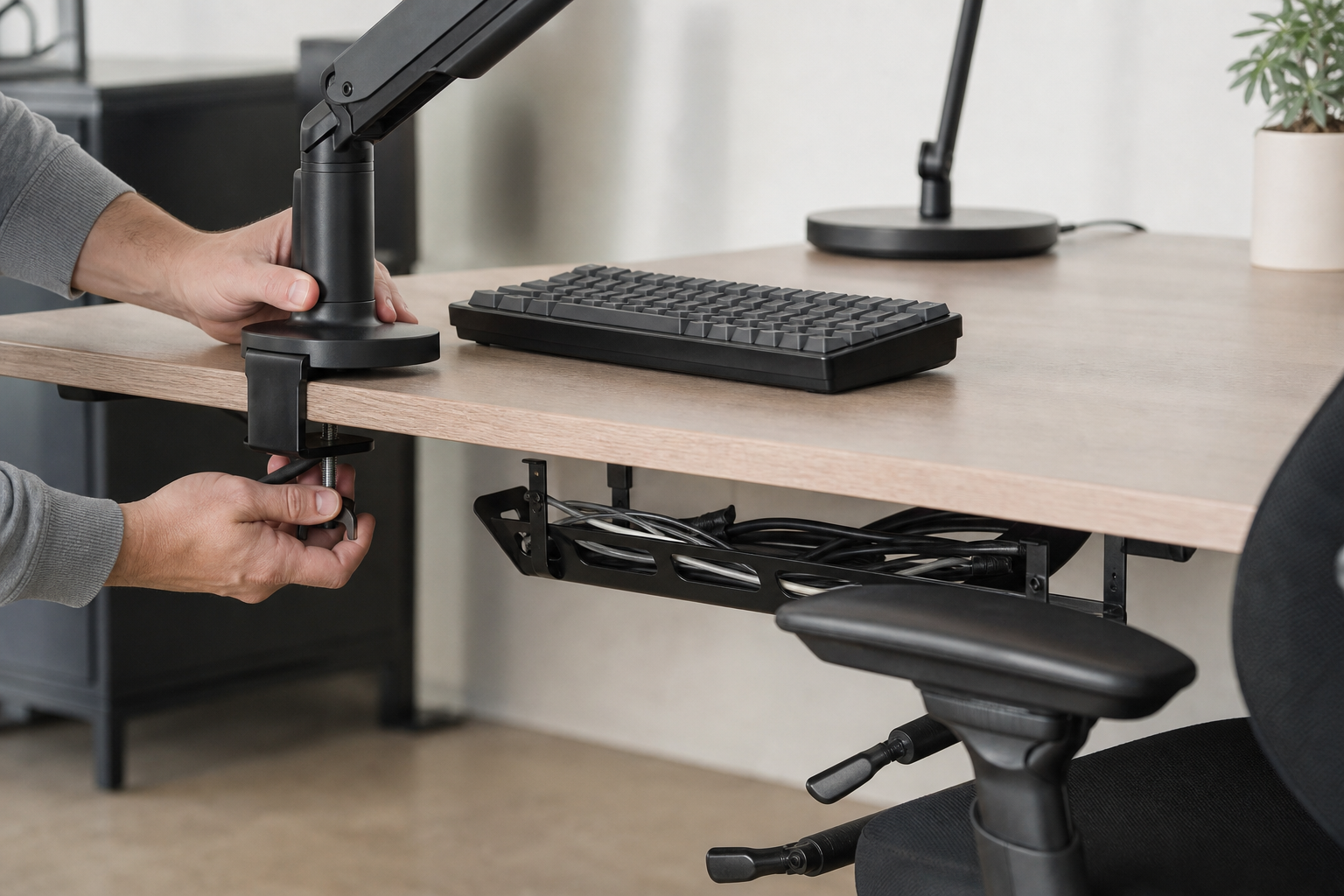
- Monitor arms: VESA pattern, weight range, reach, rotation, cable routing
- Keyboards: full-size or compact layout, switch feel, noise, wireless reliability
- Desk lamps: dimming range, color temperature, joint stability, base footprint
- Chairs: lumbar support, seat depth, arm adjustment, breathable materials
- Cable management: trays, clips, hook-and-loop ties, power strip mounting
Make the Final Check
Before buying, picture the whole desk rather than each item alone. A large chair, deep lamp base, and thick monitor arm clamp can compete for space on a smaller workstation.
Recheck dimensions, installation requirements, included parts, delivery cost, and return terms at the store you plan to use. Long-term fit matters more than a temporary discount.
- Confirm desktop thickness and edge shape before choosing a clamp
- Measure room for the keyboard, mouse, lamp, and monitor arm movement
- Compare return windows and warranty terms by retailer
- Plan cable lengths and outlet placement before installation
Frequently asked questions
What should I compare first?
A practical guide to comparing monitor arms, keyboards, desk lamps, ergonomic chairs, and cable management without relying on short-term deals or hype. Start with use frequency, dimensions, warranty, replacement parts, recent reviews, and the return policy before chasing the lowest price.
Should I check Amazon, Coupang, or AliExpress first?
Use Amazon and Coupang for fast delivery categories, then compare AliExpress for low-cost accessories, parts, and bundles.
Where should I confirm price and availability?
Prices, coupons, shipping times, and stock change often, so confirm the final details on the merchant page before buying.