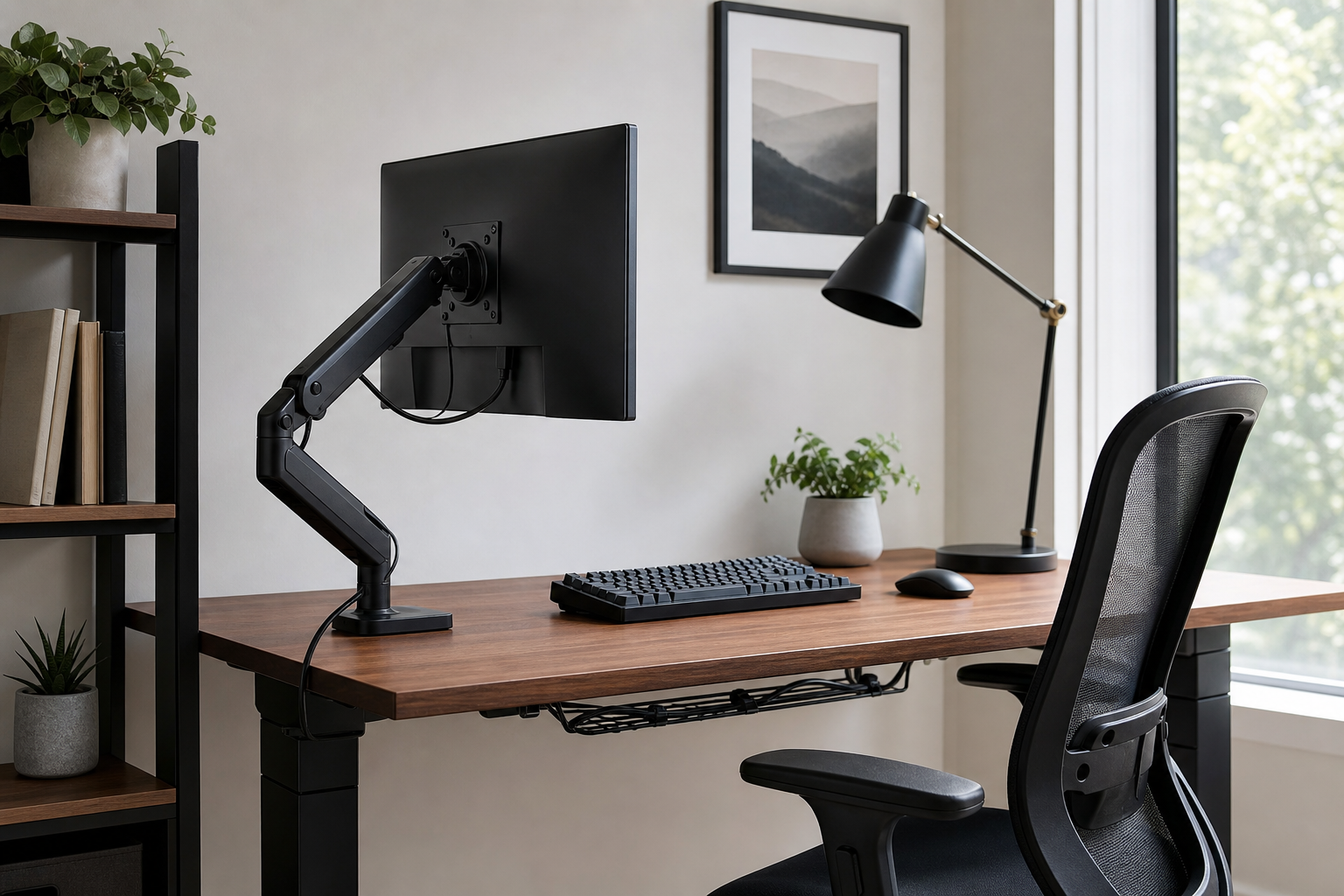
Start With the Desk and Display Layout
Before comparing products, measure desk depth, surface thickness, monitor weight, and outlet placement. A monitor arm can free up space, but only if its clamp, weight rating, and VESA pattern match your setup.
- Check monitor size, supported weight range, and VESA compatibility together.
- For glass or thin desktops, look for whether a reinforcement plate is recommended.
- If you use a laptop, plan the stand, external keyboard, and screen height as one system.
- Verify price, delivery, return policy, and availability at the retailer before buying.
Prioritize Adjustability for Touch Points
Keyboards and chairs are personal purchases. For gear you use daily, adjustment range, real dimensions, and hand or arm position matter more than surface styling.
Ergonomic accessories can support comfort, but they should not be treated as guaranteed fixes. When possible, test a chair in person or choose a retailer with a clear return policy.
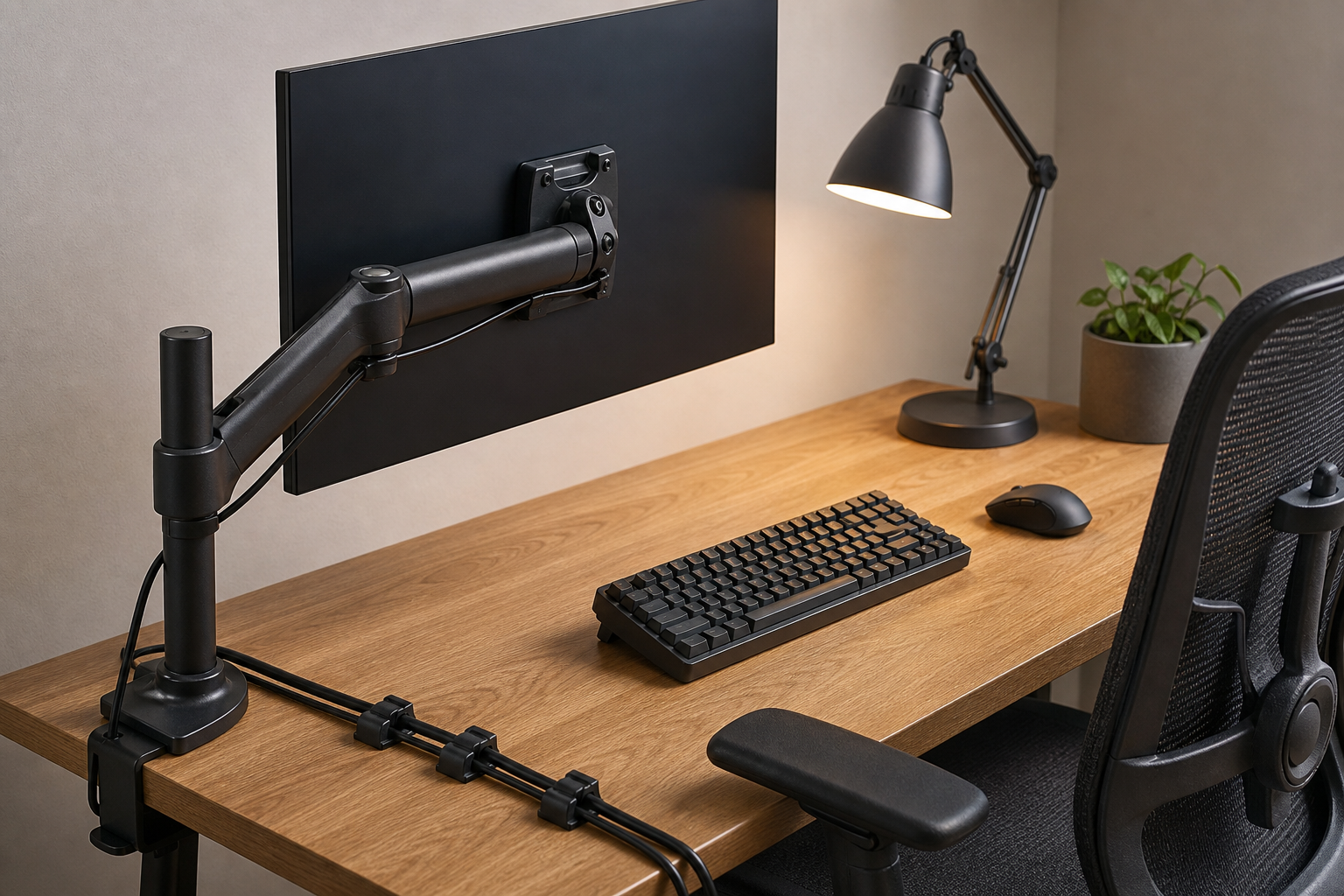
- Compare keyboard layout, key height, sound profile, and wireless reliability.
- For chairs, check seat depth, back angle, armrest adjustment, and caster material.
- Easy height adjustment helps when more than one person uses the workspace.
- Add a wrist rest or footrest only if your current setup shows a specific gap.
Use Lighting and Cable Management to Finish the Setup
A useful desk lamp reduces glare and gives the work surface clearer definition. Brightness levels, color temperature, arm reach, and power method all affect day-to-day use.
Cable management does not need to be elaborate. A tray, clips, and reusable ties can make cleaning easier and keep future gear swaps less annoying.
- Place the lamp so light does not shine directly into the screen.
- Plan the mounting spot for power strips and USB-C hubs before attaching cable trays.
- Separate cables you unplug often from cables that stay fixed.
- Buying only the parts you need can be cleaner than choosing a large bundle.
Frequently asked questions
What should I compare first?
A practical guide to comparing monitor arms, keyboards, lamps, chairs, and cable management before upgrading a home office setup. Start with use frequency, dimensions, warranty, replacement parts, recent reviews, and the return policy before chasing the lowest price.
Should I check Amazon, Coupang, or AliExpress first?
Use Amazon and Coupang for fast delivery categories, then compare AliExpress for low-cost accessories, parts, and bundles.
Where should I confirm price and availability?
Prices, coupons, shipping times, and stock change often, so confirm the final details on the merchant page before buying.